Writing about pdf
How PDF files actually behave, and why: what makes a scanned page enormous next to a text one, why pages come out sideways, what the file records about the program that wrote it. The tools section is for fixing a document; this is for knowing what you are fixing.
 PDF
What Makes a PDF Enormous
Almost always images, sometimes whole fonts, occasionally every save since the file was created. How to tell which, and what comes out without touching a page.
Read PDF
Why a PDF Looks Different When It Prints
The page that fills your screen comes out with a margin, shrunk or sideways. Four things can cause it, and the file tells you which.
Read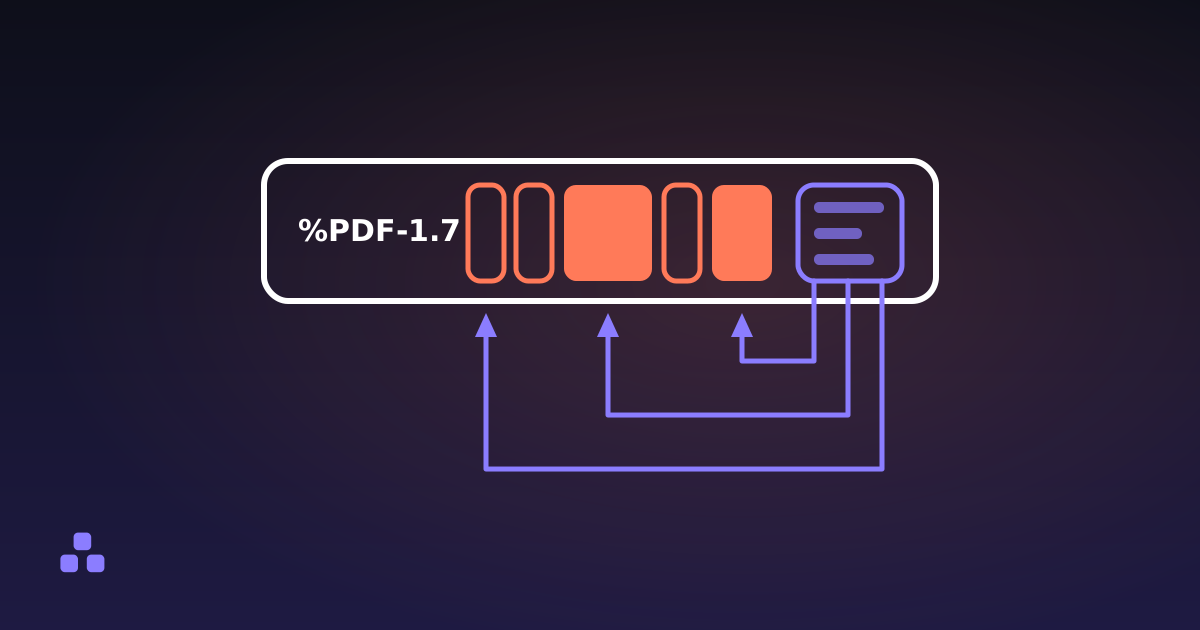 PDF
What Is Actually Inside a PDF File
A PDF is a bag of numbered objects with an index at the end. Once you know what is in the bag, most of the format’s odd behaviour stops being odd.
Read PDF
How to Convert Images to PDF Without Losing Quality
Most converters decode your JPEG and compress it all over again. A PDF can carry the compressed picture untouched, so that second pass never happens.
Read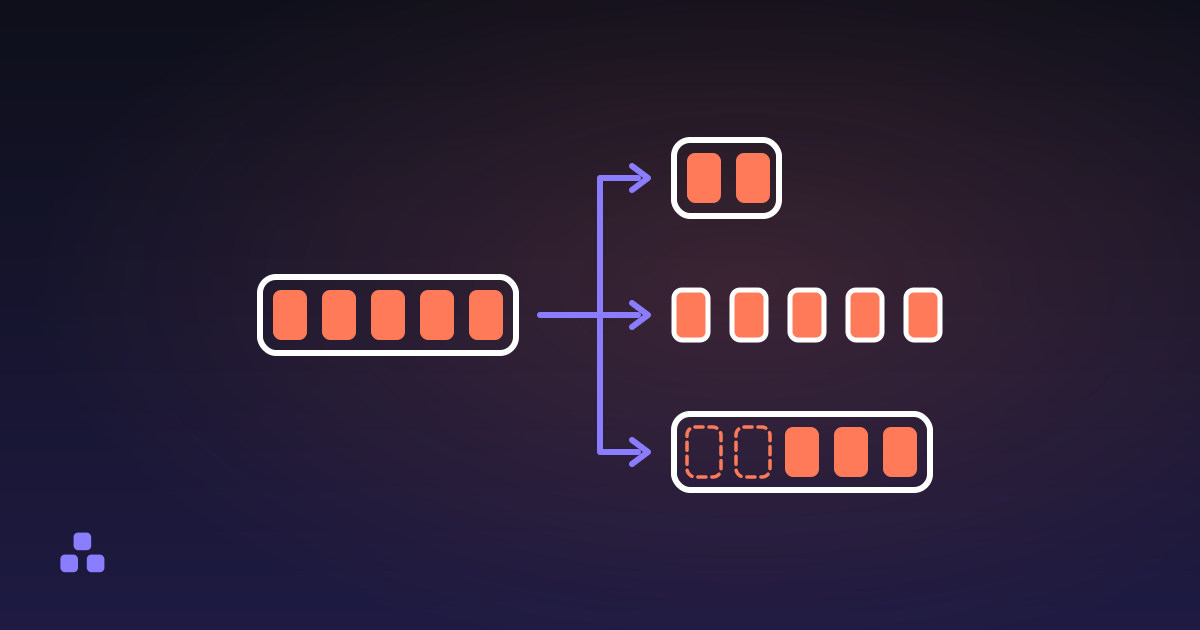 PDF
How to Split a PDF Into Separate Files
Splitting is three different operations, and picking the wrong one is why the file you get back is not the file you wanted.
Read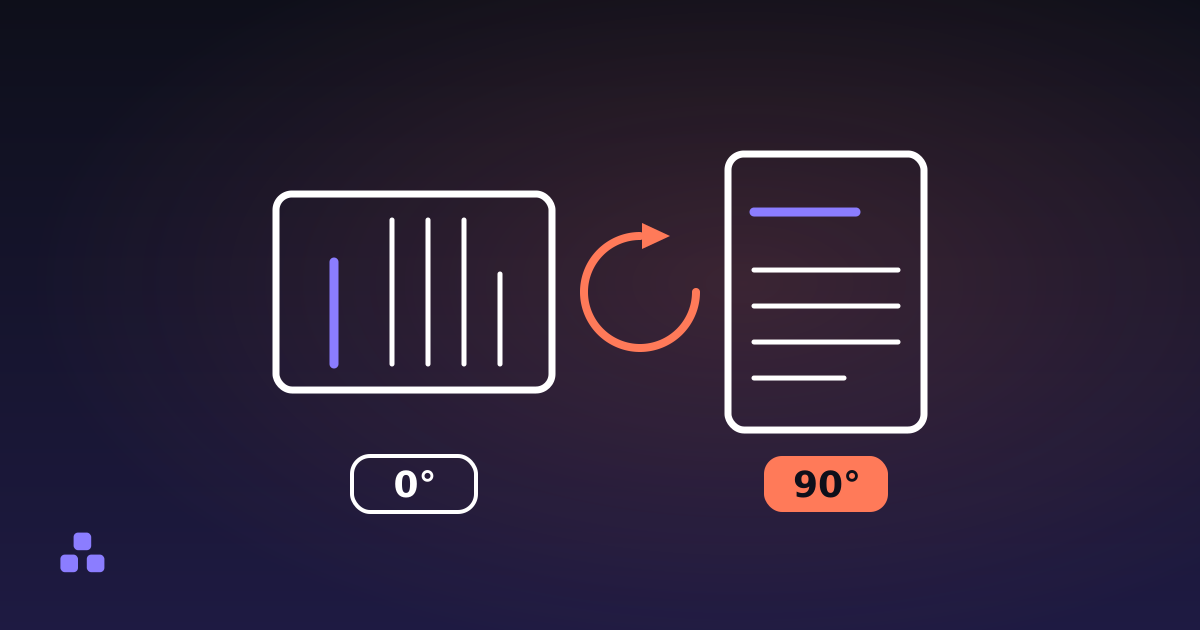 PDF
How to Rotate a PDF So It Stays Rotated
Rotation in a PDF is one number on each page. Change the number, save the file, and the page stays turned for everyone who opens it.
Read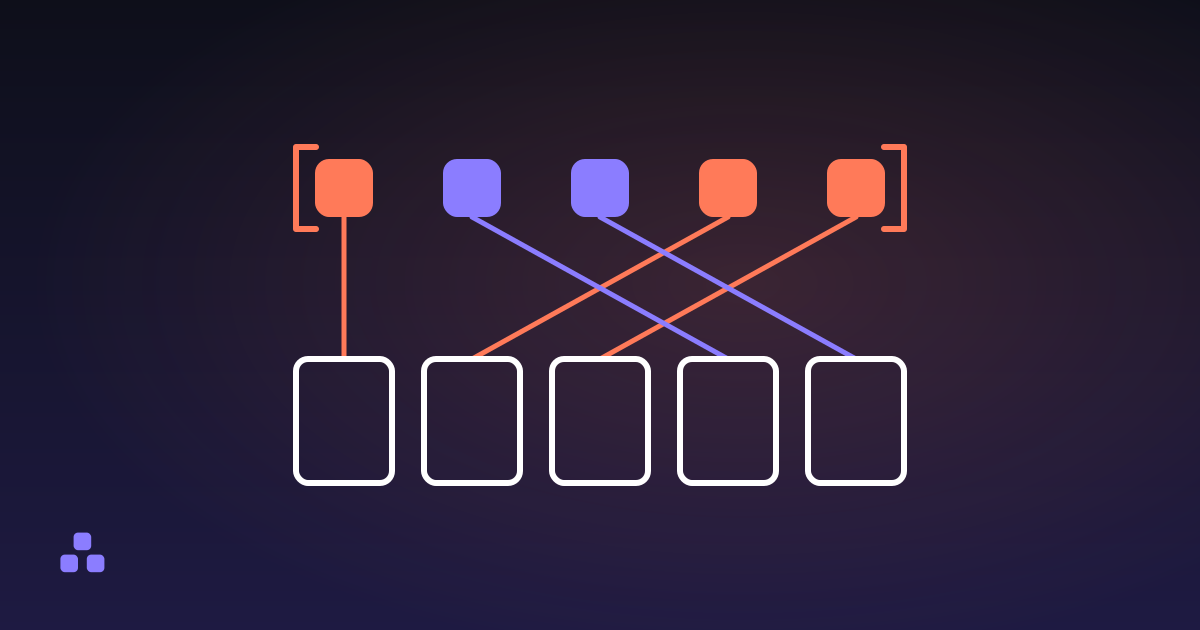 PDF
How to Reorder the Pages in a PDF Without Acrobat
The page order in a PDF is a list the document keeps, not a property of the pages, which is why reordering is free and lossless.
Read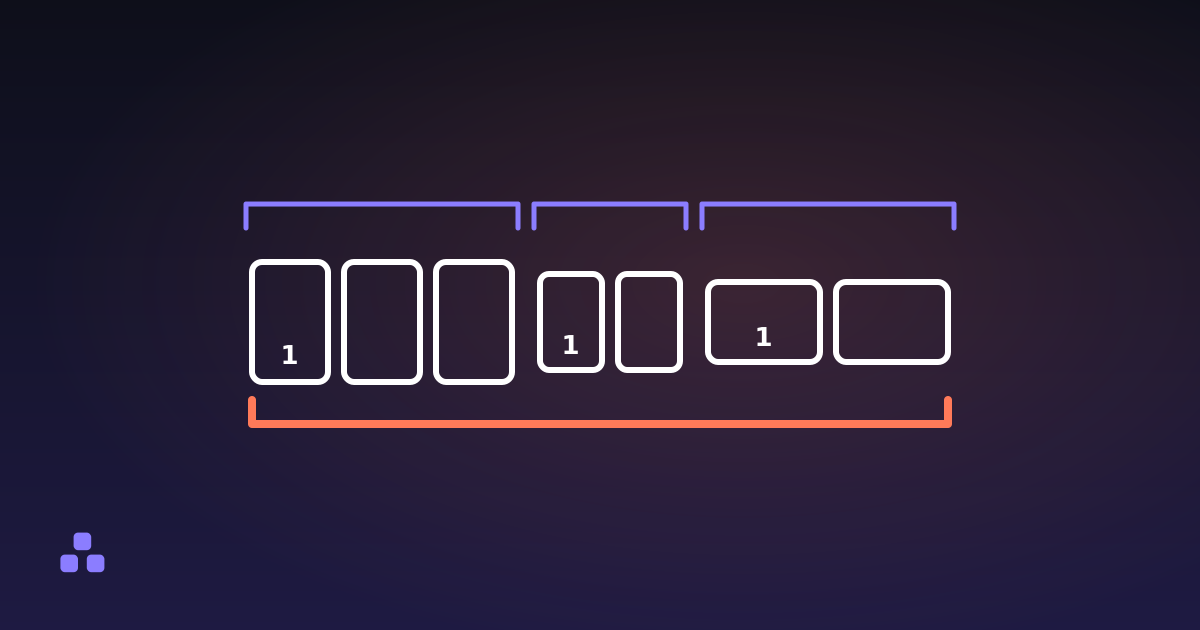 PDF
How to Merge PDF Files Without Uploading Them
Merging is a copy-and-renumber job: nothing is decoded, nothing is re-encoded, and the only question left is where your file goes.
Read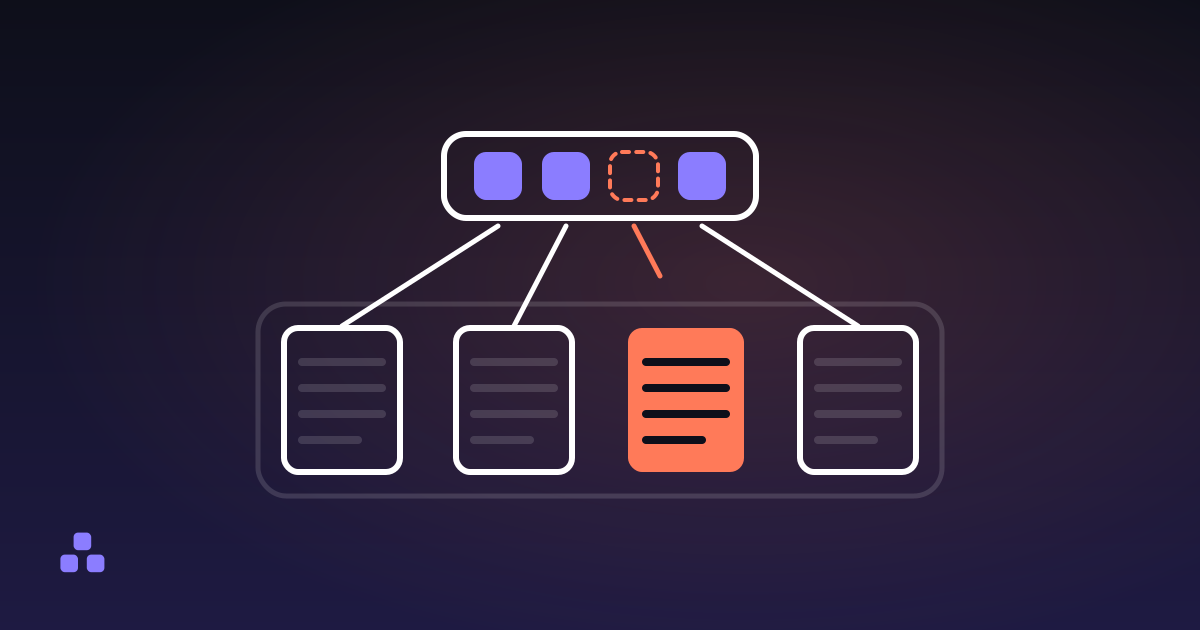 PDF
How to Delete Pages From a PDF, and Really Delete Them
Taking a page out of the page list is not the same as taking it out of the file, and your viewer shows you the same thing either way.
Read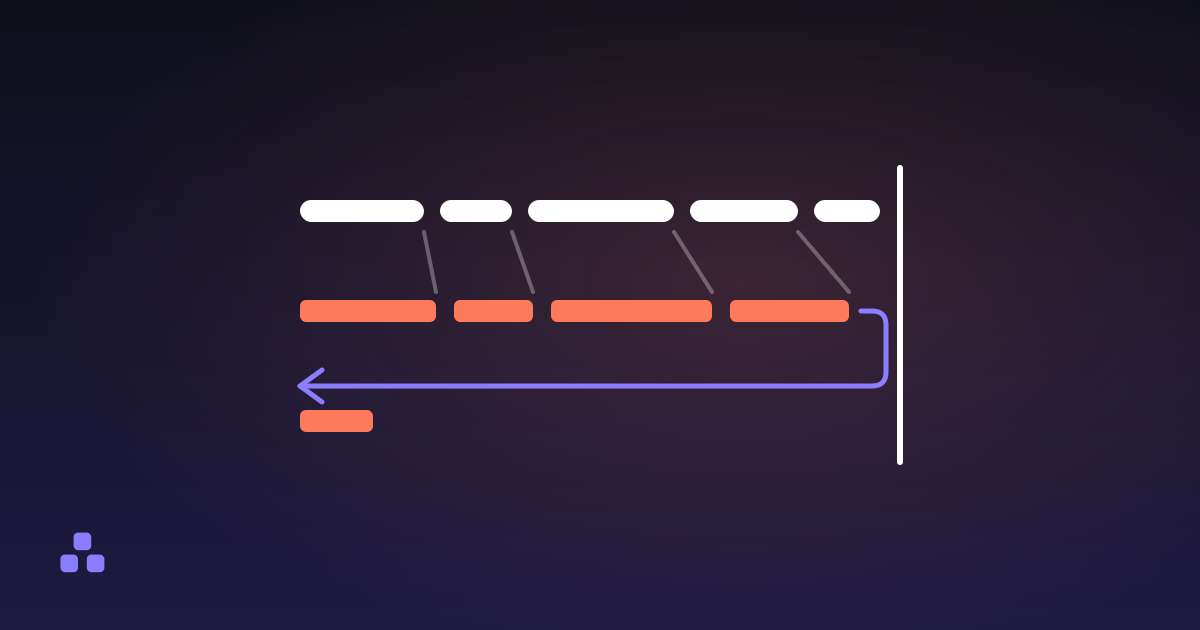 PDF
How to Convert Word to PDF, and What Changes
Every Word-to-PDF conversion is a trade, and the fonts decide what you are trading away.
ReadWhere to start
If you only read one, make it what is inside a PDF file. Almost every other question in this category turns out to be a consequence of the format's structure: pages are objects in a tree, text is glyphs at coordinates, and the file keeps a record of the program that wrote it. Once that picture is in place, why a file is enormous and why it prints differently than it looks stop being mysteries and become arithmetic.
What these pieces have in common
PDF was designed to make a page look identical everywhere, and most of its surprises come from how thoroughly it achieves that. The format preserves the page as a rendered result rather than as the document that produced it, which is exactly why it travels so well and exactly why editing it afterwards is so awkward.
That trade-off shows up in every piece here. A rotation is a flag rather than a redrawn page, which is why a document can open sideways in one reader and upright in another. A scan is a photograph of text, which is why it weighs thirty times what the same words would. The writing in this section is for understanding the file; the PDF tools are for changing it.
Frequently asked questions
Why does a scanned PDF weigh so much more than a typed one?
A typed page stores text as a short instruction: this glyph, this font, this position. A scanned page stores a photograph of the same words, which is millions of pixels whether or not anything is on them. A page of text might be a few kilobytes; the same page scanned at 300 DPI is commonly one to three megabytes.
Why does a PDF open sideways on one computer and upright on another?
Rotation in a PDF is usually a flag attached to the page rather than a change to the page content, and readers vary in how strictly they honour it. The page was never redrawn, so the underlying content still has its original orientation and a different viewer can present it differently.
Is PDF a picture format or a text format?
Both, and that is the source of most confusion about it. A PDF can hold real text as glyphs with font information, which is selectable and searchable, or images of text produced by a scanner, which are not. The two look nearly identical on screen, and the quickest way to tell them apart is to try selecting a word.
All categories
Images 12Text 15Design 11Security 9Calculators 13Developer 21Everyday 4Time 7