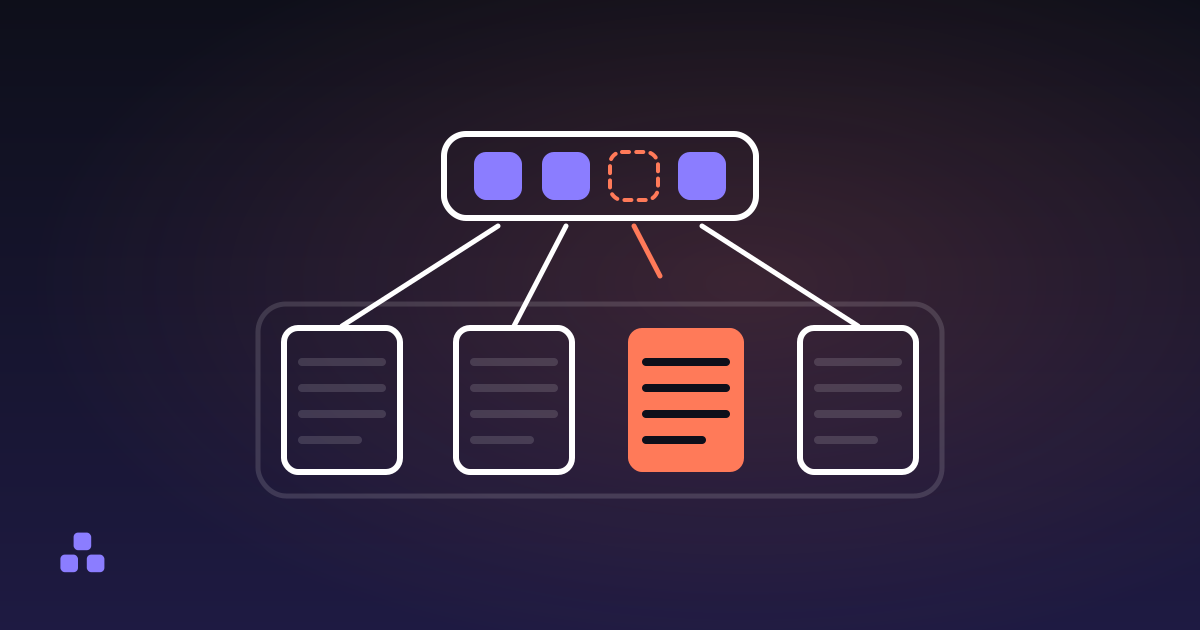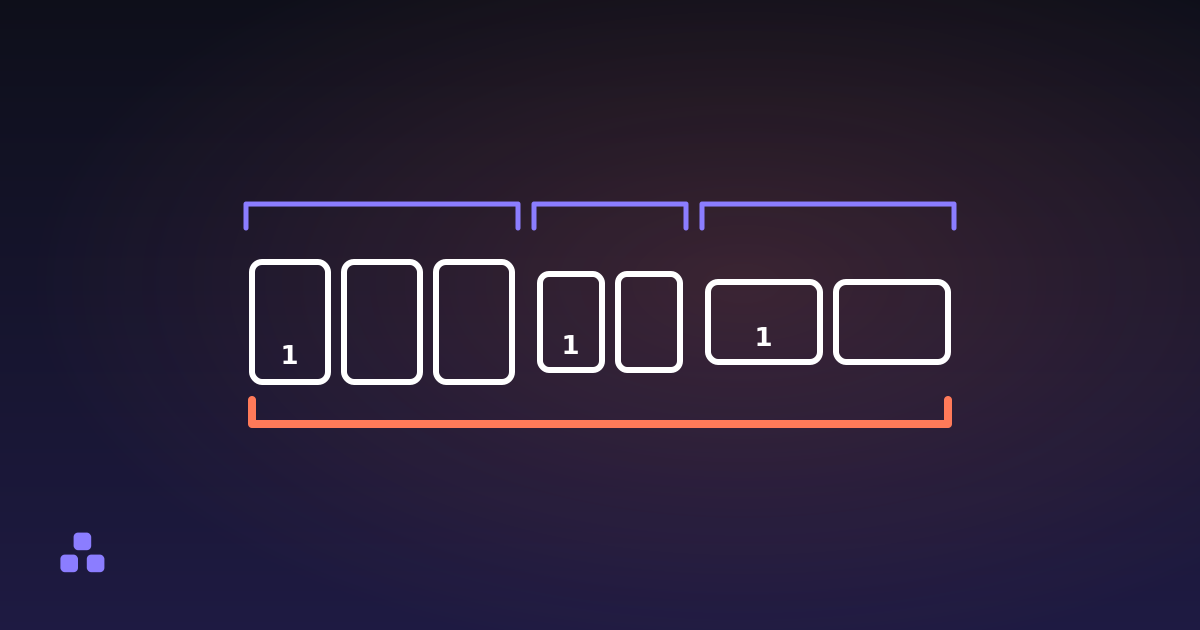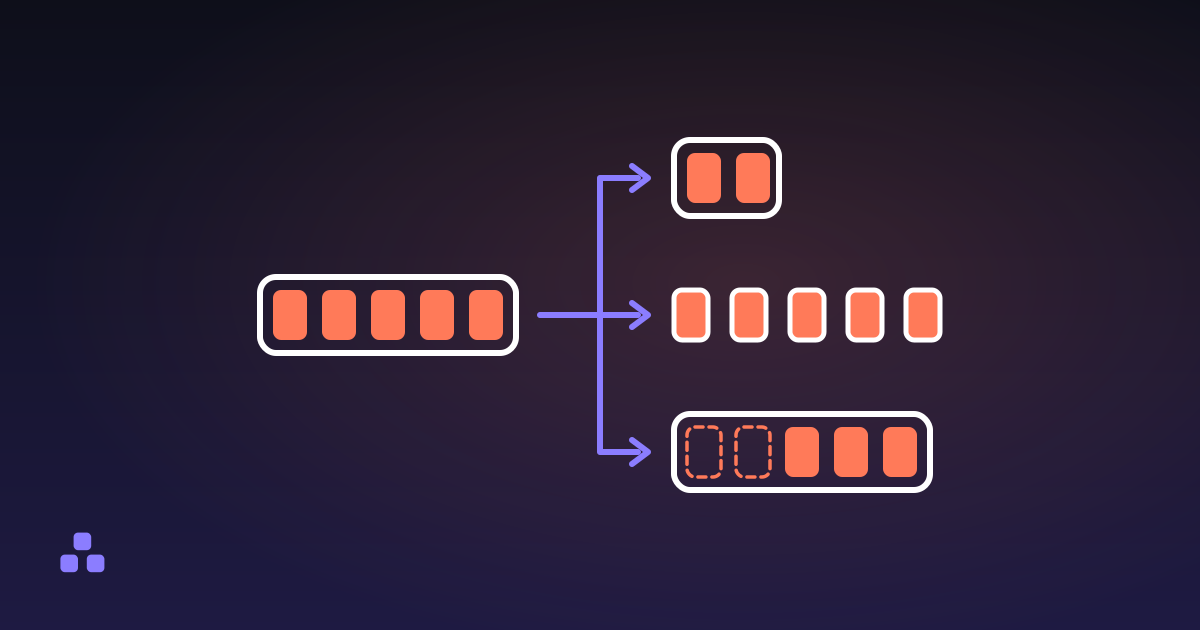
To split a PDF you open it in a tool that reads page ranges, type the pages you want — something like 3-7, 12, 15- — and save what comes out. What goes wrong happens before that. "Split" is three different jobs wearing one word: extracting a range gives you one new document, splitting every page gives you as many documents as the file has pages, and deleting pages gives you the original minus a few. Pick the wrong one and the file you get back is not the file you wanted.
Which of the three splits do you want?
- Extract a range into one file. You name pages 12 to 14 of a 90 page statement and get a single PDF holding those three pages. This is what most people mean by splitting, and it is the one to reach for when the pages you want belong together.
- Turn every page into its own file. A 40 page document becomes 40 PDFs, and they arrive one download at a time. Right when each page really is a separate document — certificates, payslips, scanned forms that came in one batch — and wrong for almost everything else, because it leaves you with forty files to name and put away.
- Delete the pages you do not want. The result is the original document with a few pages missing, rather than a fragment of it. Same shape, same order, minus the blank scans.
The first two are the same operation pointed in different directions, and the PDF splitter here offers them as two modes: keep a range as one PDF, or write one PDF per page. Both read and rewrite the file inside your browser, which matters when the document is a contract or a payslip rather than a leaflet.
The third is a different job, and doing it with a splitter is where people lose an afternoon. Removing pages 12, 13 and 14 from a 90 page file means typing 1-11, 15- and getting both boundaries right. Saying it the other way round is one short instruction, which is why deleting pages is a separate tool — and if the pages you are dropping are confidential, what it takes to really delete a page is worth reading first, because covering a page up and removing it are not the same thing.
How do page ranges work?
Getting a range wrong fails silently. You still get a file. It just holds the wrong pages, and nothing tells you so.
7— page seven on its own.3-7— pages three to seven, inclusive at both ends. That is five pages, not four.15-— page fifteen to the end, however long the document turns out to be.-5— the beginning through page five.3-7, 12, 15-— all of it in one file, separated by commas.
That is what the splitter here reads. A comma-separated list of numbers and closed ranges is common to most tools; the open-ended forms are not, so if 15- or -5 is refused somewhere else, write the other end out in full.
Two behaviours are worth knowing. The order you type is the order you get, so 12, 3-4 puts page twelve first, and a range typed backwards counts down, so 7-3 hands you those five pages in reverse. A page named twice is taken once.
The character that breaks a range is the dash. A longer dash — 3–7 — is the typographic convention for a span of numbers, so a range copied out of a typeset document, a contents page or a formatted email is often not the hyphen it looks like. The splitter here converts the dash-like characters back to a plain hyphen before it reads anything. Not every tool does, and the ones that do not blame you for a typo you did not make. If a range you are sure about is refused, retype the dash by hand.
Why is page 12 not the page numbered 12?
This is the off-by-one that catches everyone. A PDF counts physical pages from one: the first sheet in the file is page 1, whatever is printed on it. The number printed on the page is ink, not structure, and the two drift apart the moment a document has front matter.
A report with a cover, a contents page and four pages of roman-numbered preface starts its body on physical page 7. Ask for pages 1 to 10 and you get the cover, the contents and most of the preface. Ask for the chapter that begins on printed page 1 and what you want is physical page 7.
PDFs can carry page labels that describe exactly this drift, which is how a viewer shows "iv" in its toolbar while the file's own count says four. A splitter works on the count, never on the label. A scan adds a second version of the problem: if two facing pages were captured on one sheet, that is one page as far as the file is concerned, and no range can separate the halves.
So check before you type, because a splitter that runs in your browser will not show you thumbnails. Drawing a PDF page needs a rasteriser and a font engine, roughly a megabyte of JavaScript loaded by everyone who visits, so you pick pages by number and nothing warns you when the number is wrong. Open the file in your browser's own PDF viewer, scroll to the page you want and read the position indicator rather than the number on the paper. Then extract the range and look at what came out before you throw anything away.
Does splitting a PDF lose quality?
No, and it is the rare PDF operation where that answer needs no qualification. The drawing instructions for each page are copied into the new file byte for byte, still compressed, never decoded and never re-encoded. Text stays selectable, images keep whatever quality they arrived with, and vectors stay vectors. What is inside a PDF file has the mechanism, if you want it.
That is the difference between splitting and compressing: one rearranges the file, the other throws information away to make it smaller. It also means splitting is safe to repeat. Cut a document into ranges, put the pieces back together a month later, and nothing has degraded on the way — which is not true of a JPEG you keep re-saving.
Why do the pieces add up to more than the original?
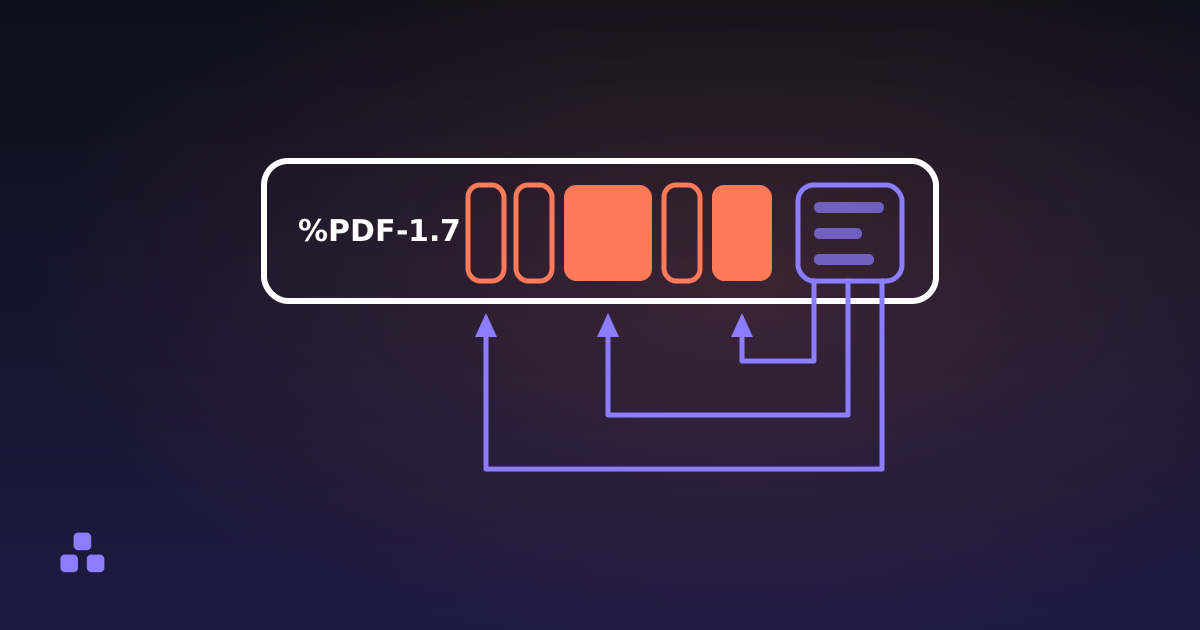
Because a page is not self-contained. It points at fonts, images and colour profiles that the document stores once and every page borrows. Split the document and each output file needs its own copy of everything its pages point at, so a font subset stored once is now stored again in every file that uses it. The total grows and the original does not shrink.
How much it grows depends on the document — a text report with one embedded font is not a catalogue with a photo on every page — but the practical rule holds either way. Pages pulled out together still share their resources, so one file holding 3-7 carries one copy of the font rather than five. If you need several stretches of a document, ask for them in one range and get one file. Several files with one stretch each is the expensive way to do the same thing.
What does not survive the split?
- Bookmarks. The outline hangs off the document rather than off the pages, so a new document starts without one. Nobody misses it on a five page extract and everybody misses it on a 300 page manual.
- Links into pages you left behind. A cross-reference points at a page object that is not in the new file. A splitter worth using drops the link rather than leaving one aimed at nothing, so the underline the page paints stays and clicking it does nothing at all. Links to the web are untouched.
- Fillable forms. The fields are copied and still look like fields, but the machinery that makes them fillable is not rebuilt. Treat a split form as a picture of a form.
- Encrypted files. A password-protected PDF is refused rather than cracked. Remove the password in the application that made it and split the unprotected copy — a tool that quietly strips protection is a tool you should not hand a payslip to.
Everything on the page itself comes through: text, images, annotations, the page's own size and its rotation. The document properties come across too — title, author, subject, keywords — though the new file gets no creation date rather than inheriting the original's.
The PDF splitter on this site does the first two of those three jobs: keep a range as a single file, or write one PDF per page. It shows the page count and the file size before you type anything, tells you which pages your range resolved to before you commit to it, and refuses an encrypted file instead of pretending. It will not show you the pages, and there is no ZIP, so fifty single pages are fifty downloads. Nothing is uploaded, so the contract stays on your machine.
The opposite job runs the same machinery backwards, and it has traps of its own — mostly about order, and about what a merge quietly discards on the way. Merging PDFs covers both, and it is what you will want the day you have to put the pieces back.
Frequently asked questions
How do I split a PDF into separate files?
Open the PDF in a splitter and choose what you want out of it: a range such as 3-7 extracted into one new file, or every page written out as its own PDF. Type the pages, download the result, and the original on your disk is left untouched. If what you actually want is the document minus a few pages, that is deleting pages rather than splitting.
How do I extract just one page from a PDF?
Type that page number on its own as the range — 12 rather than 12-12 — and extract it. You get a one-page PDF holding that page with its original size, rotation and content intact. Splitting every page into its own file would work too, but it gives you one download per page when you only wanted one.
What does 15- mean in a page range?
It means page 15 through to the end of the document, whatever the last page turns out to be. It saves you looking up the page count, and it still does the right thing if the file is longer than you thought. A dash on the left instead, as in -5, means the beginning through page 5.
Why are the page numbers wrong when I split a PDF?
Because the file counts physical pages from 1 and the number printed on the page is just ink. A document with a cover and a roman-numbered preface has a body that starts several pages after physical page 1. Read the position indicator in a PDF viewer rather than the printed number before you type a range.
Does splitting a PDF reduce the quality?
No. The drawing instructions for each page are copied byte for byte in their original compressed form, so nothing is decoded or re-encoded along the way. Text stays selectable and images keep the quality they had. Compressing a PDF is the operation that loses quality; splitting is not.
Is it safe to split a PDF online?
It depends entirely on whether the site uploads your file. Plenty of them do, which means a contract or a payslip sits on someone else’s server under a retention policy you never read. A tool that splits the file inside your browser never transmits it at all, and you can watch the network tab while it works to confirm that nothing is sent.
Last updated September 21, 2026