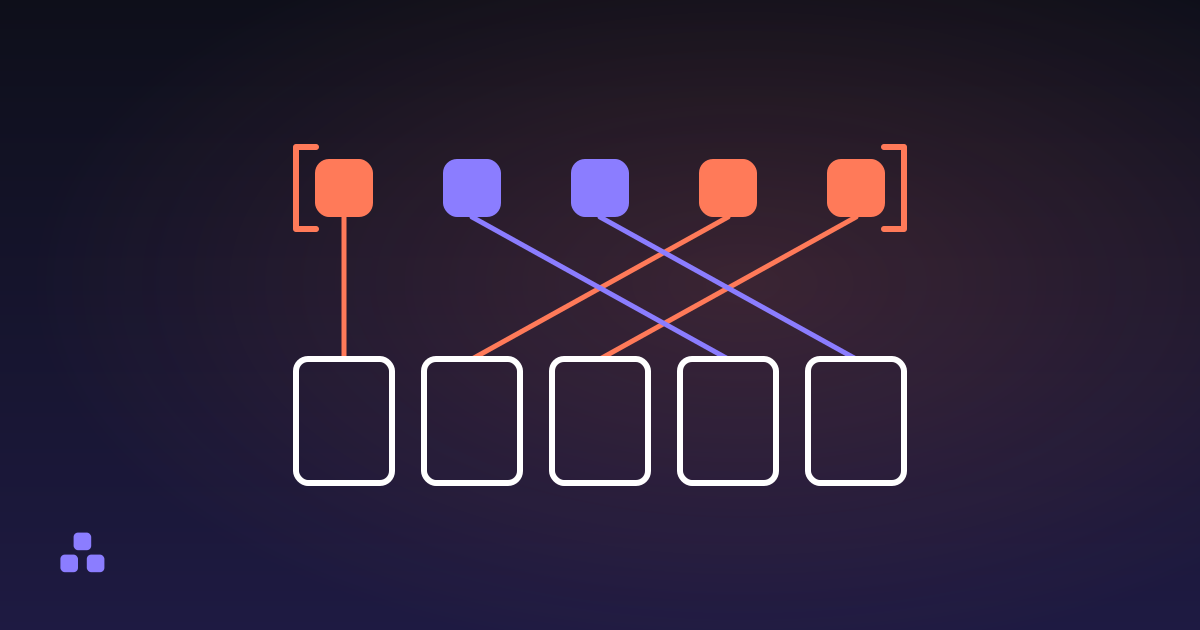
To reorder the pages in a PDF, you write the order you want as a list of page numbers — 1, 3, 2, 4-8 — and have something rewrite the file in that sequence. That is the whole operation. Nothing is re-rendered, nothing is re-compressed, and the file on your disk is not touched. A PDF keeps its page order as a list, not as a property stamped on each page, which is why reordering costs nothing and loses nothing.
Why is reordering a PDF lossless?
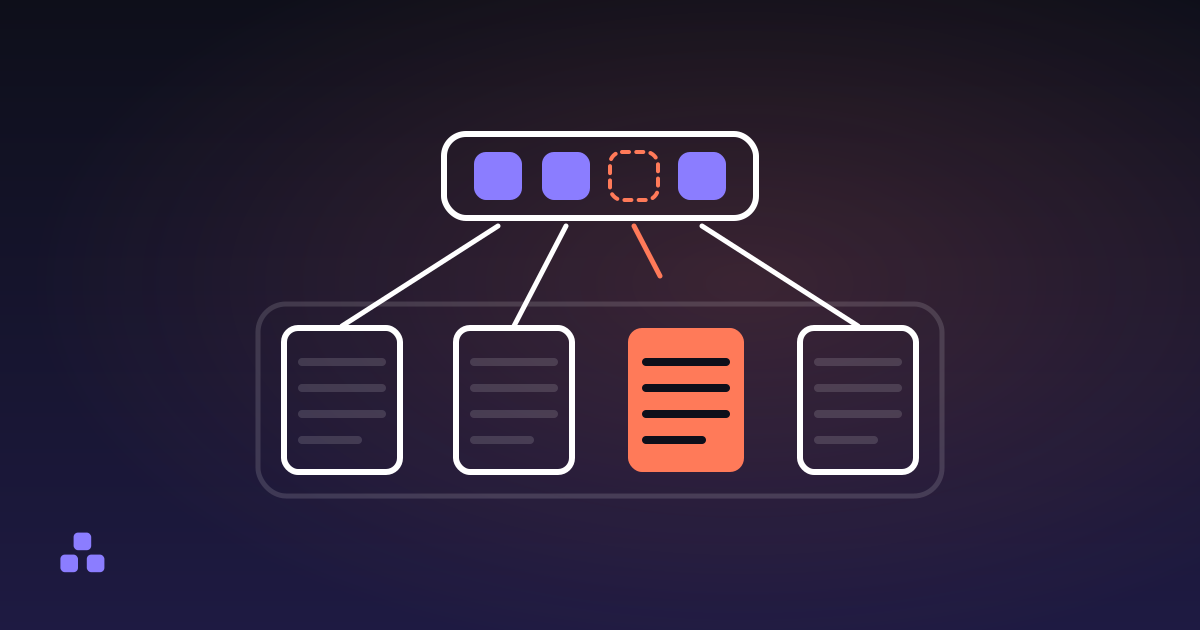
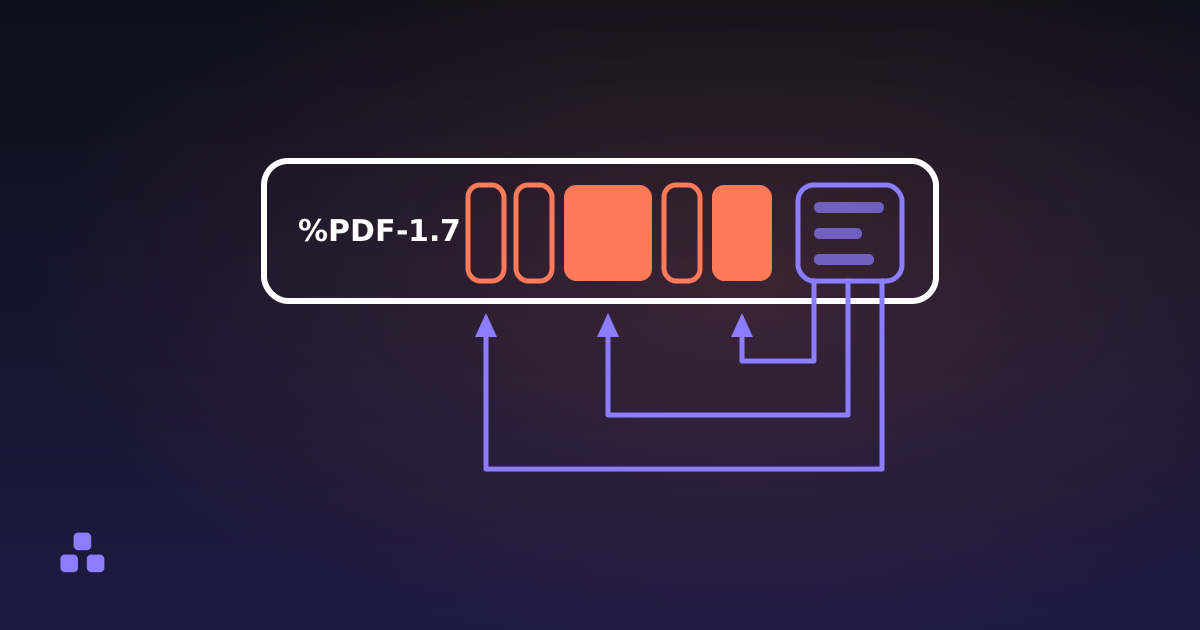
Because of where the order lives. A PDF is a heap of numbered objects — pages, fonts, images, streams of drawing instructions — plus a table saying where each one starts. One of those objects is the page tree, and it carries an array of kids: pages, or nodes holding more pages. Flattened, that array is the order. Page 7 is the seventh entry in it, and nothing else in the document says so.
So reordering moves nothing. A new file is written with the same pages in a different sequence, each one carried across with everything it points at: its content stream, its fonts, its images, its annotations. The drawing instructions are copied as bytes and never decoded, so no image is re-compressed and no text is re-encoded. Put a file through ten times and the tenth result looks exactly like the first. What is actually inside a PDF file walks through the rest of that structure.
Why the number printed on a page is not its position
No page records its own number. The number at the bottom is ink — part of the drawing instructions — so it travels with the page and keeps saying 14 from wherever it lands. When you type an order you are typing positions in the file, counted from 1, not the numbers printed on the paper, and a cover sheet with no number of its own is enough to put the two out of step. It is also what the result will look like: move page 14 to the front and the new first page still says 14, because renumbering a PDF means re-typesetting it.
How do you describe an order without losing track?
The unit is the run, not the page. Almost no real reordering job is a shuffle: it is one or two blocks in the wrong place, with long stretches either side that are already correct. Write those stretches as ranges and spell out only what moves.
A 40-page report whose appendix — pages 33 to 40 — belongs straight after the introduction is 1-4, 33-40, 5-32. Three pieces for forty pages, and you can read it back and check it. Forty separate numbers is forty chances to skip one.
Two habits make the mistakes visible:
- Add up the ranges. If the file had 40 pages and your order does not come to 40, something is missing or something is in twice. The reorder tool here shows the resulting page count while you type and names any page your order never mentions, because dropping one by accident is the easiest mistake to make here.
- Read the order out as ranges. "One to four, thirty-three to forty, five to thirty-two." A gap or an overlap is audible in a way it is not visible.
What the tool here will not do is show you the pages. Rows that say "Page 4" and "612 × 792 pt" identify a page by position and size, not by what is on it: drawing a page takes a font engine and a rasteriser, megabytes of code that would load for everyone who opened the page. Tools with thumbnails either ship that code or render your file on a server. Keep the document open in your PDF reader beside the tool and work from its page numbers.
Why a page can legitimately appear twice
Two entries in that array may point at the same page. Name a page twice and it comes out twice, and the copies share one content stream, so a 3 MB page repeated ten times adds a few hundred bytes rather than 30 MB. It is a reasonable thing to want: ten copies of a form, a separator sheet between sections, one card laid out eight-up for a print shop. A tool that refuses it is assuming you made a typo.
What happens to a page your order never names
It is not in the new file — and not hiding in it either, as long as the tool builds the result by copying the pages you did name rather than editing the list inside your existing document. That is how the one here works: a page nobody named is never copied, and a link on a surviving page that pointed at it is dropped along with it rather than left dangling. That still does not make it a good way to remove pages. An order retyped to drop page 9 is one keystroke away from dropping page 8 as well, and nothing checks what you meant. If removal is the job rather than a side effect, taking pages out by number is built for it.
What happens to links and bookmarks when the pages move?
This is the real cost of reordering, and it is better known before than after:
- Links by reference follow their page. A link that jumps to another page in the same document names that page's object, not a position, so it travels with the page and still lands on the right content wherever the new order puts it. A link to a page your order leaves out goes with the page instead of dangling.
- Links by name go dead. A named destination is looked up in a table that hangs off the document catalog, and a file written fresh has a new catalog and no table, so those links have nothing left to ask. Which kind your document uses was decided by whatever produced it, and you cannot tell from the outside.
- Web links are untouched. They carry a URL and no reference at all, so there is nothing for the reordering to break.
- Bookmarks and page labels are dropped. The sidebar outline hangs off the catalog too, so a rewritten file comes out without one — better than coming out with a wrong one — and a document numbered i, ii, 1, 2 comes back numbered 1, 2, 3, 4.
- Form fields arrive drawn but inert. The widgets are copied; the form machinery that makes them fillable is not. A form you already filled in keeps its appearance and loses its fields.
A table of contents gets both halves at once: its links, if they were written by reference, still reach the sections they always named, while the numbers printed beside them stayed where the typesetter put them. What survives is the part the order was about — the pages at full quality, with their sizes, rotations, images, selectable text, comments and highlights, plus the document title and author. If the internal navigation matters more than the order does, fix the order in whatever produced the document and export again.
The scan that came out in the wrong order
A sheet feeder without duplex gets this wrong the same way every time, which means there is an exact order that puts it right.
It scans one side of the whole stack, then you turn the stack over and it scans the other. The fronts land first, in order, so scanned pages 1 to 4 are document pages 1, 3, 5 and 7. Then the backs land, and if you put the flipped stack in the same way round they arrive reversed: scanned pages 5 to 8 are document pages 8, 6, 4 and 2.
So the fix is to take one page from the front of the scan and one from the back, alternating: 1, 8, 2, 7, 3, 6, 4, 5. For a 40-page scan it is 1, 40, 2, 39, 3, 38 on to the middle — long to type, trivial to check, because every pair adds up to 41.
If your scanner hands the backs over the right way round, the two halves simply interleave: 1, 5, 2, 6, 3, 7, 4, 8 for eight pages, or 1, 21, 2, 22 for forty. Tell the two apart from the last page of the scan: if it is page 2 of the document the backs are reversed, and if it is the last page they are not.
Two things to check first. An odd number of scanned pages means the scanner dropped a blank back, usually the last sheet's: keep taking one from each end and the sequence simply finishes on a single page instead of a pair. And the backs of a flipped stack are often upside down as well as out of order — a separate property of each page, which rotating a PDF so it stays rotated covers.
Does the original file change?
No. Reordering writes a new file and leaves the one on your disk alone, which is the useful consequence of the order being a list: a wrong order costs you nothing but the file you throw away. It is also why none of this needs a server. Rewriting a page array and a table of byte offsets is arithmetic, not rendering — so the document in the wrong order, often a contract or a medical record, has no reason to leave your computer.
If the order is the only thing wrong with your document, the page reordering tool here takes the list you just worked out, ranges and repeats included, shows the page count as you type it and names anything the order leaves out before it writes a file. It runs in the tab, so the PDF is never uploaded and the original never changes. It will not open a password-protected file, and it turns away a one-page PDF on the grounds that one page has no order to be in.
The neighbouring job is usually removal rather than rearrangement, and the two are less alike than they look. How to delete pages from a PDF — and really delete them explains why a page that is off the page list is not necessarily out of the file, which is the difference between tidying a document up and handing one over.
Frequently asked questions
How do I reorder pages in a PDF for free?
Open the PDF in a tool that lets you type an order — for example 1, 3, 2, 4-8 — and download the result. Browser-based tools do this without an account and without sending the file anywhere. Your original stays on disk untouched, because reordering writes a new file rather than editing the old one.
Does reordering a PDF reduce its quality?
No. The content of each page is copied as bytes and never decoded, so images are not re-compressed and text is not re-encoded. A page that has been through a reorder ten times looks identical to the one that went in. Reordering and compressing are different operations: one rearranges, the other throws information away.
How do I fix a scanned PDF where the pages are in the wrong order?
If the scanner took all the fronts and then all the backs from a flipped stack, the backs are usually reversed, and the order 1, 8, 2, 7, 3, 6, 4, 5 puts an eight-page document back together. Check the last scanned page first: if it is page 2 of the document, the backs are reversed. If it is the last page, the two halves simply interleave as 1, 5, 2, 6 and so on.
Can the same page appear twice in a PDF?
Yes. The page list is an array, and two entries in it may point at the same page, so naming a page twice in your order produces it twice. The copies share one content stream, so repeating a heavy page adds a few hundred bytes instead of doubling the file. It is useful for separator sheets, duplicate forms and print layouts.
Do bookmarks and internal links survive reordering?
Bookmarks do not: they live in the document catalog, and a reordered file is written with a fresh catalog, so the sidebar outline is gone. Links depend on how they were written. One that points straight at another page travels with that page and still works; one that asks for its target by name relies on a table in the old catalog and goes dead. Links to a web address keep working, as do comments, highlights and selectable text.
Does reordering change my original PDF?
No. A reorder produces a new file and leaves the original exactly as it was, which means a wrong order costs you nothing but the time to try again. Keep an eye on the page count of the result: a page your order never names will not be in the new file.
Last updated September 21, 2026