Writing about images
Six write-ups on why an image file is the size it is and what to do about it: the real difference between PNG, JPG and WebP, the width a web page actually needs, which favicon sizes still matter, and what a photo tells a stranger about where it was taken.
 Images
Why Your Favicon Looks Blurry in a Browser Tab
A tab icon is about 16 pixels wide, so detail that reads on a design board turns to mud. What to simplify, why one shape beats a wordmark, and how to test at real size.
Read Images
Favicon Checklist: What to Put in the Head
Three or four link tags in the head cover every browser in real use. Which ones, what the order does, which old tags to drop, and how to check a live page.
Read Images
What DPI Means on a Screen (Mostly Nothing)
The DPI number in an image file is a note for a printer. A browser never reads it, so 72 DPI is not a web setting. What sets the size on a page, and when the number does count.
Read Images
Why a Logo Should Be an SVG
An SVG is a set of drawing instructions and a PNG is a grid of pixels measured once. That difference decides how a logo looks on a 3x phone, in an email and in a browser tab.
Read Images
What EXIF Data Is, and What It Reveals
Every photo carries a hidden block of camera settings, timestamps and often the exact spot you were standing.
Read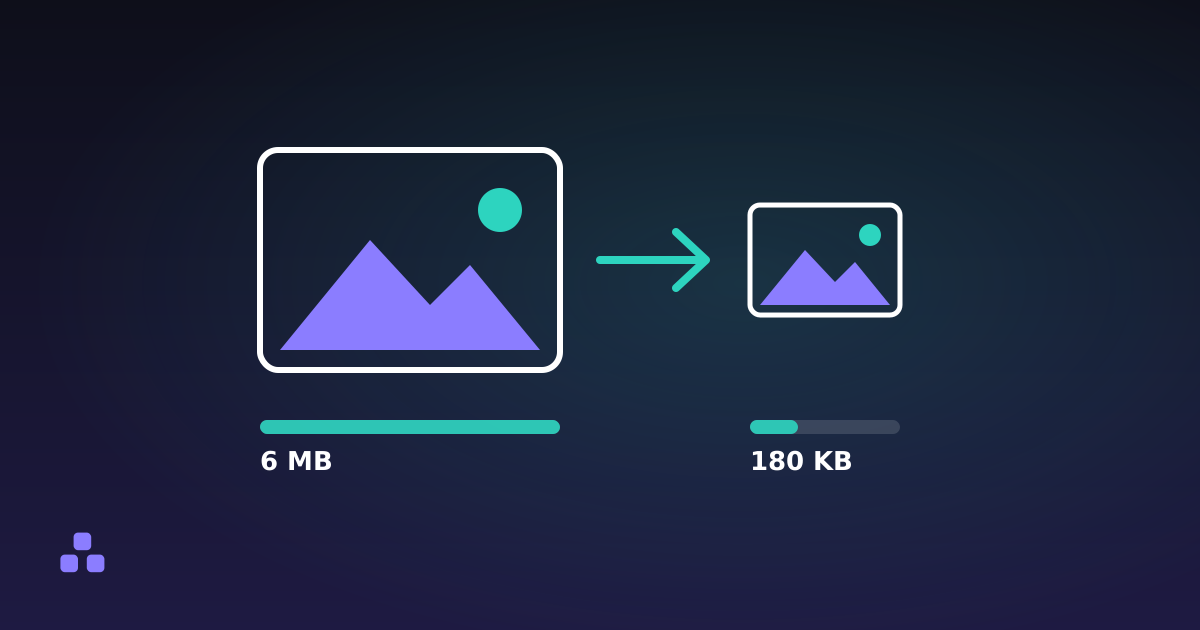 Images
How to Reduce Image File Size (Without Losing Quality)
Most oversized images are oversized for one boring reason, and fixing it takes about thirty seconds.
Read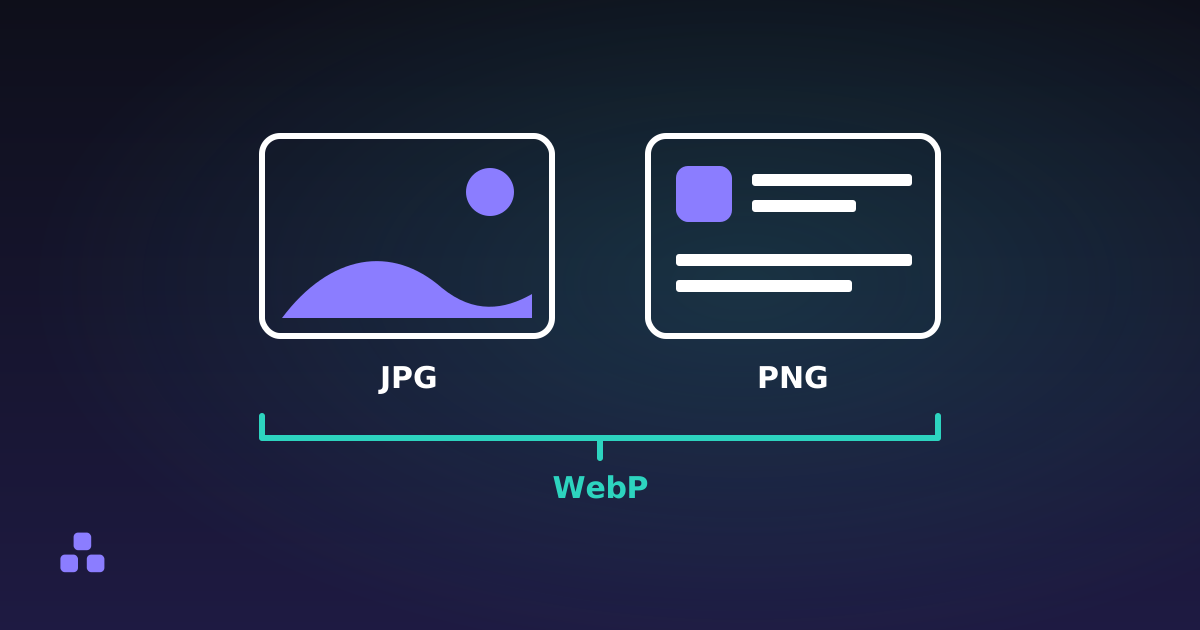 Images
PNG vs JPG vs WebP: Which One Should You Use?
One rule covers ninety per cent of cases, and the exceptions are worth knowing because getting it wrong is expensive.
Read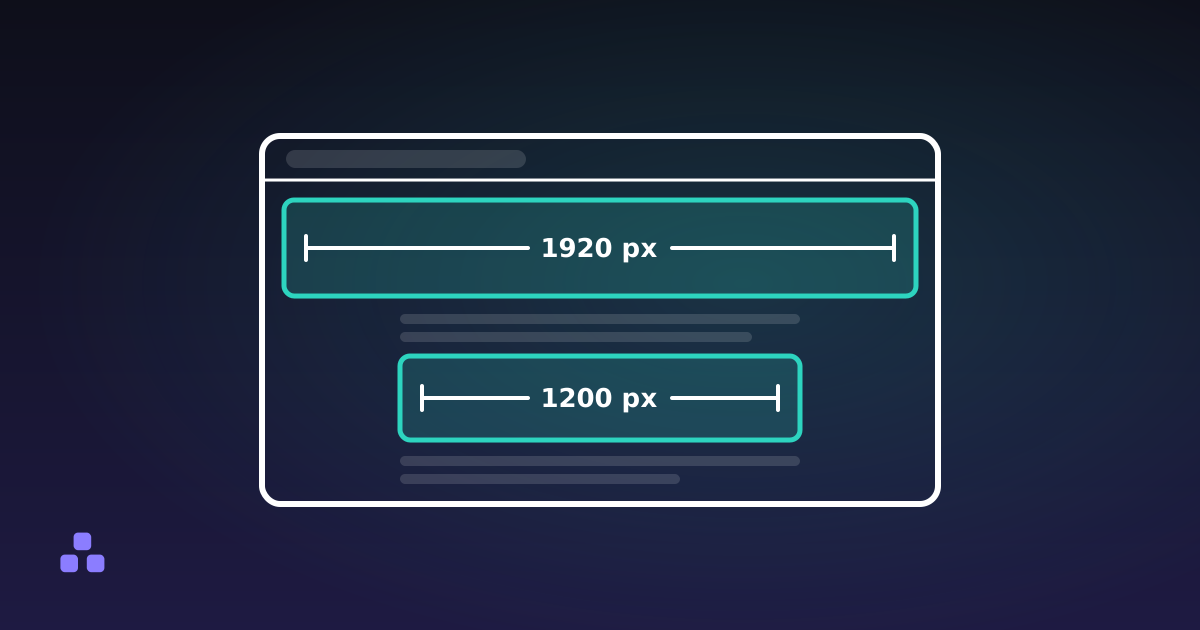 Images
What Size Should Images Be on a Website?
Concrete pixel widths and file sizes for every common slot, and why the retina answer is not "double everything".
Read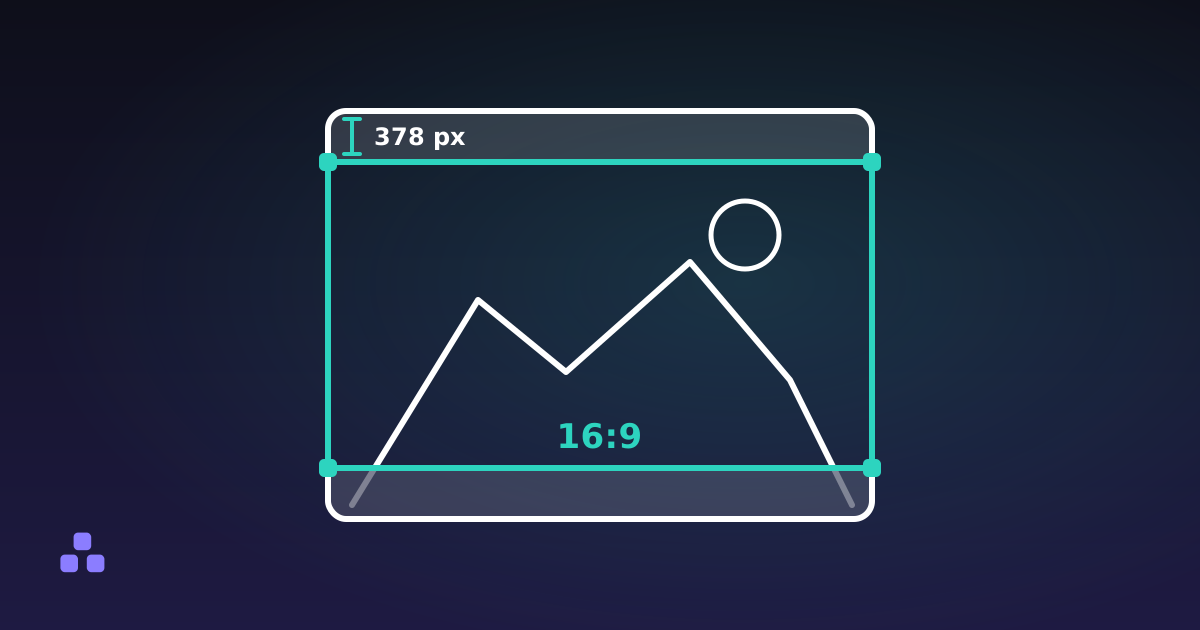 Images
How to Crop an Image to an Exact Aspect Ratio
The rectangle you need is one division away. Here is the formula, the offsets for a centred crop, and how much of the picture each common ratio costs you.
Read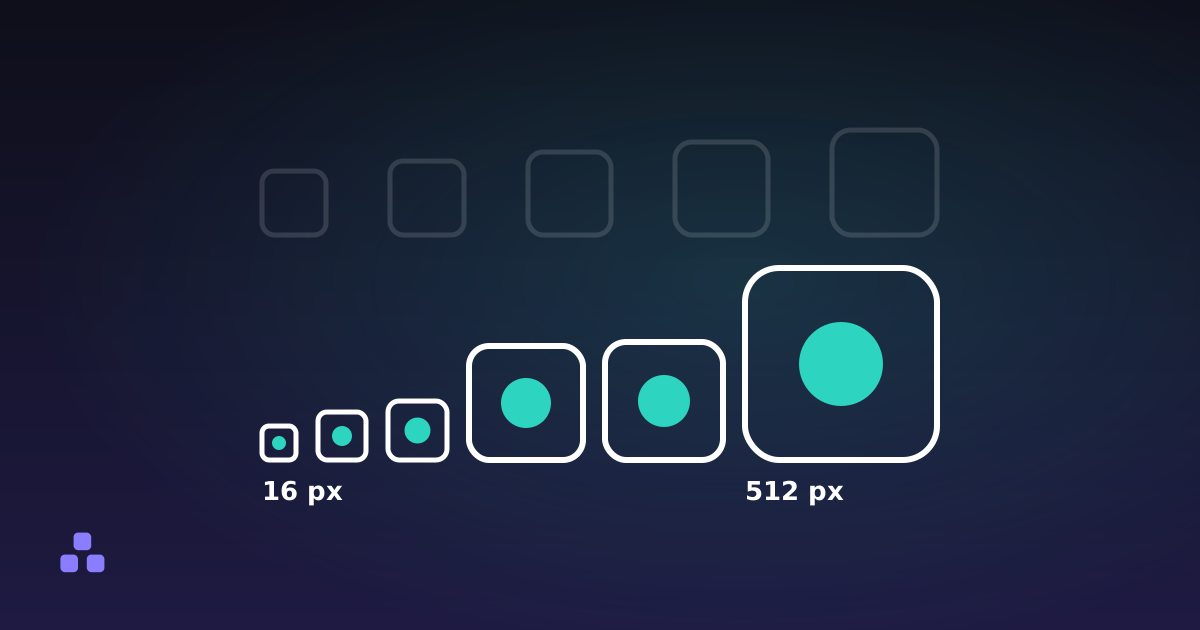 Images
What Favicon Sizes Do You Actually Need?
Five sizes cover every browser and phone in real use. The other fifteen files the old cheat sheets told you to generate are for platforms nobody runs.
ReadWhere to start
Most people arrive here with one of two problems: a file that is too big, or a file that looks wrong. For the first, reducing image file size and the right width for the web cover it between them, and the second of those is the one that tends to change how people work. For the second, PNG against JPG against WebP explains why a logo saved as a JPG develops a grey halo and a photograph saved as a PNG weighs ten times what it should.
What these pieces have in common
An image file is a set of trade-offs that somebody already made for you, usually without saying so. A format decided whether colour or sharpness would be sacrificed when the file got smaller. A camera decided how many pixels to record and what to write alongside them. A page decided how wide the result would be displayed, which is rarely the width it was saved at.
The writing here is about seeing those decisions so you can make them deliberately. That includes the ones with nothing to do with quality: what EXIF data reveals is about the coordinates, timestamps and serial numbers that travel with a photo you post, and what DPI means on a screen is about a number that almost everyone has been taught to respect and that browsers ignore completely.
Frequently asked questions
Does 72 DPI matter for images on a website?
No. The DPI field in an image file is a note for a printer about physical size, and every web browser ignores it. What determines how large an image appears on a page is its pixel dimensions and the CSS applied to it. An image at 72 DPI and the same image at 300 DPI display identically in a browser.
Why does my logo look blurry or smudged as a JPG?
JPG compression is built for photographs, where colour changes gradually. A logo has hard edges between flat colours, which is the exact pattern the format handles worst, so it produces visible speckling around the edges. PNG or SVG keeps those edges clean, and an SVG stays sharp at any size.
Does posting a photo online share where it was taken?
It depends on the platform. Photos commonly carry EXIF metadata including GPS coordinates, the exact time, and the camera serial number. Most large social networks strip it on upload, but direct file sharing, email attachments and many smaller sites keep it intact. Checking is quicker than trusting.
All categories
PDF 10Text 14Design 11Security 8Calculators 13Developer 20Everyday 4Time 7