A PDF prints differently from how it looks on screen because the screen shows the page and the printer works on a sheet of paper, and four things can stand between the two: the size the page was made at, the rotation stored on it, a crop that hides part of it, and the scaling the print dialog applies. The first three are written in the file and can be read. The fourth is a setting you choose at print time, and it is the one people blame last and should check first.
Is the page the same size as the paper?
A PDF page has a fixed size in points, where a point is 1/72 of an inch. US Letter is 612 × 792 points. A4 is 595.28 × 841.89. That is 215.9 × 279.4 mm against 210 × 297 mm: Letter is about 6 mm wider and about 18 mm shorter. Neither is a hint to the printer. The page is that size.
Send an A4 page to Letter paper at 100% and the bottom of it runs off the sheet. Tell the dialog to fit it instead and it is scaled down to about 94%, which is where the unexpected margin comes from. Going the other way, a Letter page on A4 is limited by its width and shrinks to about 97%, leaving blank strips top and bottom. If you are working out how much text lands on each, how many words fit on a page has the A4 and Letter figures side by side.
A document built from several sources can hold both sizes. 119 A4 pages and one Letter page print as 119 correct pages and one that is scaled or shifted, and nothing on screen says which.
Is the page rotated, or just drawn sideways?
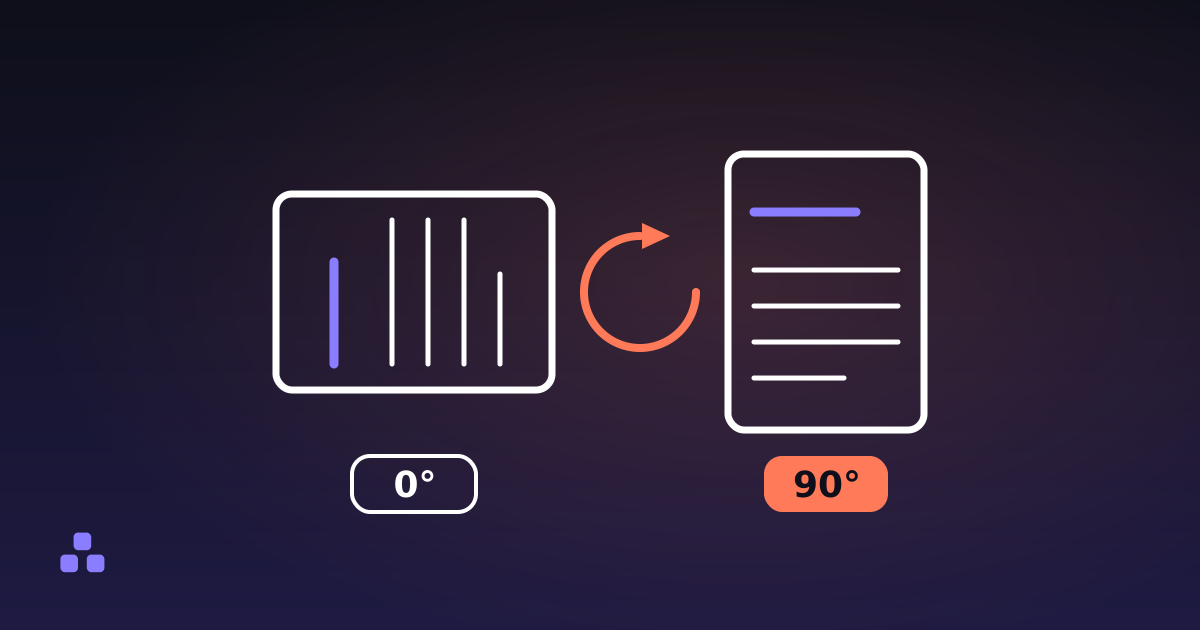
These look the same on screen and print differently. A page can be drawn landscape, with its content laid out wide, or it can be drawn portrait and carry a /Rotate entry of 90 that tells the viewer to turn it. The page size is stored as drawn, so a rotated page can report a portrait size while showing as landscape. Most printing software honours the entry. A few older print servers and drivers ignore it and print the page as it was stored, which is why a file that is upright in your viewer can come out sideways. How to rotate a PDF so it stays rotated covers why the number is stored the way it is.
Could a crop be hiding part of the page?
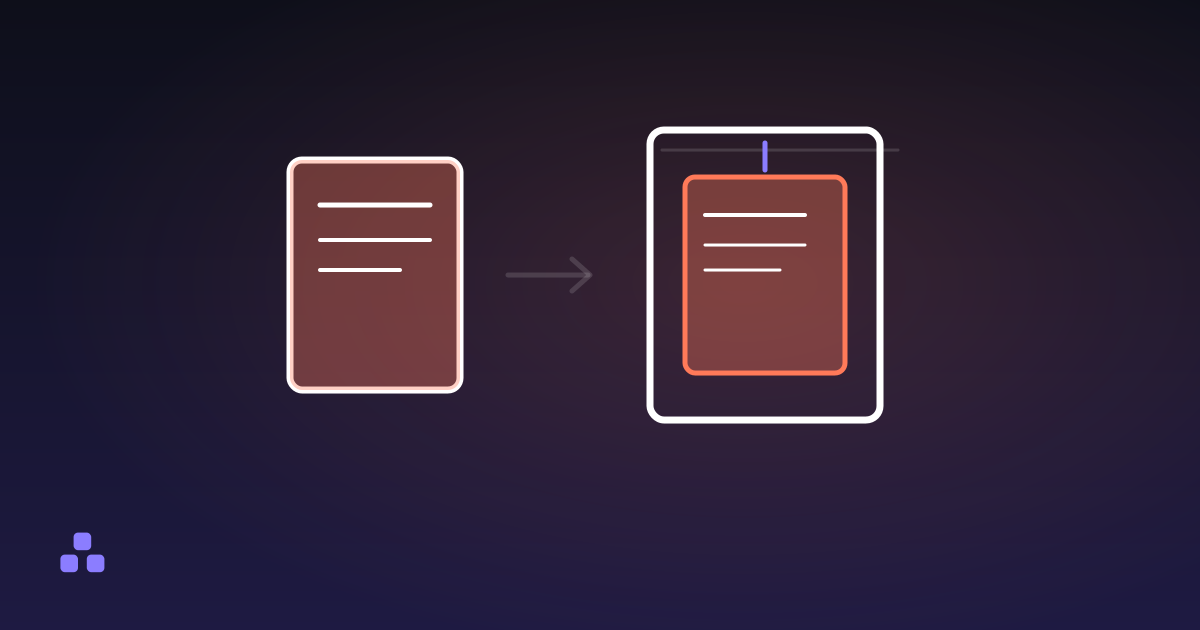
Every page has a MediaBox, the full sheet it was laid out on, and most also have a CropBox, the window a viewer shows and a printer images. They are usually identical. When the CropBox is smaller, something trimmed the page without removing what was outside it. Print that page and you get the cropped window, scaled to the paper, so a scan with its margin cropped away prints with its content larger than you expected, or with a different margin from the pages beside it.
The cropped-out content is still in the file. If a crop was meant to hide something, it did not.
What is the printer doing to it?
Even with a correct file, the print dialog and the printer add their own changes:
- Scaling. "Fit" or "shrink oversized pages" resizes the page to the paper. "Actual size" does not. Names vary between viewers, but the choice is always there.
- Unprintable margins. Most printers cannot put ink on the last few millimetres of the sheet, and the width differs by model. A page designed to bleed to the edge will lose its border whatever the file says.
- Page-per-sheet and booklet layouts, which shrink every page on purpose.
Printing the same page at "actual size" and then at "fit" is the quickest way to separate this cause from the other three. If the margin changes between the two, the file was not the problem.
How do you tell which one it is from the file?
Open the file in a PDF inspector and read the page sizes before touching any print setting. Consecutive pages that agree are grouped into one row, so a document that is one size throughout reads as a single line, and a page that does not match is marked.
| What you see | Likely cause | What to do |
|---|---|---|
| One page has a different size from the rest | Mixed page sizes | Re-export that page at the size of the others, or print it separately |
| Every page is Letter and the paper is A4, or the reverse | Paper mismatch | Set the dialog to fit, or change the paper size in the source document |
| A crop is listed for some pages | Cropped pages print the window, not the sheet | Widen the crop in the program that made it, or accept the cropped result |
| A rotation of 90 or 270 is listed | Rotated page that a driver may ignore | Set the angle to what you want and save; a rotation tool adds to the angle the page already carries |
| Everything is consistent | Printer scaling or margins | Print at actual size and compare |
What the file cannot tell you
The inspector reads the page boxes, the rotation and the metadata. It does not draw the pages, so it cannot show you a preview of what will land on paper. It reports the MediaBox size and the CropBox when the crop shrinks the sheet, and nothing else: TrimBox, BleedBox and the UserUnit scaling entry are not read, which matters for files prepared for commercial print. And it knows nothing about your printer, so the unprintable margin and the driver's behaviour are outside what any file inspection can show. A PDF that is correct in every box can still print with a margin.
To find which of the four you have, drop the file into the PDF info tool: it reads the file on your device and uploads nothing, and the page list is usually enough to name the cause. If the answer is a stored angle, the rotate tool fixes it without re-encoding anything. And if you want to know why a crop never deletes content, or what else the file keeps, what is actually inside a PDF is the next read.
Frequently asked questions
Why does my PDF print with a margin when it fills the screen?
Usually the print dialog is scaling it. If the page is A4 and the paper is Letter, or the reverse, fitting the page to the paper shrinks it to roughly 94% or 97%, and the leftover space shows up as margin. Printing at actual size and comparing tells you whether scaling is the cause. A cropped page or an unprintable printer margin can add to it.
Why does my PDF print sideways when it looks upright on screen?
The page probably carries a rotation entry that your viewer applies and the print path ignores. Most software honours it, but some older print servers and drivers print the page as it was stored. Setting the page to the angle you want and saving a fresh file, or printing from a different viewer, usually settles it.
Does cropping a PDF page change what prints?
Yes. Printers image the crop box, not the full sheet, so a cropped page prints the window and scales it to the paper. The content outside the window is not deleted, though. It stays in the file and can be revealed by widening the crop, so a crop does not hide anything for good.
How can I check a PDF page size without printing it?
Open the file in a PDF inspector and read the width and height of each page, in points, millimetres or inches. A4 is 595.28 × 841.89 points and US Letter is 612 × 792. Pages with a different size from the majority stand out, and those are the ones most likely to print scaled or shifted.
Last updated October 11, 2026