To delete pages from a PDF, open the file in a tool that rewrites it, name the pages you want gone — 2, 5-7, 12- — and save what is left. That part takes ten seconds. The part nobody mentions is that removing a page and removing its content are two different operations in a PDF, and a tool is allowed to do the first without the second. The page vanishes from every viewer, the bytes stay in the file, and the document you just emailed is still carrying the page you thought you had deleted.
Where is a page actually kept?
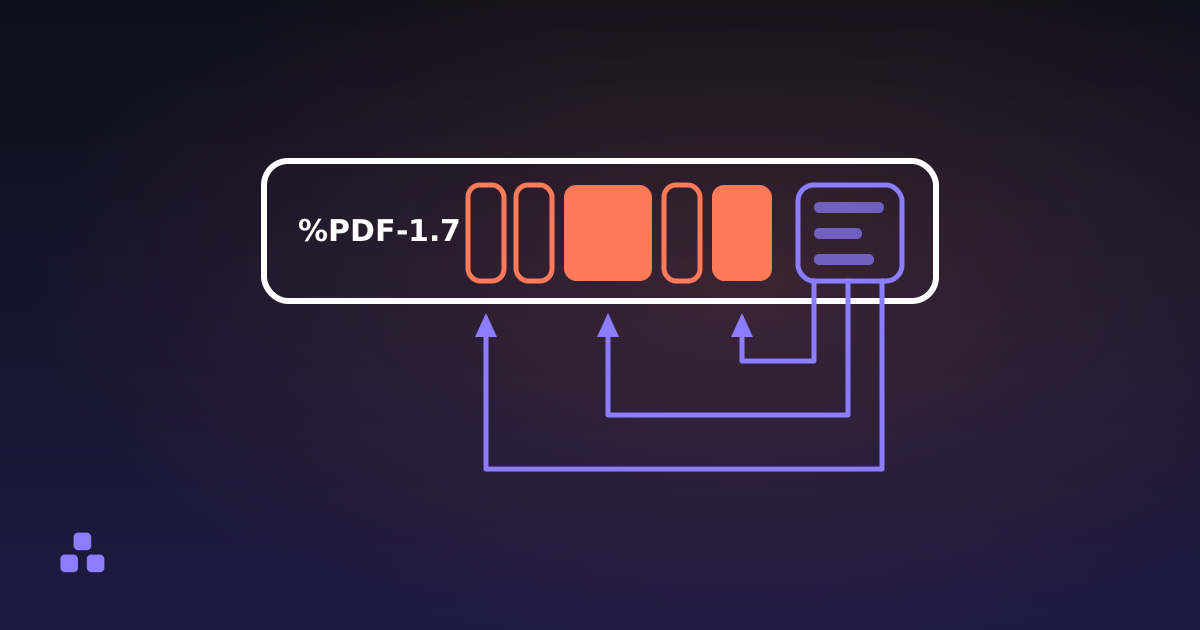
Not in a stack. A PDF is a heap of numbered objects — dictionaries, arrays and compressed streams of drawing instructions — indexed by a table at the end that records which byte each one starts at. Nothing is stored in reading order: a reader finds page 400 by following the catalog to the page tree, walking to the four-hundredth leaf, and jumping to the offset recorded for it. What is actually inside a PDF file takes that structure apart object by object; one level of it matters here.
A page belongs to the document because a list names it. The page tree is a node holding an array of kids, and each kid is either another node or a page dictionary, which points at the content stream that draws the page and at the fonts and images it needs. Take the page out of that array, correct the count above it, and every reader in the world shows you one page fewer. You have not touched the page dictionary or its content stream. You have edited a list.
What "unreferenced" means, and why the content survives
An object nothing points to is still an object in the file. It has a number, it has an entry in the cross-reference table, and it sits in the byte stream exactly where it always was. Viewers never draw it, because a viewer only draws what the page tree reaches. Other things find it easily: a text extractor that scans objects instead of walking the tree pulls the words out, and a decompressor lays it in plain sight.
Writing out only the reachable objects — a garbage collection pass — is ordinary work for a PDF library, and the careful ones do it. But it is extra work, it is skippable, and the file it produces opens exactly like the file that kept everything. Nothing in the format requires the pass, and nothing in your viewer tells you which kind of file you are holding.
The other way a deleted page stays: incremental saves
PDF has a second feature that produces the same outcome by design. A file can be updated by appending: the editor writes the objects that changed to the end of the existing bytes, adds a cross-reference section pointing at them, and finishes with a new trailer. The original file underneath is untouched. The new section says the page tree is now this object over here — and the old page tree, the old pages and every content stream they referenced are still sitting in the first however-many megabytes.
This is not a bug: an incremental save takes the same time whatever the file weighs, and a signature applied to an earlier revision survives only because the signed bytes are still there. The hazard is the word "save", which people reasonably read as "the file now contains what I can see".
How can I check whether the page is really gone?
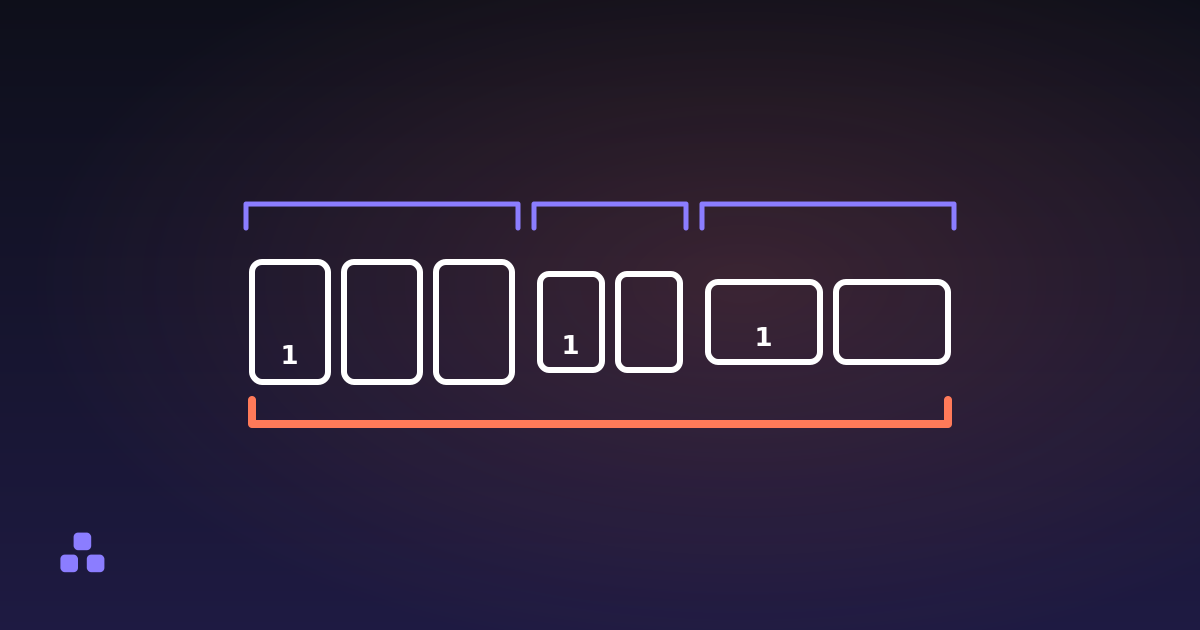
Count the %%EOF markers. Every cross-reference section ends with one, and saving on top of an existing file appends a section instead of replacing it. Open the PDF in a plain text editor and search for the string. One marker means one section, with nothing underneath it. More than one has two causes, and where the extra marker sits tells you which: a linearised file, built for fast web view, carries a second section within the first few kilobytes, while each later save leaves a marker at the end of the bytes it appended. Two markers with the first one near the top is an ordinary linearised file. Anything else means earlier versions of the document are still in there.
Look at the size. A file that lost half its pages and not one byte is telling you something. Do not read the opposite too confidently, though: even a clean rewrite rarely shrinks in proportion to the pages removed, because the embedded font and the logo that appeared on every page were stored once and stay for the pages you kept. Half the pages gone and only a fraction of the bytes gone is ordinary; half the pages gone and not one byte is not.
Decompress it and search. Page content lives in compressed streams, so searching the raw file for a sentence from the deleted page usually finds nothing whether the page is there or not. The command qpdf --qdf --preserve-unreferenced in.pdf out.pdf rewrites the document with its streams expanded and laid out to be read. That second flag is the one that matters here: without it qpdf discards the objects nothing points at, which are exactly the ones you came for. Search the copy for a phrase you deleted; if it comes back, so did the page. This finds orphans the index still lists — content stranded in an earlier revision is what the marker count catches.
What you cannot do is judge by opening the file: all of these documents look correct in a viewer, which is the entire problem. A structural reader answers the ordinary questions instead — the PDF inspector here reports the page count, the size and rotation of every page, which program wrote it, and whether a page is cropped. Cropping is its own version of this trap: a crop box tells a viewer which part of the sheet to display and removes nothing.
What a clean delete looks like
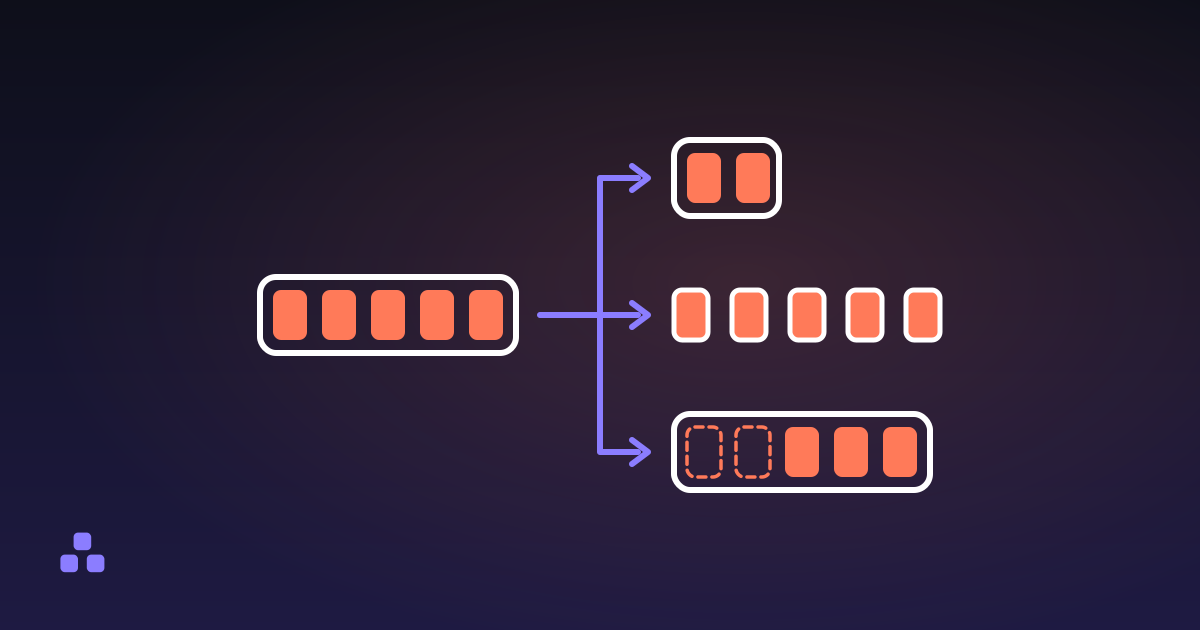
The safe operation is not "remove these pages" but "write a new document containing only the pages I keep". Copy each surviving page into an empty file with its whole reference graph — the fonts it uses, the images it draws, the annotations on it — renumber those objects, write a fresh cross-reference table, and stop. The deleted pages are not removed, because they were never copied, and there is no earlier revision underneath, because the file is new.
There is one way to get that wrong, and it looks like thoroughness. A page you kept can carry a link whose destination is a page you deleted. A copier that follows every reference it meets walks down that link, copies the deleted page's dictionary and content stream into the new file, and leaves them hanging off nothing — the page tree says the page is gone and the bytes say otherwise. The way out is to treat a reference to a page as a reservation: hold an object number, fill it only if that page is added, and drop the link if it never is.
That is how the page remover on this site works: you type the pages or click them in a numbered row, and it builds the output from the survivors. There are no thumbnails, because drawing them means shipping a rendering engine to everyone who opens the page, so it reports the page count and each page's size and rotation instead. It runs entirely in your browser, so the document you were about to email is never uploaded either, and the pages you keep are copied byte for byte with the compression they already carried.
What the rewrite costs you
Building a new file is the right trade, but it is a trade. Things that live at the document level rather than on a page do not survive:
- Bookmarks and page labels. The outline is gone, and a file numbered i, ii, 1, 2 comes back numbered 1, 2, 3, 4.
- Form behaviour. The fields are still drawn, because their widgets sit on the pages, but the document-level form dictionary is dropped and they arrive inert.
- Digital signatures. A signature covers a specific sequence of bytes, so any rewrite invalidates it. Nothing to be done except sign again afterwards.
- Links written as a name. A link that points at a name resolves through a table in the catalog, and a new file does not inherit that table. One that points straight at a page object is fine in either direction, as long as the page it names survived; a link to a page you deleted is dropped along with it.
The printed page numbers do not change either. The "23" in a footer is drawn text inside that page's content stream, and nothing in the file knows it is a number — renumbering would mean re-typesetting. And if you want to keep those pages rather than throw them away, the operation is a different one: splitting a PDF into separate files keeps everything and just distributes it.
Deleting a page is not redaction
Everything above is about a page you want gone entirely. If the sensitive thing is a name or a paragraph on a page you are keeping, deleting pages does nothing for you — and neither do the two tricks people reach for instead. A black rectangle drawn over text is a rectangle drawn over text: the characters are still in the content stream underneath, and selecting that area copies them out. Cropping is worse, because it feels permanent while removing nothing. Real redaction deletes the characters from the stream itself, a different job worth dedicated software. The failure looks exactly like success every time: the page looks clean, and the file is not.
If you have a file to fix rather than a mechanism to understand, the PDF page remover takes the page numbers or the clicks, builds a new document from the pages you keep, and downloads it without the file ever leaving your machine. It will not open a password-protected PDF and it drops bookmarks, so check the result when the document's structure matters as much as its page list.
And if the part that stuck was the structure — objects, the cross-reference table, why a page is a list entry rather than a page — what is actually inside a PDF file is the longer version. It explains most of the format's other surprises too, including why a PDF that looks fine can be technically broken and still open everywhere.
Frequently asked questions
Does deleting a page from a PDF actually remove the content?
Not always. A page can be removed from the page tree while its dictionary and content stream stay in the file as unreferenced objects, which no viewer draws but any text extractor can find. It depends entirely on whether the tool rewrites the document or just edits the list of pages. A tool that builds a new file from the pages you keep is the safe kind, as long as it does not follow a link from a kept page into a deleted one and copy that page across too.
How do I know if a deleted page is still inside the PDF?
Open the file in a plain text editor and count the %%EOF markers. One means a single pass with nothing underneath it; a second one within the first few kilobytes is ordinary linearisation, and any marker further in is an earlier revision still sitting there. For a definite answer, run qpdf --qdf --preserve-unreferenced over it to expand the streams and keep the objects nothing points at, then search the result for a phrase from the page you deleted. If the text is there, so is the page.
Why is my PDF the same size after deleting pages?
Either the pages were removed from the page list without being removed from the file, or the editor appended the change instead of rewriting the document. Some shrinkage below the share of pages you deleted is normal, because fonts and logos shared across pages are stored once and stay. No shrinkage at all is a red flag worth checking.
How do I delete pages from a PDF for free without installing anything?
Use a browser-based tool that processes the file locally, such as the page remover on this site: drop the PDF in, type the pages to delete as single numbers or ranges, and download what is left. Nothing is uploaded and no account is needed. Password-protected files are the exception — those have to be unlocked in the program that protected them first.
Is deleting a page the same as redacting it?
No. Deleting removes a whole page, and only properly if the tool rewrites the file. Redaction removes specific content from a page you are keeping, which means editing the content stream itself. Drawing a black box over text or cropping the page hides it on screen and leaves every character in place.
Will the page numbers printed in the document update after I delete a page?
No. Page numbers in headers and footers are drawn text inside each page’s content stream, and nothing in the file marks them as page numbers. After deleting page 5, every footer after it is off by one, and a table of contents keeps pointing at the old numbering. Re-exporting from the program that created the document is the only real fix.
Last updated September 21, 2026