Converting images to a PDF means ordering them, choosing whether each page matches its image or is a fixed A4 sheet, and building the file. What that costs depends entirely on the converter: most of them decode your photos and compress them again on the way in, and none of them have to. A PDF can carry a JPEG's compressed picture data byte for byte, exactly as it came off the camera.
Why most converters make your photos worse
The easy way to build this kind of tool is to decode every image to pixels, draw it on a canvas, and encode a fresh JPEG from what the canvas holds. One code path covers every input format, which is why so much software works that way.
It also throws away detail for nothing. JPEG is lossy: encoding discards what it judges you will not miss, judging against the picture in front of it. Put an already-compressed photo through a second encode and that pass spends its budget on the artifacts of the first. Edges gain a faint halo, flat sky breaks into larger blocks, and the file does not reliably get smaller: a re-encode at a higher quality setting than the original used comes out bigger.
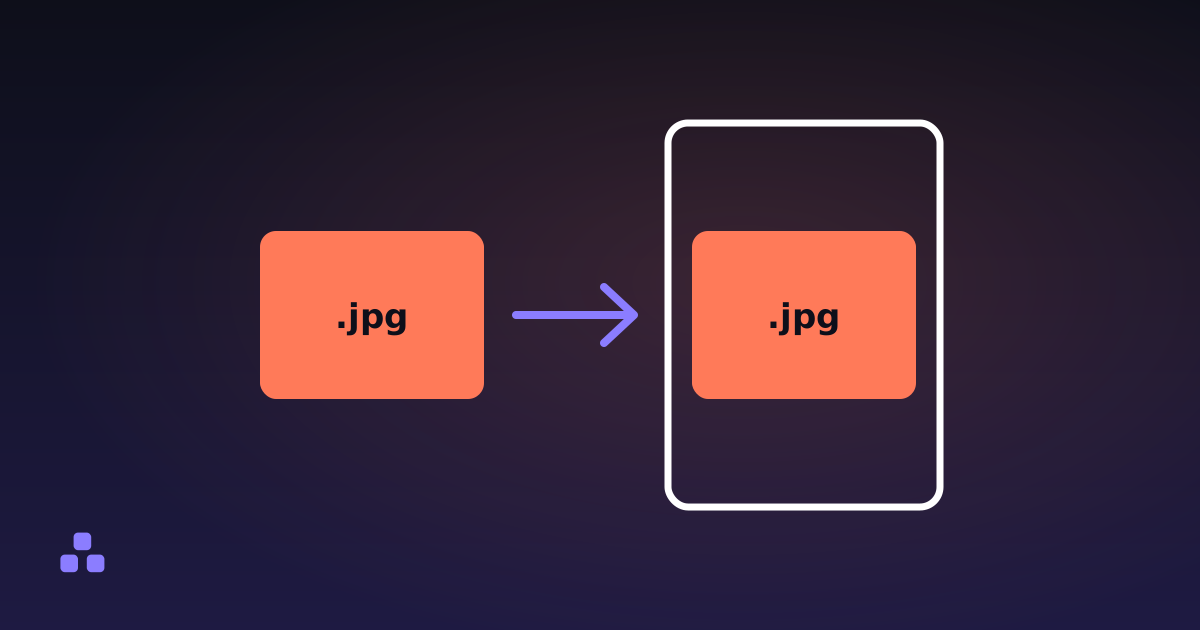
The fix is not a better quality setting. It is not re-encoding at all. The images to PDF tool here copies a JPEG's compressed data straight into the document and labels every file it handled that way, so you can see which images went in untouched and which had to be rebuilt.
How does a PDF hold a JPEG without re-encoding it?
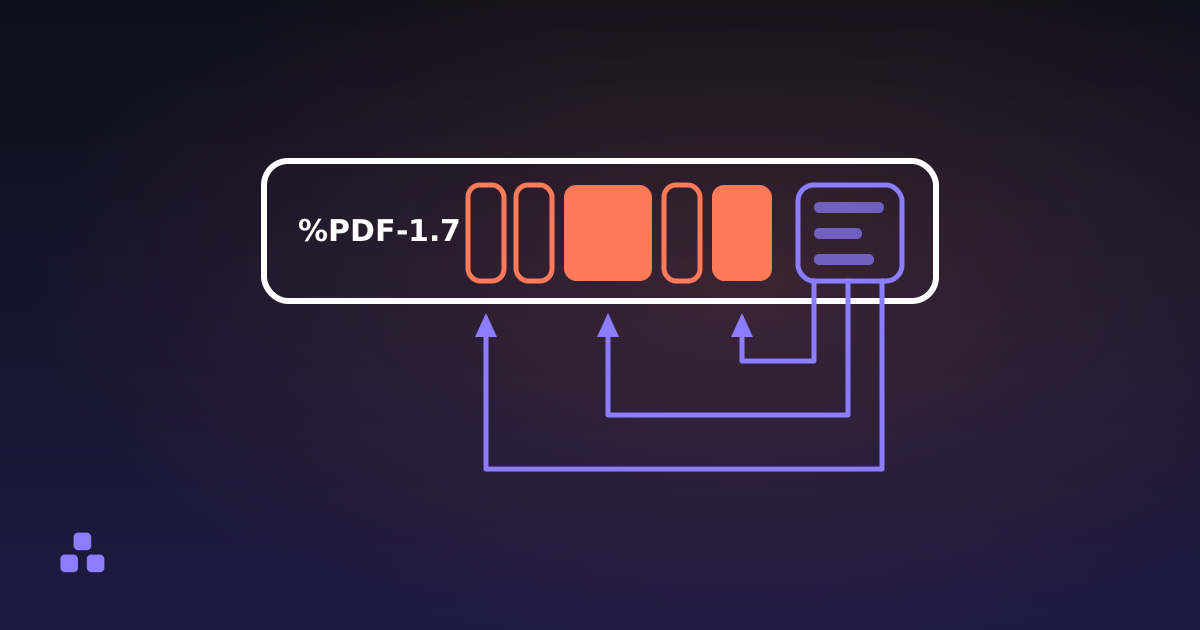
An image in a PDF is not part of the page. It is a separate object, an XObject, that the page refers to by name. The page carries a MediaBox — four numbers giving the corners of the sheet in points — and a content stream, a very short program saying draw image Im0, here, this big. Six numbers, a matrix, and the drawing is done. What is actually inside a PDF file takes the rest of that apart.
Every image object declares a filter saying how its bytes are compressed, and one of those filters is DCTDecode. DCTDecode is JPEG, named after the discrete cosine transform JPEG is built on. The compressed data inside a .jpg file is precisely what an image XObject expects: the tables and the scan itself go across as they are, and only the metadata blocks wrapped around them are dropped. Not one coefficient changes, and the viewer's own JPEG decoder does the work.
Which JPEGs can go in untouched?
Most, not all. Going across as they are: baseline, extended sequential and progressive JPEG at eight bits per sample, in grayscale or colour. That is every photo a phone or an ordinary camera makes. Not going across: twelve-bit samples, arithmetic coding, and four-channel CMYK from a print workflow. A CMYK JPEG can sit in a PDF, but its four channels are usually stored inverted and the file does not reliably say so. Read that wrong and the photo arrives as its own negative, so those are decoded and rebuilt as RGB instead. The same goes for any JPEG whose markers stop making sense before the picture data starts. An image the browser cannot decode at all is left out by name, and the other pages still build.
Why does a PNG not get the same treatment?
There is no PNG filter in PDF. The nearest thing is Flate, the same deflate compression PNG is built on, and PDF's version can be told to undo PNG's row prediction — the trick where a row is stored as its difference from the pixels beside and above it, which is most of why PNG handles flat colour and hard edges so well. So a plain, opaque PNG could in principle be handed over much the way a JPEG is. Two things break that: an interlaced PNG stores its rows shuffled into seven passes, and a transparent one interleaves the alpha with the colour, while PDF wants the alpha as a separate grayscale image.
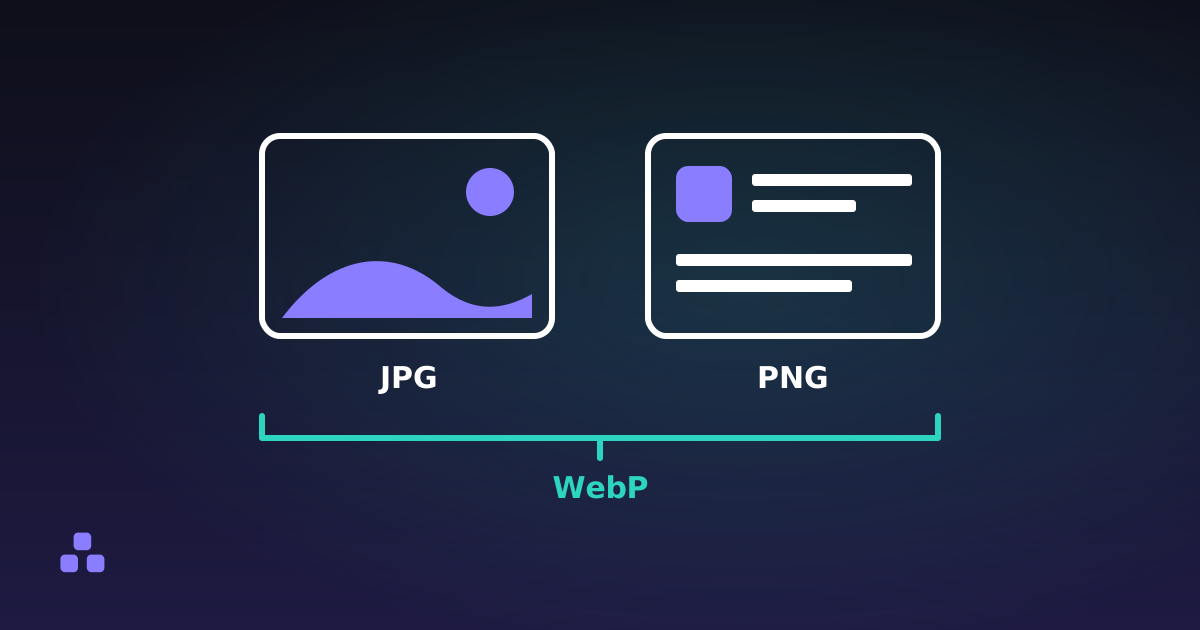
This tool does not attempt the shortcut at all. A PNG is decoded first, then stored one of two honest ways. Keep the exact RGB values and deflate them, which loses nothing and often ends up larger than the PNG itself, since the prediction step is gone. Or re-encode as JPEG, much smaller and lossy, on exactly the kind of image that shows it: text and line art are where JPEG artifacts look worst. Transparency follows the route — the lossless one keeps it as a soft mask holding the alpha channel, the JPEG one flattens it onto white. WebP sits in the same position.
If your files are really photographs that ended up saved as PNGs, the fix is upstream: PNG vs JPG vs WebP covers which format each kind of image belongs in. A photo saved as a PNG is a common way to end up with a PDF several times larger than it needed to be.
What do page size and margins actually do?
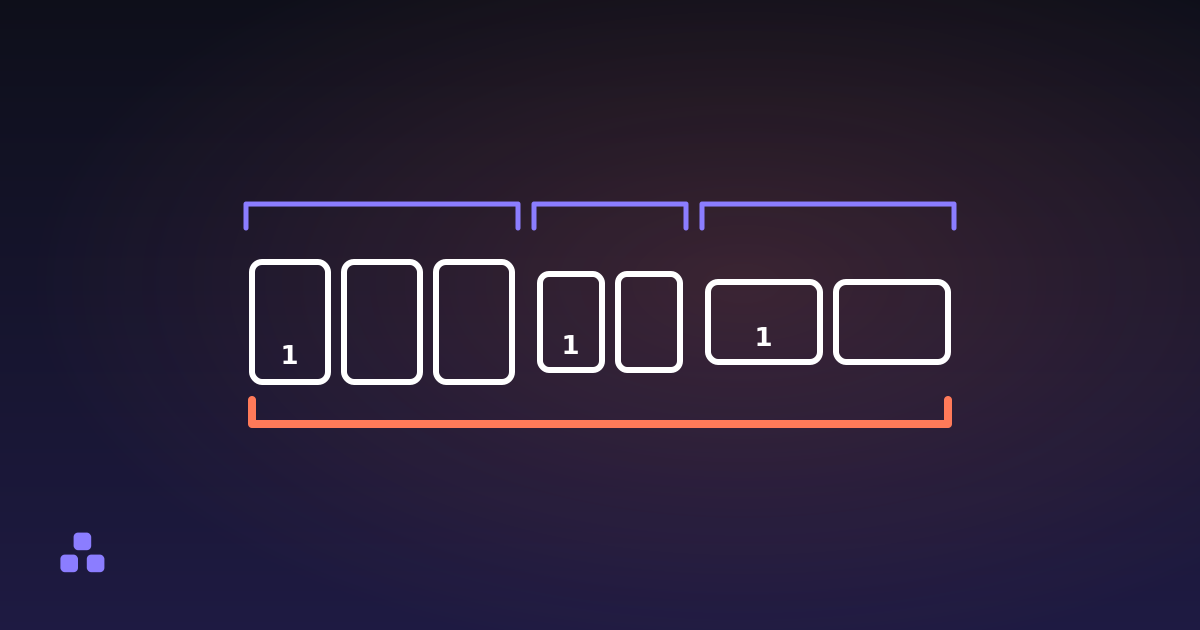
Fit-to-image makes every page exactly as big as its image, one pixel to one point. Nothing is scaled and there are no borders, which is what you want on a screen. A 1600-pixel-wide screenshot becomes a page about 22 inches across, which sounds alarming and rarely matters: a viewer scales the page to the window, a printer scales it to the paper.
A fixed size, A4 or US Letter, is for a file going to a printer or into a stack of other documents. Aspect ratio starts to matter there. A4 is roughly 1:1.41, a phone photo is 3:4, a screenshot is whatever your monitor is. The image is scaled until it fits, up or down, and centred, so the space left over shows as white bars: down the sides when the image is proportionally wider than the page, above and below when it is taller. Nothing is cropped or stretched.
Margins come out of that box before the scaling, so every millimetre is a slightly smaller picture; 10 mm is about as close to the edge as a home printer reaches. In fit-to-image mode the margin grows the page instead. What none of it sets is a DPI: the pixels are stored once and the page only records how large to draw them. A 600-pixel image spread across A4 prints at roughly 72 dots per inch and looks like it.
What decides the size of a PDF made of images?
Almost entirely the images. Page objects, content streams and the cross-reference table come to a few hundred bytes per page. If the document is 40 MB, you put 40 MB of image data into it, and no PDF setting will change that.
So the lever is upstream, on the images, before they become pages. Thirty 4000-pixel phone photos make an enormous PDF whether they were re-encoded or not, and if the file has to be emailed, resizing and compressing the images first does far more than the conversion step can. Compressing once, deliberately, at a quality you chose beats a converter doing it silently at one you did not.
Why do phone photos come out sideways?
Because a phone stores the photo the way the sensor saw it and adds a small EXIF tag saying which way to turn it. Your gallery app reads that tag; PDF has no equivalent, so a converter that copies the bytes without reading it fills the document with photos on their side. That is why so many tools re-encode everything. There is a better answer: the rotation is a matrix, the placement is a matrix, and multiplying them gives one that does both.
The rest of the EXIF block does not travel. The picture data is copied byte for byte, but the metadata around it — GPS coordinates, camera serial number, the embedded thumbnail — is dropped on the way in, because no PDF viewer would show it and you probably did not mean to send it. What EXIF data reveals about a photo is worth reading before you share images somewhere that leaves it intact.
What a PDF made of pictures will never be
It holds pictures of pages, not pages of text, and three limits follow from that.
- Nothing in it is searchable. No word can be selected, searched or copied. Real text needs OCR, which needs a trained model running on a server or downloaded in full. If you will need to find words in these scans later, scan straight to PDF with software that runs OCR.
- Which formats open depends on your browser. Safari reads HEIC; Chrome and Firefox generally do not, and nothing reads camera RAW. A converter running on your own machine can only use the decoders that machine already has.
- Embedded colour profiles are dropped. An image in Display P3 is read back as sRGB — visible on saturated colour, invisible on almost everything else, and it happens on both routes.
If you have images to turn into a document right now, the images to PDF converter does all of the above in your browser: JPEGs copied in untouched, EXIF rotation folded into the page matrix, and a line per file saying which ones went through as they were. Nothing is uploaded, so the photos never leave your computer.
The step after this one is usually joining the result to something else, and how to merge PDFs without uploading them is the same argument in a different place: combining documents is another operation that can be done without rewriting what is already inside them.
Frequently asked questions
How do I convert images to a PDF?
Put the images in the order you want them, choose whether each page should match its image or be a fixed A4 or US Letter sheet, and build the file. One image becomes one page. The only decision that affects quality is whether the converter re-encodes your photos or copies them in as they are.
Does converting an image to PDF reduce the quality?
It does not have to. A JPEG can be copied into a PDF without ever being decoded, which makes the picture bit-identical to the file you started with. A PNG or a WebP is decoded first, then either stored as exact pixels, which loses nothing but makes a larger file, or re-encoded as JPEG, which is smaller and lossy.
Why is my PDF bigger than the images I put in it?
Usually because those images were PNG or WebP. Storing them without losing pixels means deflating the raw samples, and deflate on its own compresses worse than PNG, which first stores each row as its difference from the pixels beside and above it. Re-encoding them as JPEG makes the file much smaller at the cost of some quality.
Should I pick A4 or fit-to-image for the page size?
Pick fit-to-image when the file is for reading on a screen and you do not want borders, since each page then matches its image exactly. Pick A4 or US Letter when the file is going to a printer or into a stack of other documents and every sheet has to be the same physical size. Margins only make sense with a fixed page size.
Can I search the text in a PDF made from images?
No. The document contains pictures of your pages, so there is nothing for a search to match and nothing to select or copy. Turning those pictures into real text requires OCR, which needs a trained model running on a server or downloaded in full. Software that scans directly to PDF with OCR is the way to get searchable output.
Why are my photos rotated in the PDF?
Phones save a photo in the sensor orientation and add an EXIF tag saying how far to turn it, and PDF has no equivalent tag. A converter that copies the file across without reading that tag leaves the photo on its side. Reading the tag and folding the rotation into the matrix that places the image keeps the photo upright without re-encoding it.
Last updated September 21, 2026