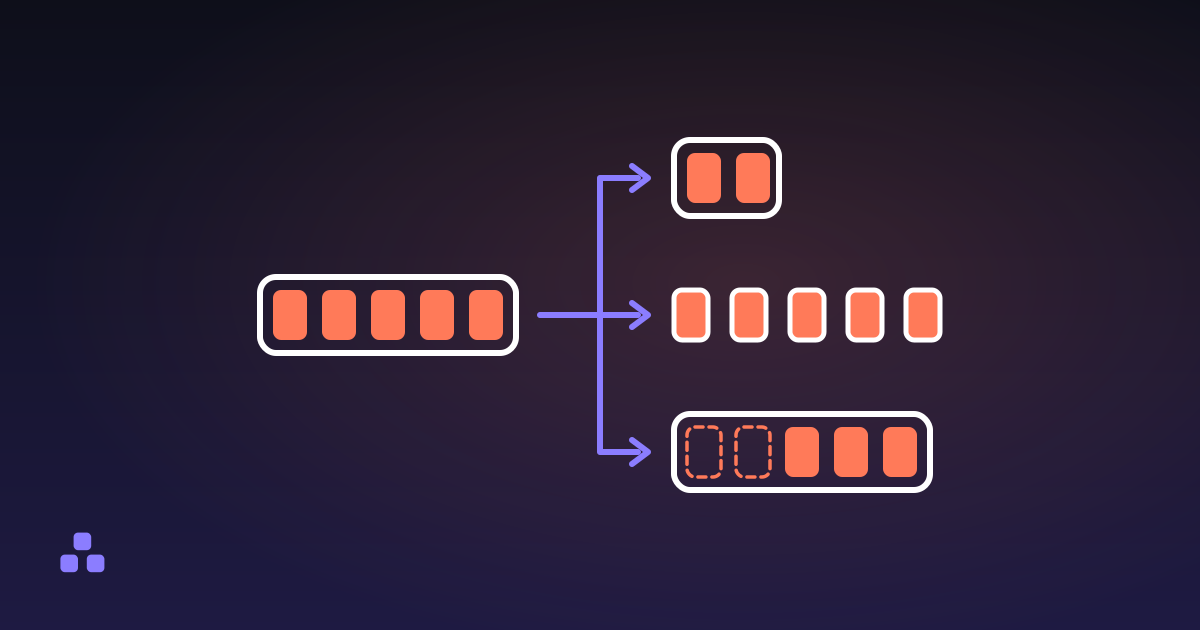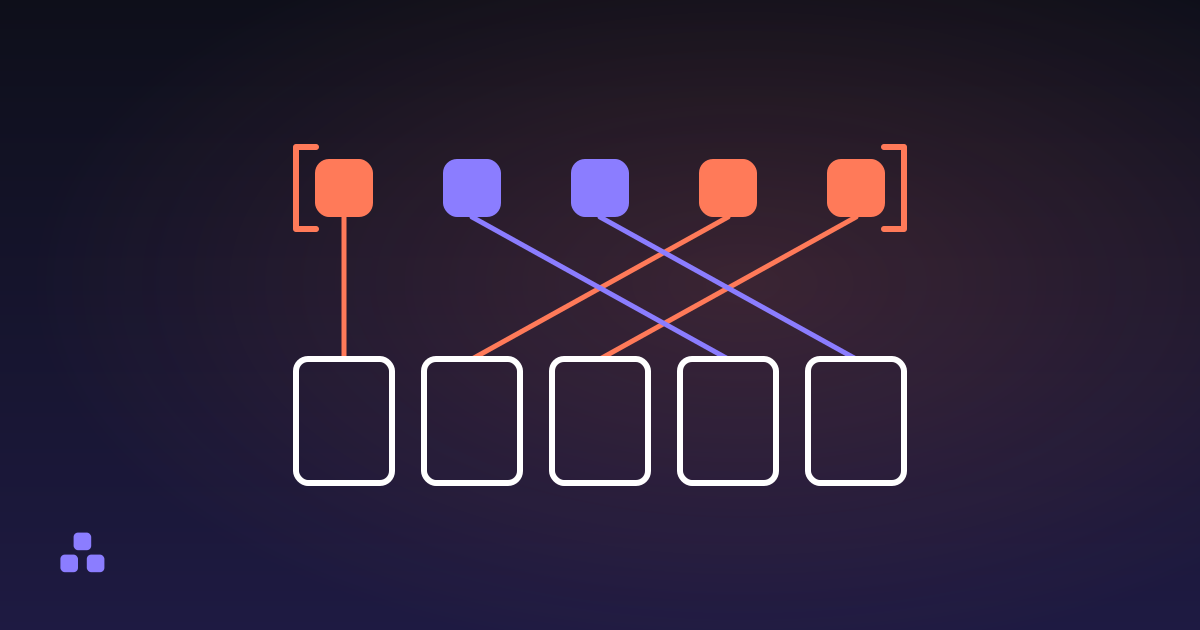
To merge PDF files, you put them in the order you want and write every page of every file into one new document. The pages are copied rather than re-rendered, so the text stays selectable text, the images keep the exact bytes they arrived with, and the result weighs roughly what the parts weighed together. Merging is one of the very few things you can do to a PDF that costs nothing in quality.
Which leaves the question actually worth asking: where does the merge happen? A merger that runs on a server has to have your files before it can do anything. Your signed contract or your medical scan is uploaded, combined on somebody else's disk and handed back as a download link, and what becomes of the copy left behind is a retention policy you did not read. It does not have to work that way. A tool that merges PDFs in the browser reads the files with JavaScript on your own machine and sends nothing anywhere; unplug the network after the page loads and it still works.
What does merging actually do to the file?
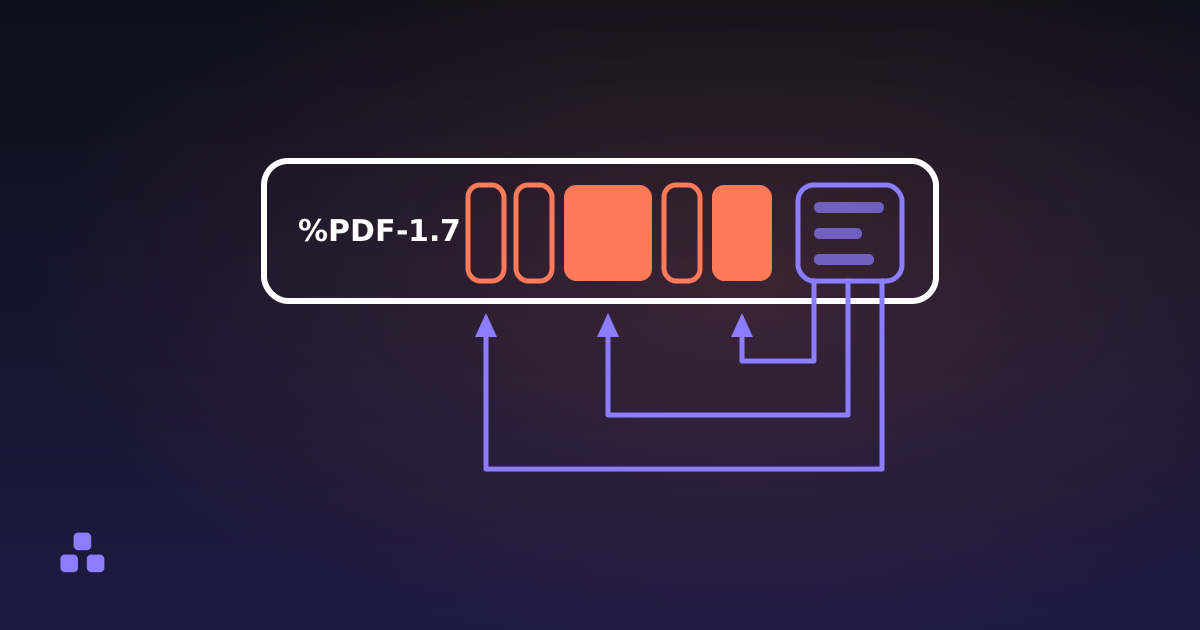
A PDF is not a picture of a document. It is a small database: numbered objects — dictionaries, arrays, numbers and compressed streams — with a table at the end recording which byte each object starts at, and a tree of pages hanging off a catalog. A page object is a short dictionary that points at its content stream, its fonts, its images and its annotations. It does not contain any of them. It refers to them by number, and what is actually inside a PDF file takes that structure apart properly.
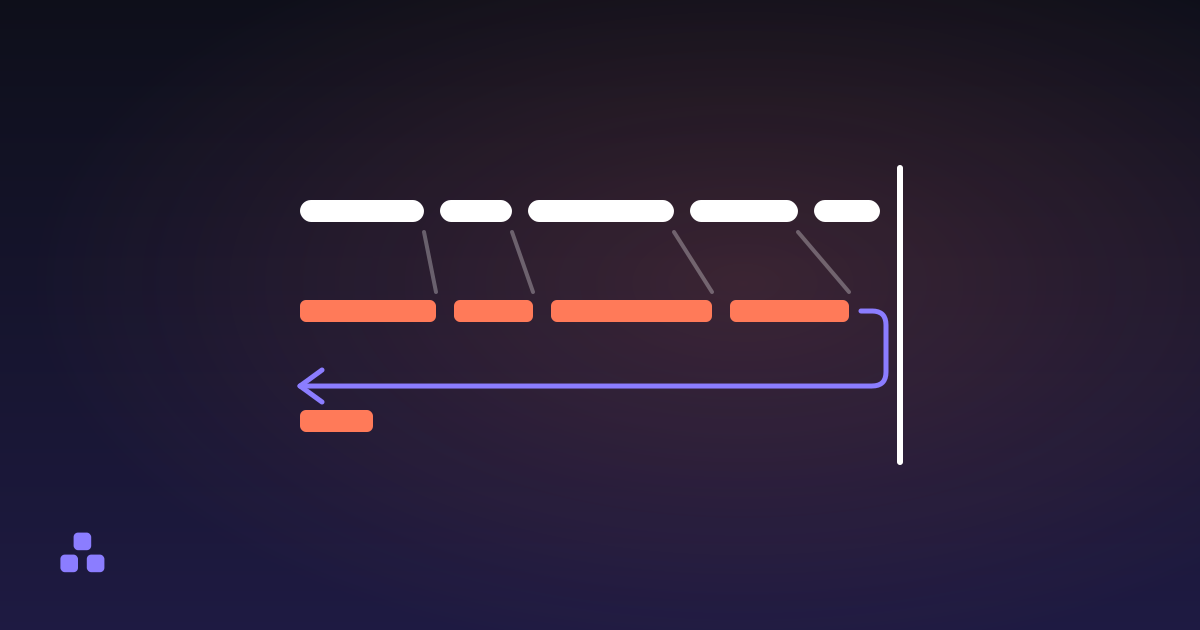
So merging is a copy-and-renumber job, not a rendering job. Every page is copied into the new file with everything it points at, object numbers are reassigned so that two files which both called something "object 14" stop colliding, a fresh page tree lists the pages in your order, and a new cross-reference table goes at the end. Nothing in between is decoded or re-encoded. That is the whole operation.
Why is a merged PDF never worse than the originals?
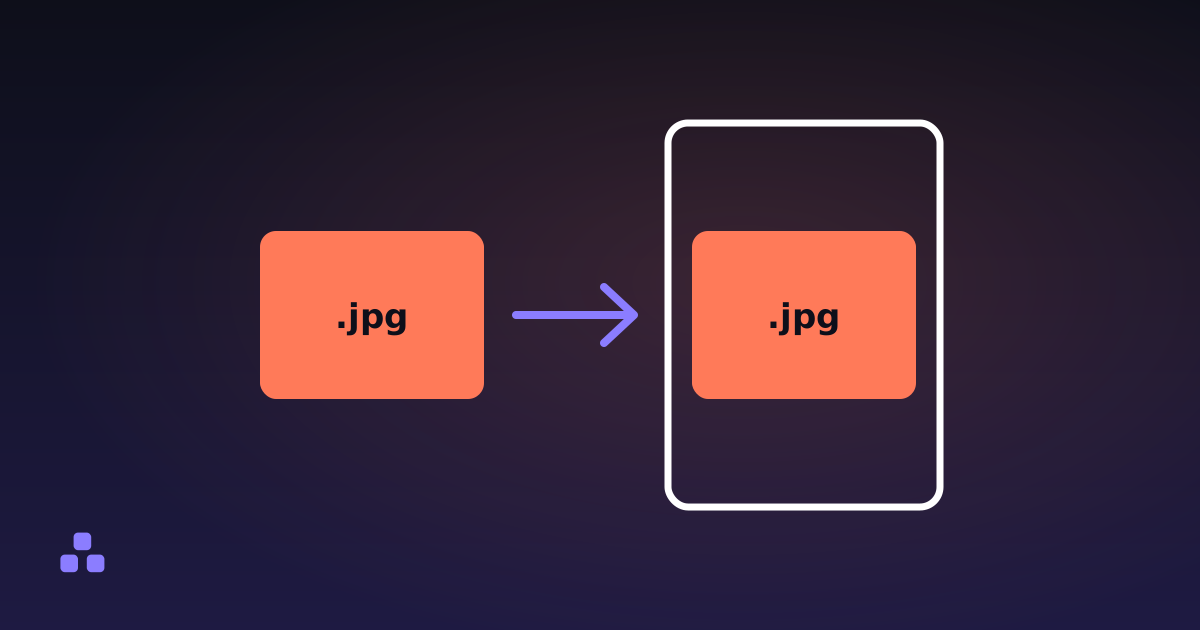
Because nothing is decoded. The JPEG on page four of your second file arrives in the output as the same bytes it left as; it is never turned back into pixels, so there is nothing to degrade. Text stays text and stays selectable, vector drawings stay vectors, and a 300 DPI scan is still a 300 DPI scan. Each page's size and rotation come across too, because both are numbers in the page dictionary rather than something done to the pixels.
Compression works the other way round: it opens the images, throws away detail and writes them back smaller. That is a separate operation, and merging first keeps the choice open. The useful consequence is that merging a file which is itself the result of a merge costs nothing, so splitting an oversized job into two batches and combining the results is a fix rather than a compromise.
How big will the merged file be?
Roughly the sum of its parts. Within a single source document, objects shared between pages are copied once: the font used on all forty pages, the logo repeated in every header. Across documents nothing is shared at all. Merge two copies of the same 4 MB brochure and you get an 8 MB file, because the merge follows object references rather than comparing content, and has no way to know the two are the same picture.
Two small things pull it off that figure. Off comes everything that hung off the old catalogs — the bookmark tree, the metadata, attachments — and with it the debris that repeated saves leave behind, because a merge copies only what the pages can actually reach. On goes the structure, written back out as plain objects rather than packed into the compressed blocks newer files keep them in. Neither moves the needle on a stack of scans. If the inputs add up to 30 MB, expect something near 30 MB: when the goal is a smaller file, the tool you want is a compressor, not a merger.
What does not survive the merge
The pages survive. The furniture around them mostly does not, and this is better to know now than after you have sent the file:
- Bookmarks. The outline panel hangs off the document catalog rather than off the pages, and the merged file gets a new catalog. Chapter bookmarks are gone: none carried in, and none generated for you.
- Links by name break; links by reference do not. A link pointing straight at another page keeps working, because that page comes along in the same merge and the link is repointed at its copy. A link that asks for its target by name instead — a named destination — has nothing left to ask: the name table hung off the old catalog and is not rebuilt. Links to a web address are unaffected either way, since those carry a string rather than a reference.
- Form fields come across inert. The widgets are still drawn, but the document-level form that gave them names and values is not rebuilt, so they end up as pictures of fields. If someone has filled a form in, flatten it before merging.
- Metadata, page labels and attachments. Title, author, the roman numerals on a preface, embedded files: none of it is carried over. The merged file has no metadata at all, which is a privacy win about as often as it is a loss.
- Digital signatures break. A signature covers the exact bytes of the file it was applied to, and a merge writes new bytes. Any merge invalidates it, in any tool, which is precisely what a signature is for.
Why does the order matter more than people expect?
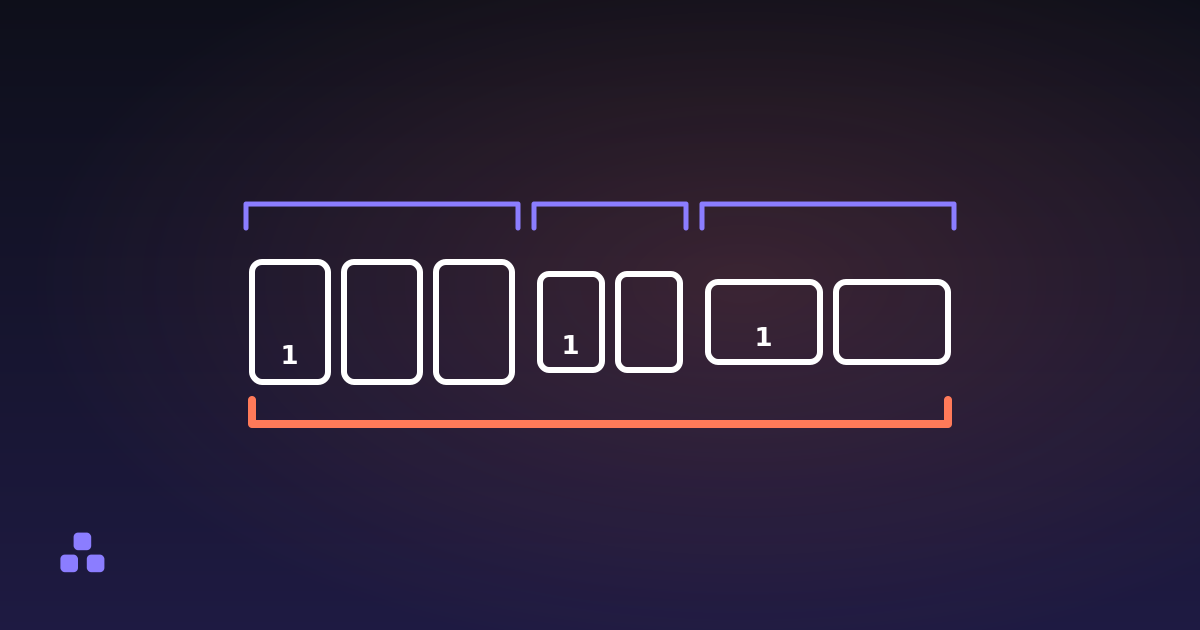
Order sounds like the part you can fix later. In a merged PDF it is close to the only structure left. With the bookmarks gone and the page labels gone, the sequence of pages is the document's entire table of contents. The page numbers printed on the pages do not renumber either: they were drawn into the content stream by whatever produced the file, not calculated by the reader. Merge three reports that each start at page 1 and the result has three page 1s.
Then there is page size, which is where merging catches people out. Every page keeps its own dimensions and its own rotation, so a merged file can genuinely run A4, then US Letter, then a landscape scan, and a reader will show exactly that. On screen it hardly matters. On paper it does: a print job has one paper size and one orientation, and anything that does not match gets scaled or turned to fit. Grouping the odd-sized pages instead of scattering them is the difference between one print run and three.
Order also has a hard edge: merging takes whole files. Every page of the first, then every page of the second — there is no way to drop file B into the middle of file A in one move. When you need that — an appendix inside a report, or a scanned stack whose fronts and backs must be interleaved — split the files into pieces first and add the pieces in the order you want. How to split a PDF into separate files covers where to cut, and what the cut costs, which is nothing.
Where a browser merge stops
Doing the work in a tab buys privacy and costs capability:
- Password-protected files are refused rather than opened. An encrypted PDF is named in the list and skipped. Removing the password is the owner's job, in the application that set it.
- There is no preview. Drawing a page needs a font engine and a rasteriser, several megabytes of download, so you order files by name and page count instead of by thumbnails. For a pile of scans called scan_0431.pdf, that is a genuine cost.
- Memory is the limit, not a file count. A hundred one-page invoices is nothing; six 200 MB scans are all held in one tab at once, and a phone gives up well before a laptop. Past about 100 MB the tool warns you.
- A file it cannot take apart is skipped, not half-merged. A few PDFs pack their page structure with LZW, a compression the tool does not carry; those are reported as unreadable and left out, and re-saving them from the application that made them fixes it.
For the documents people actually merge — contracts, invoices, medical records — that is a trade worth making.
If the files are already in front of you, the PDF merger here takes them in any order, shows each one's page count before you commit to anything, and writes the combined file without sending a byte anywhere. Merging is lossless, so trying an order and redoing it costs you nothing but the second it takes.
And if the order is the part you are unsure about, the sequence inside each file matters as much as the sequence of the files. How to reorder the pages in a PDF covers the job a merge cannot do, which is moving pages around inside one document.
Frequently asked questions
How do I merge PDF files without installing anything?
Open a merge tool that runs in the browser, add the files, put them in the order you want and download the result. A current browser can read and write PDFs on its own, so there is nothing to install and nothing to upload. On a Mac, Preview can also merge by dragging one PDF into another file’s thumbnail sidebar; Windows has no built-in equivalent.
Does the order I add the PDFs in matter?
Yes, and more than it looks. The files are written top to bottom — every page of the first, then every page of the second — and the merged document keeps no bookmarks and no page labels, so the order of the pages is the only structure it has left. Reorder the list before you merge; redoing a merge costs nothing, because it is lossless.
Will merging change the page size or orientation?
No. Each page keeps its own dimensions and its own rotation, because both are numbers in the page dictionary rather than anything done to the content. So a merged file can hold A4, US Letter and landscape pages at once. On screen that is fine; on paper it is not, because a print job applies one paper size and one orientation to everything.
Do page numbers get renumbered when you merge PDFs?
No. Printed page numbers are drawn onto each page like any other text, so three reports that each start at page 1 produce a merged file with three page 1s. The reader counts the pages correctly in its own page box, but the ink on the page does not change. Renumbering the combined document needs a tool that stamps pages onto it.
Do internal links still work after merging PDFs?
Mostly. A link that points straight at another page survives, because that page comes along in the same merge and the link is repointed at its copy. A link that asks for its target by name — a named destination — depends on the merger rebuilding the document’s name table, which a browser merge does not do, so those go dead. Links to a web address are never affected.
Can I merge PDFs offline?
Yes, if the tool does the work in your browser instead of on a server. Once the page has loaded you can disconnect the network and the merge still runs, because the files are read and written by JavaScript on your own device. A tool that uploads has nothing to do once the connection is gone.
Last updated September 21, 2026