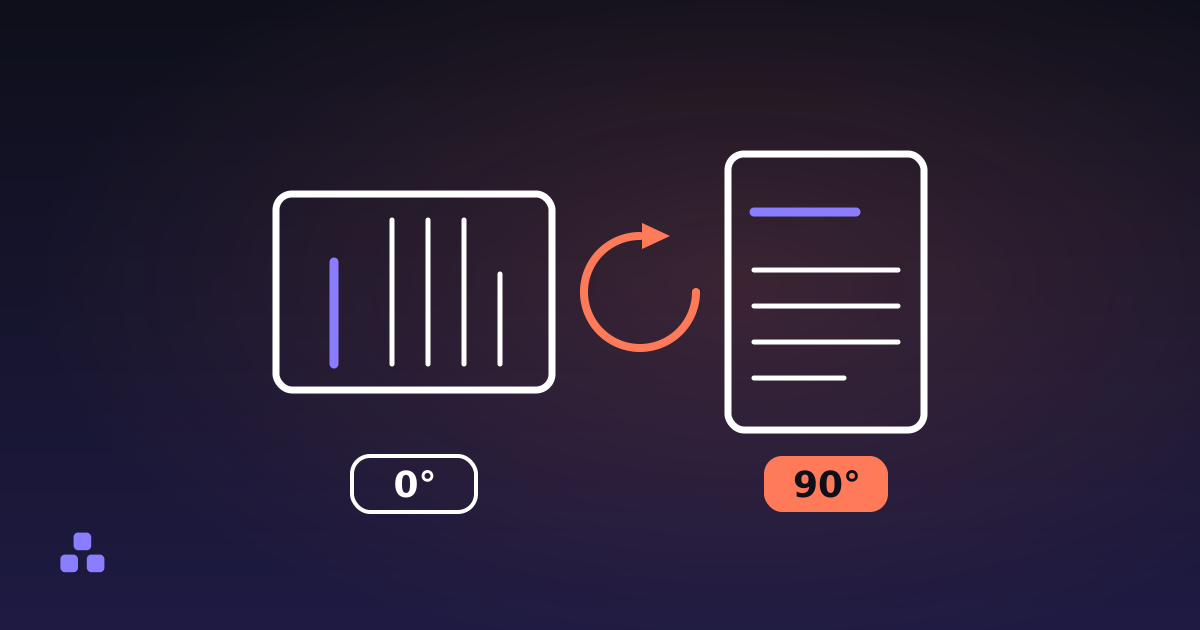
To rotate a PDF so it stays rotated, you have to write the new angle into the file and save that file — not turn the view in whatever app you happen to be reading it in. Rotation in a PDF is not pixels. It is a single number stored on each page, /Rotate, telling whatever draws the page how far to turn it clockwise first. Change that number and save, and every reader that opens the file afterwards shows the page upright. Turn the view instead and you have changed your own window, not the document, which is why the page you fixed arrives sideways again at the other end.
What does rotating a PDF actually change?
One entry, on one page. A PDF page is a dictionary — a list of named values describing where the content sits, how big the sheet is, which fonts it needs — and /Rotate is one of those names. The format asks only that its value be a multiple of 90, counted clockwise, so a file is allowed to say -90 or 450; readers wrap whatever they find into the four angles that mean anything. Nothing else about the page is touched: the text, the vector art and the images are copied across exactly as they were, in whatever compression they arrived in.
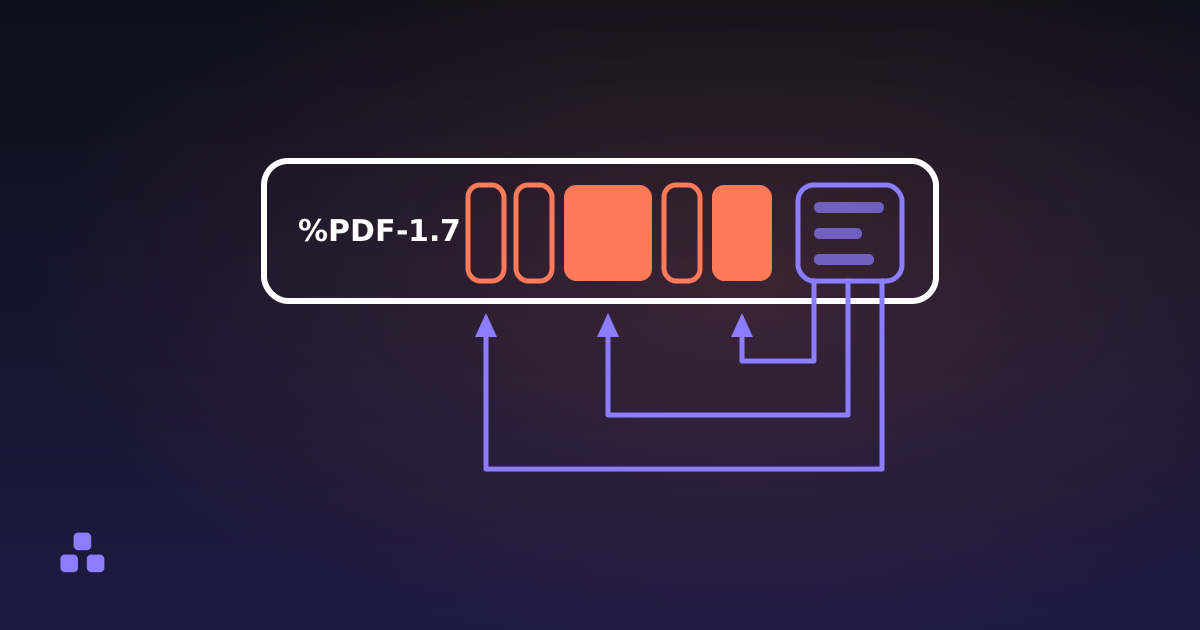
That is why rotating is cheap in a way compressing is not. No image is decoded and re-encoded, so nothing is discarded and nothing is squeezed a second time: a hundred-page scan comes through as the bytes it already was, with one number different. Rotate the same file twenty times and the twentieth copy is as sharp as the first. If the rest of the structure is unfamiliar, what is actually inside a PDF file lays out the objects that /Rotate sits among.
Why does the rotation vanish when you send the file?
Because a lot of apps offer two different things under the same word. One rotates the view: the page spins on screen, nothing in the document changes, and closing the window throws the setting away. The other rotates the page, which edits /Rotate and leaves you holding an unsaved change.
Browser PDF viewers are the usual culprit, and not unreasonably: their rotate buttons exist to make a document readable in the tab, not to edit it, and the download button hands back the file that arrived. Spin a PDF in a browser, download it, and you have the original, still sideways.
Being asked to save is a hint that you rotated the page and not the view, but it is not proof — some apps, Preview on a Mac among them, write the change without asking. The check that settles it is to reopen the saved copy somewhere that did not do the rotating: a different app, another tab, a phone. Upright there means the angle is in the file. Sideways again means it was never written.
Why is the angle stored per page and not per document?
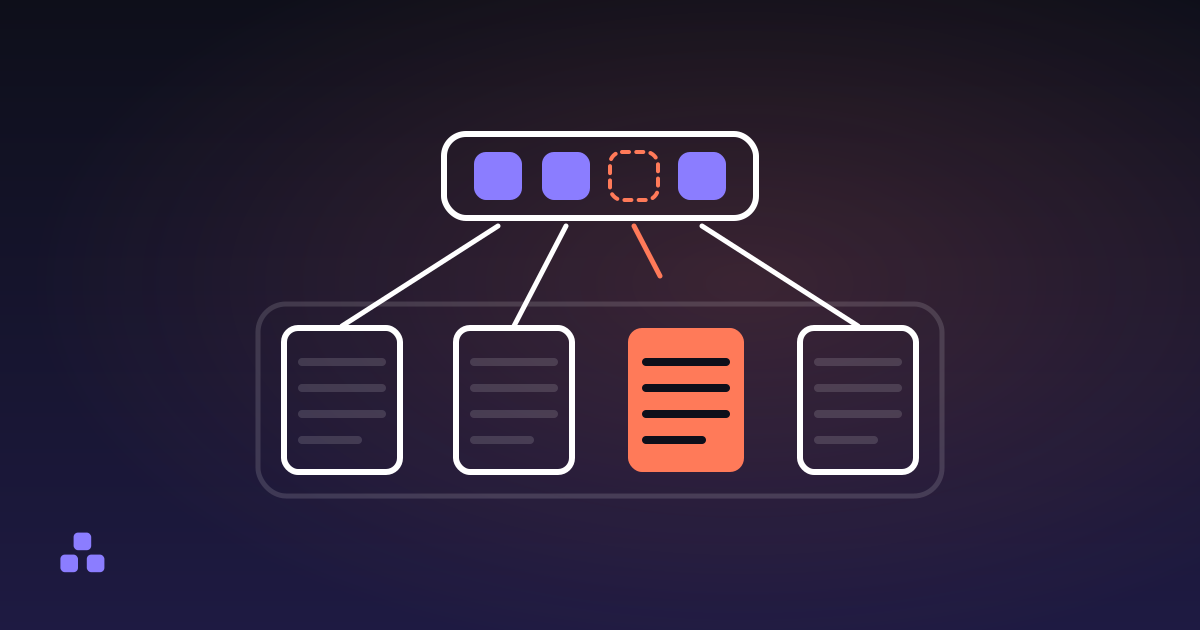
Because pages are independent objects. A PDF is a tree of page dictionaries hanging off a catalog, and each one carries its own size, its own content and its own /Rotate. A file can state the angle once on a branch of that tree and let the pages below inherit it, which is as close as the format gets to a document-wide rotation, but a page that names its own value wins and an edit lands on the page. That is a feature more often than it is a nuisance: the landscape table on page 14 of a portrait report needs 90 while the other forty pages need 0.
It also means a file can be internally inconsistent in a way nothing warns you about. Half the pages at 0 and half at 180 is a mess to read and a perfectly valid document. Before deciding what to turn, it is worth reading the angle each page is carrying — a PDF inspector reports the rotation alongside the page size, and the pattern is usually obvious once you see it: all of them wrong, or every second one.
Why does a second turn have to add rather than replace?
This is the part that makes rotation tools look broken. /Rotate records a state, not an instruction: 90 means "this page is sideways", while a rotate button means "turn this page". Those are different sentences and only one of them stacks. A page sitting at 90 that you turn by another 90 belongs at 180, so a tool that writes the turn straight into the entry leaves the page where it was. You click, nothing moves, you click again, nothing moves, and you conclude the file is cursed.
The fix is arithmetic: add the turn to the angle already there and wrap at 360, so 270 plus 180 is 450, which is 90. Rotating a PDF here does that addition, shows what the first page arrived at before you pick a turn, and lists the pages with the angle each one ends at beside the one it started from, so the sum is something you can check rather than trust. Reading and rebuilding both happen in your tab, so the document is never uploaded.
The one case where replacing is right is a file that arrived with the wrong angle baked in — a scan claiming 270 for a page whose image was drawn upright. Adding a turn there just moves the error somewhere else. Setting the angle to 0 outright is what you want, which is what a straighten option does.
What is actually wrong with a scanner's upside-down page?
Usually nothing a viewer would call an error. The scanner drew a faithful picture of a sheet that went into the feeder the wrong way up, and wrote /Rotate 0 because as far as it knew the page was the right way round. The image is upside down inside the page content; the metadata is being honest about an inversion nobody told it about.
The fix is 180 on those pages and nothing else — no re-scanning, no image editing, no loss. What matters is spotting which pages. A duplex feeder that flips sheets on the short edge can produce a file where every second page is upside down and the ones between them are fine, which is why a rotation tool worth using offers odd and even pages instead of making you type out 2, 4, 6 as far as 96.
Why does the page size not change when you rotate?
Because the angle and the geometry are two entries that never look at each other. The sheet is a rectangle called the MediaBox, written in points at 72 to the inch, and a turn leaves every number in it alone. A US Letter page measures 612 by 792 whether its /Rotate says 0 or 90; the reader swaps the pair on the way to the screen, while a tool that reads the entry straight off the page reports it unswapped.
So a properties dialog can insist a page is portrait while that same page is plainly landscape in front of you, and neither is lying — one reports the sheet, the other shows the sheet turned. What follows is worth knowing before you try to solve a paper problem with a rotation: orientation changes, dimensions do not. An A4 page stays A4, and a page too big for the tray is still too big for the tray.
When rotating is not the right tool
Rotation solves a narrow problem cleanly. Three cases where it is the wrong instrument:
- The angle is not a multiple of 90. A scan three degrees crooked cannot be fixed through
/Rotate, which holds nothing else. Straightening that is deskewing, an operation on the pixels themselves, and it needs a rendering engine rather than a metadata edit. - Something downstream ignores the entry. Acrobat, Preview and the viewers built into browsers all honour
/Rotate. Old embedded viewers, some print servers and the occasional automated pipeline do not, and the page comes out the way it was drawn rather than the way it was labelled. That is rare, and it is the honest answer when a rotated file keeps printing the wrong way up: short of redrawing the page content at the new angle, there is nothing left to change. - The file has to keep its furniture. Rewriting one entry means rewriting the file around it, and a browser-side rebuild does not carry everything across: bookmarks, named destinations and links from one page to another do not survive, and any digital signature is invalidated, because a signature only vouches for the exact bytes that existed when it was made. For a scan that has none of those, this costs nothing. For a signed contract with a clickable contents list, it is the whole question.
If the sideways file is open in front of you right now, the rotation tool here turns it and hands back the saved copy in one step: it adds the turn to the angle each page already carries, takes odd pages, even pages or a typed range, and never uploads the document, because the parsing and the rebuild happen in your tab. Two things it will not do: show you the pages, so you pick the turn from the before-and-after angles rather than from a preview, and open a password-protected file, which it refuses instead of trying to get around.
That rebuild is the part worth understanding if you keep working on the same document, because it decides what else survives an edit. How to delete pages from a PDF — and really delete them covers the same mechanism from the other side: why a page that disappears from the viewer is not always gone from the file.
Frequently asked questions
How do I rotate a PDF and save it permanently?
Rotate the page rather than the view, then save the result as a file and reopen that file to confirm. A page rotation edits the /Rotate entry stored in the document, so it travels with the file; a view rotation only spins your window and disappears when you close it. Do not go by whether you were prompted to save — some apps write the change without asking — go by what the reopened file looks like.
Why does my rotated PDF open sideways again for other people?
Almost always because the rotation was applied to the view instead of the document, which is what browser PDF viewers do — they have nowhere to save to. Downloading the file after spinning it in a browser gives you the untouched original. Rotate it with something that writes a new file, and check the new file before you send it.
Why does nothing happen when I click rotate on a PDF?
Because the page was already carrying a rotation and the tool wrote the same value over it instead of adding to it. /Rotate is an absolute angle, not an instruction to turn, so writing 90 to a page that already sits at 90 changes nothing. A tool that composes the turn onto the existing angle takes that page to 180 instead.
Does rotating a PDF reduce quality or make the file bigger?
It does not touch quality. Rotation changes a number on the page, so the text and images are copied across without being decoded or re-encoded, unlike compressing a PDF, where image detail is genuinely thrown away. The output lands close to the size of the input, though the structure rewritten around the pages can grow a little.
How do I rotate only some pages of a PDF?
Select those pages and leave the rest alone, which works because every page stores its own angle independently. A useful rotation tool takes a list or range like 2, 5-9, and offers odd or even pages for the scanner case where alternate sides came in upside down. Pages you did not select are copied across unchanged.
Can I rotate a PDF by a few degrees to straighten a crooked scan?
No. The rotation stored on a PDF page has to be a multiple of 90, which leaves four positions and nothing between them, so any other angle has to be drawn rather than declared. Fixing a three-degree tilt means redrawing the page content through a rotation matrix — deskewing — which is a different operation on the pixels and needs a rendering engine.
Last updated September 21, 2026