Almost every enormous PDF is enormous because of its images. A page of text costs kilobytes, while one full-colour scan can cost megabytes on its own. Two smaller causes come after that: fonts embedded whole instead of only the letters used, and old revisions kept inside the file because the program that saved it appended changes instead of rewriting. The fastest way to find out which one you have is to divide the file size by the page count.
How do you tell which cause you have?
Start with two numbers. A PDF inspector shows the page count and the file size, and the Creator and Producer fields when the file has them. Divide one by the other and you have bytes per page, which says more than the total ever does.
| What you see | What it usually means |
|---|---|
| Every page costs about the same, and it is a lot | Each page carries its own picture: a scan, a photo, a screenshot. |
| Few pages, one huge file | One or two large images, or a font embedded in full. |
| Little content, and the file keeps growing with each save | Earlier revisions are still inside it. |
There is no standard for what a page should weigh. As a rough guide from practice rather than a rule, a page of plain text is usually counted in kilobytes and a full-page photo or colour scan in hundreds of kilobytes to several megabytes. The Producer line helps too: a scanner app or a phone camera app there points straight at the first row.
The inspector does not list images, fonts or revisions, and it does not report the size of individual pages. To find the heavy page, split the file into one PDF per page and compare. Every piece also carries the resources the pages shared, so a font used all through the document is counted in each of them, and the sizes will add up to more than the original.
Why are images the usual cause?
Because a picture is a grid of pixels and the grid is large. A4 scanned at 300 DPI is 2480 by 3508 pixels, about 8.7 million of them. At three bytes each for red, green and blue, that is 26 MB before any compression. As grey, one byte a pixel, it is 8.7 MB. The file you hold is whatever the scanner or the exporter managed to squeeze that down to, and how far it got depends on the content and the settings, so measure it rather than guess.
Two settings multiply the damage. Resolution counts twice, once for each side: a 600 DPI scan has four times the pixels of a 300 DPI one. And colour is paid for whether or not there is any. A black-and-white letter scanned in full colour stores three channels of information about a page that has one.
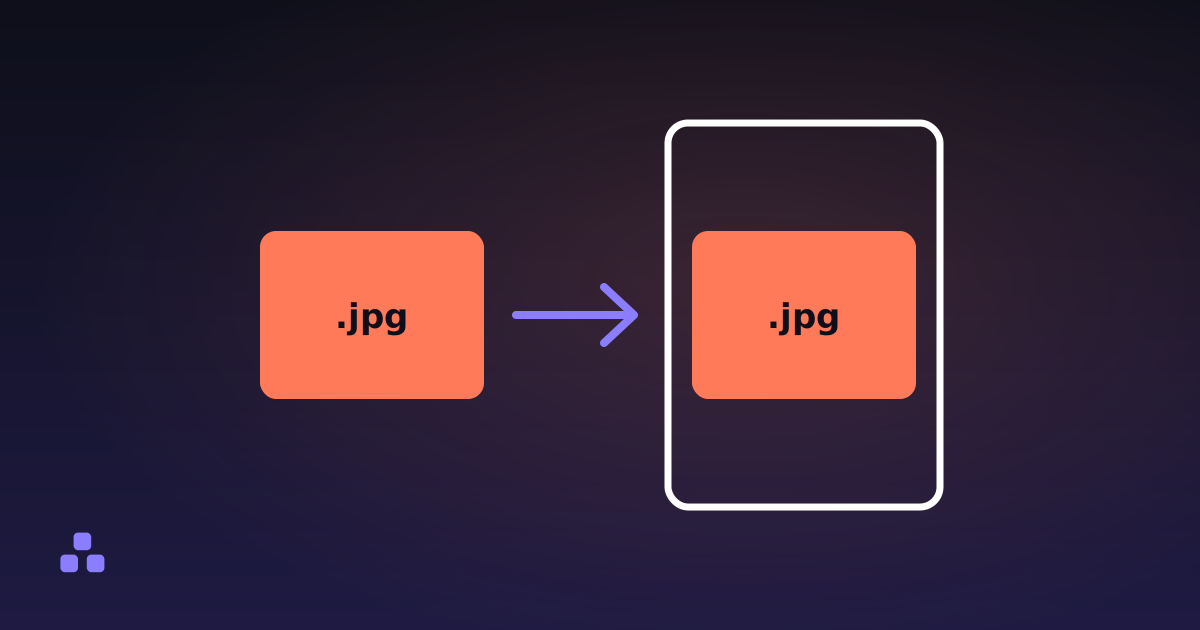
There is also a trap on the way in. If you build a PDF from images, a JPEG goes in as it is, which is why turning images into a PDF costs about what the images cost. A PNG cannot go in that way, because PDF has no PNG filter. It is stored as raw pixels with plain deflate compression, which often comes out larger than the PNG you started from.
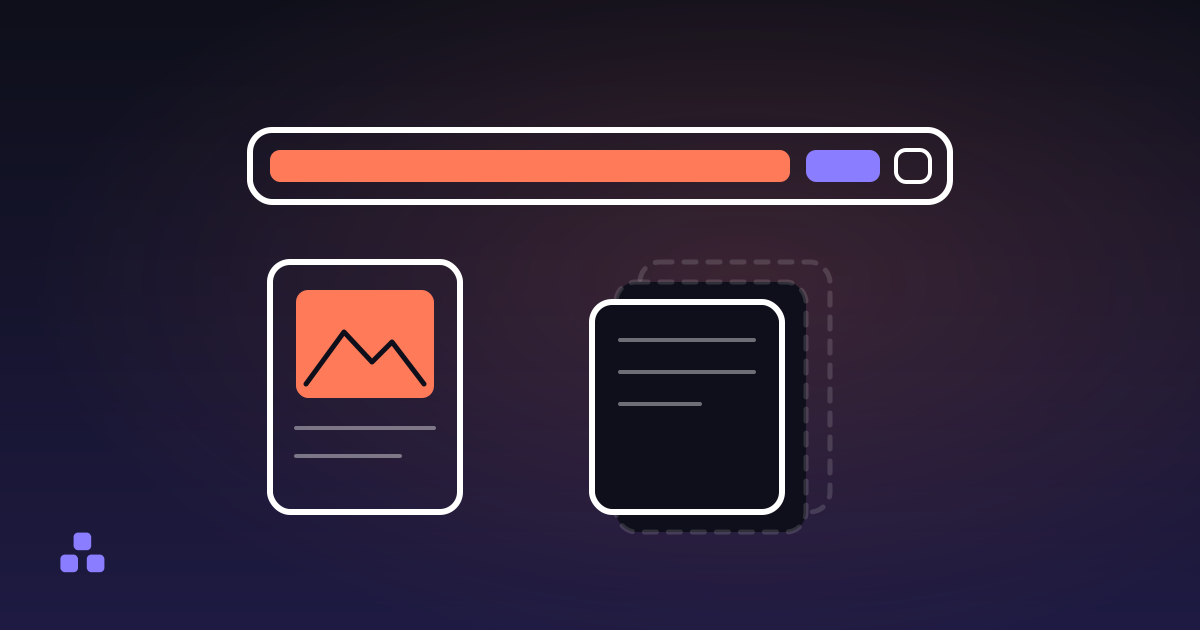
When you still have the original pictures, shrink them first. A photo straight off a phone is often 4000 pixels wide for a page that shows it at a fraction of that, and compressing the image in the browser before it becomes a page is the one change that cuts the file at the source. Reducing image file size covers how far to take it.
Can fonts make a PDF big?
Yes, but seldom as much as images. A PDF has to carry the fonts it uses, since the reader may not have them. Many producers embed only the glyphs the document actually uses; some embed the whole font file. For a Latin typeface that is a modest cost. For a font covering thousands of Chinese, Japanese or Korean characters, a full copy can run to several megabytes, and a document that uses four weights carries four of them.
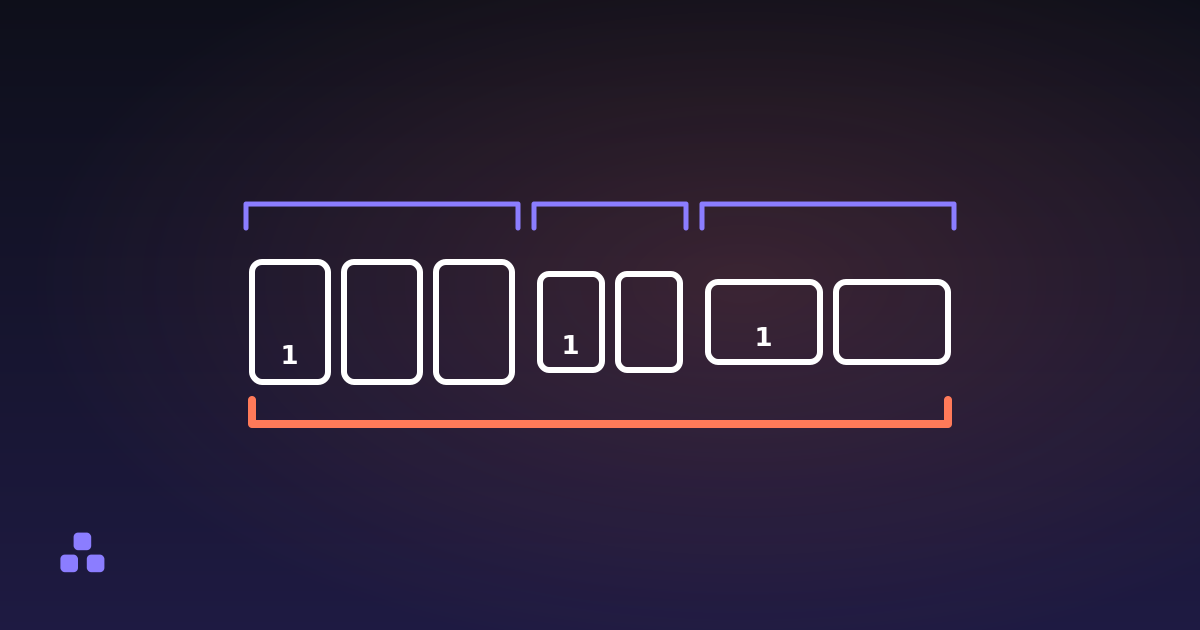
It compounds when files are combined. Each source brings its own copy, and a merge does not compare them, so ten reports set in the same typeface end up with ten copies of it. That is part of why a merged file weighs roughly the sum of its parts.
Why does a PDF get bigger every time it is saved?
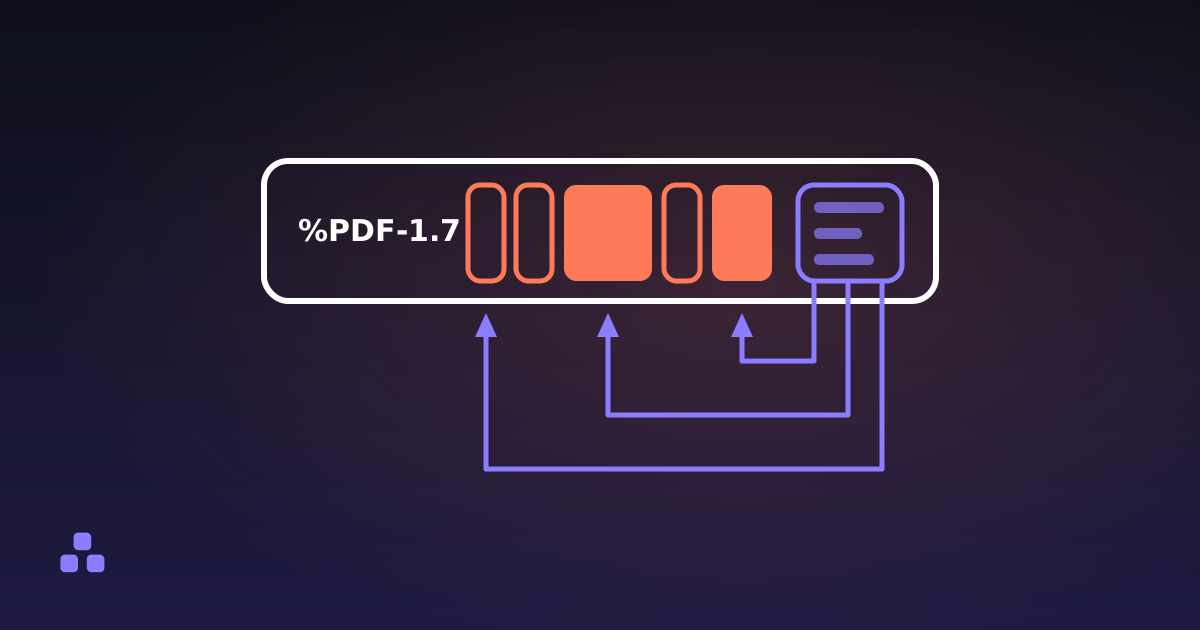
The format allows a program to save by appending. The new or changed objects are written after the old ones, with a fresh index at the end, and the earlier versions stay where they were. It is quick, it keeps signatures valid, and it means the file only grows. Whether you get this depends on the program and the way you save, and nothing in the file's name says so.
The same mechanism has a worse consequence than size. A page deleted in an appending save can still be sitting in an earlier revision, which is the subject of deleting pages from a PDF so they are really gone. The inspector cannot tell you how many revisions a file holds. The signs are indirect: a short document with small images whose size has crept up with every edit.
What can you take out without touching the pages?
You can rebuild the file. Reordering the pages with the order left as 1 to the last page writes a new document containing every page and everything those pages point at, and nothing else. Old revisions and objects no page reaches are not copied, and neither are the bookmark tree, the metadata and attached files. The page content is copied byte for byte, so nothing is recompressed and nothing loses quality.
It has limits, and they decide whether this is worth trying.
- It does not shrink images. A file whose weight is 20 scans stays about the same, because those streams are copied as they are.
- It does not remove duplicates, because it follows references and never compares content, and it does not trim fonts down to the glyphs used.
- The output uses a plain layout without the packed object streams newer files use, so a file that was already tidy can come out a little larger.
- Form fields come across as drawn but inert, and an encrypted file is refused.
This site has no PDF compressor. It can diagnose the file and drop dead weight, which pays off mostly when the cause is history. When the cause is images and you only have the PDF, the lever is the program that made it: export again with a lower image quality or resolution setting, and compare the sizes afterwards.
Before changing anything, drop the file into the PDF inspector and do the division. It runs in your browser and the file is not uploaded. If the answer is scans, the problem was settled when they were made, and what is actually inside a PDF explains why the file cannot be squeezed after the fact the way a zip can.
Frequently asked questions
Why is my PDF so big when it only has a few pages?
Usually because of one or two large images, such as a scan at high resolution or a photo placed at full size. A full-colour A4 page at 300 DPI is about 26 MB before compression. The other possible causes are fonts embedded in full and earlier revisions kept inside the file.
Why did my PDF get bigger after I edited it?
Some programs save by appending: the changed objects go at the end of the file and the old versions stay where they were. The file only grows, and a deleted page can remain in an earlier revision. Saving as a new file, or rebuilding it, drops what no page reaches.
Can I make a PDF smaller without losing quality?
Only the dead weight comes out losslessly: old revisions, unreferenced objects and duplicate structure. If the size is images, making it smaller means re-encoding them, which is lossy. The honest options are a lower image quality setting when you export, or compressing the original pictures before they become pages.
How big should one page of a PDF be?
There is no standard. In practice a page of plain text is usually counted in kilobytes, while a full-page photo or colour scan runs from hundreds of kilobytes to several megabytes. Dividing the file size by the page count and comparing against that is a quick way to see whether the pages carry pictures.
Last updated October 12, 2026