Delete Pages from a PDF — Free, No Upload
Drop in a PDF, say which pages to delete — 2, 5-7, 12- — and download what is left. The file is read and rewritten on your device, so nothing is uploaded and the tool keeps working with the network off.
Drop a PDF here or browse
One file at a time · nothing is uploaded · the PDF never leaves your device
What actually happens when you delete a page
A PDF is not a stack of pages. It is a bag of numbered objects — dictionaries, streams of drawing instructions, fonts, images — with a cross-reference table at the end recording the byte offset of each one. The pages hang off the catalog as a tree: a node with a list of kids, and each leaf a page dictionary pointing at its content stream and its resources.
So removing a page is not cutting bytes out of the middle of the file. It is writing a new document that holds every page except the ones you named. This tool copies each surviving page together with its whole reference graph — the fonts it uses, the images it draws, the annotations sitting on it — renumbers those objects into the new file, and writes a fresh cross-reference table. The pages you deleted are simply never copied.
Two things follow. The pages you keep are not re-printed: their content streams are copied byte for byte, with whatever compression they already carried, so nothing softens and no text is re-rendered. And an object shared by several pages is copied once rather than once per page, which is why the file rarely shrinks by the fraction of pages you removed. Delete half the pages of a report and you may still get a file four fifths of the original size, because the embedded font and the logo on every page were only stored once to begin with.
Why the numbers printed on the pages do not change
The "23" in the footer of page 23 is drawn text inside that page's content stream, exactly like the body text above it. Nothing in the file knows it is a page number. Delete page 5 and every footer after it is off by one, because fixing them would mean re-typesetting the page — which needs a font engine, a text layout pass, and the original document that produced them.
A table of contents has the same problem twice over: its entries are drawn text, and the links behind them point at page objects that have just been renumbered. A link that jumps backwards, to a page earlier in the new file, still lands where it should. A link that jumps forwards, or one that pointed at a page you deleted, ends up aimed at nothing and does nothing when clicked. If the structure of the document matters more than the page list, re-exporting from the program that made it usually beats editing the PDF.
What comes across, and what is dropped
- Kept: text, vector drawing, images, page size, crop box, rotation, and the annotations on each page — including the widgets that draw a form field.
- Kept, written out explicitly: anything a page inherited from its parent in the page tree. A page that took its size or its rotation from the node above it is copied with that value written onto the page itself. To a reader it is the same document.
- Carried over: title, author, subject, keywords, creator and producer, when the original had them.
- Dropped: bookmarks, page labels — a file numbered i, ii, 1, 2 comes out numbered 1, 2, 3, 4 — file attachments, embedded JavaScript, the form dictionary, so form fields arrive drawn but inert, and any digital signature, which could not survive a rebuild in any case.
Why there are no page thumbnails
Most page removers show you little pictures of the pages. Drawing one means rasterising a content stream: interpreting the drawing operators, loading the embedded fonts, decoding the image filters. That is a rendering engine, and shipping one would mean sending several megabytes of code to everyone who lands here, including the people who just want page 4 of a bank statement gone.
So this tool reads the structure and shows what the structure knows: how many pages there are, how large each one is, and which way it is turned. If you need to see the pages, open the PDF in your browser's own viewer in a second tab and read the numbers off it. The page numbers a viewer shows in its toolbar are the same ones this tool counts.
Where this stops
Password-protected files are refused, not cracked. If a PDF carries an encryption dictionary the tool says so and stops, even when the password is empty and your viewer opens it without asking — rebuilding an encrypted file means decrypting it, and that is not a thing a page remover should be doing quietly.
It also does not convert to Word, does not extract or edit text, does not compress, and does not repair a file it cannot parse. When the cross-reference table is broken it rebuilds one by scanning the whole file for objects, which recovers most damaged documents, and it tells you when that happened so you can check the result rather than trust it.
Deleting every page is refused too. A PDF with no pages is a file no reader will open, so an empty selection is treated as a mistake rather than an instruction. Everything runs in the tab's memory, which is fast for a few hundred pages and can run out on a phone given a scanned book of a few hundred megabytes. It fails with a message when that happens; it does not upload the file somewhere roomier.
Frequently asked questions
How do I delete a page from a PDF without Acrobat?
Open the PDF here, type the page numbers you want gone — single pages like 3, ranges like 5-9 — and download the rest. The work happens inside your browser, so no account, no install and no upload is involved.
Does removing pages make the PDF smaller?
Usually, but by less than the share of pages you deleted. Fonts, logos and anything else shared between pages are stored once in the file and stay for the pages you keep, so removing half the pages of a text document often saves a fifth of the bytes rather than half.
Will the pages I keep lose any quality?
No. Their content is copied byte for byte with its original compression, not re-encoded, so text stays selectable and images keep exactly the pixels they had. This is a rewrite of the file structure, not a re-print of the pages.
Can I remove pages from a password-protected PDF?
No. A PDF that carries encryption is refused rather than opened, even when the password is blank. Remove the protection in the program that applied it — the export or security settings — and then delete the pages from the unprotected copy.
What happens to bookmarks, links and form fields?
Bookmarks and the form dictionary are not carried over, so form fields come across drawn but no longer fillable. Annotations that sit on a page, including link boxes, travel with it, but an internal link only keeps working when it points backwards, to a page earlier in the new file. A forward jump, or a link to a page you deleted, goes nowhere.
Is the PDF uploaded to a server?
No. The file is read with the browser file API and rebuilt in memory on your own machine. Open your developer tools, watch the Network tab while you remove a page, and you will see no request. Disconnecting from the internet after the page loads changes nothing.
Last updated September 19, 2026
Keep reading
 PDF
PDF
How to Split a PDF Into Separate Files
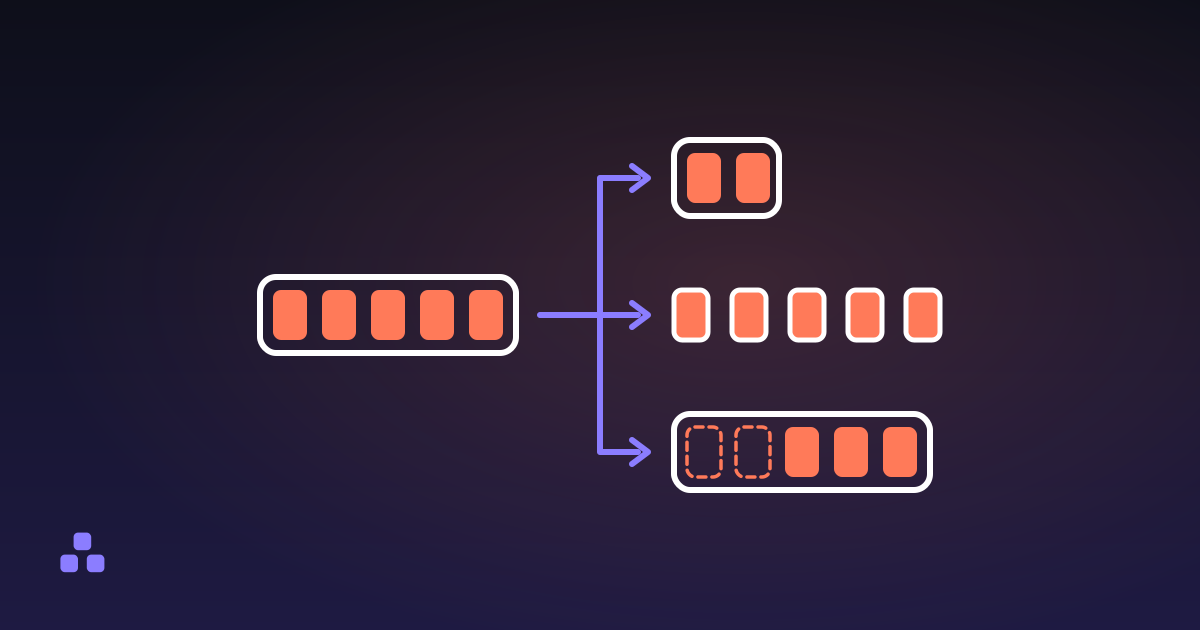
Splitting is three different operations, and picking the wrong one is why the file you get back is not the file you wanted.
Read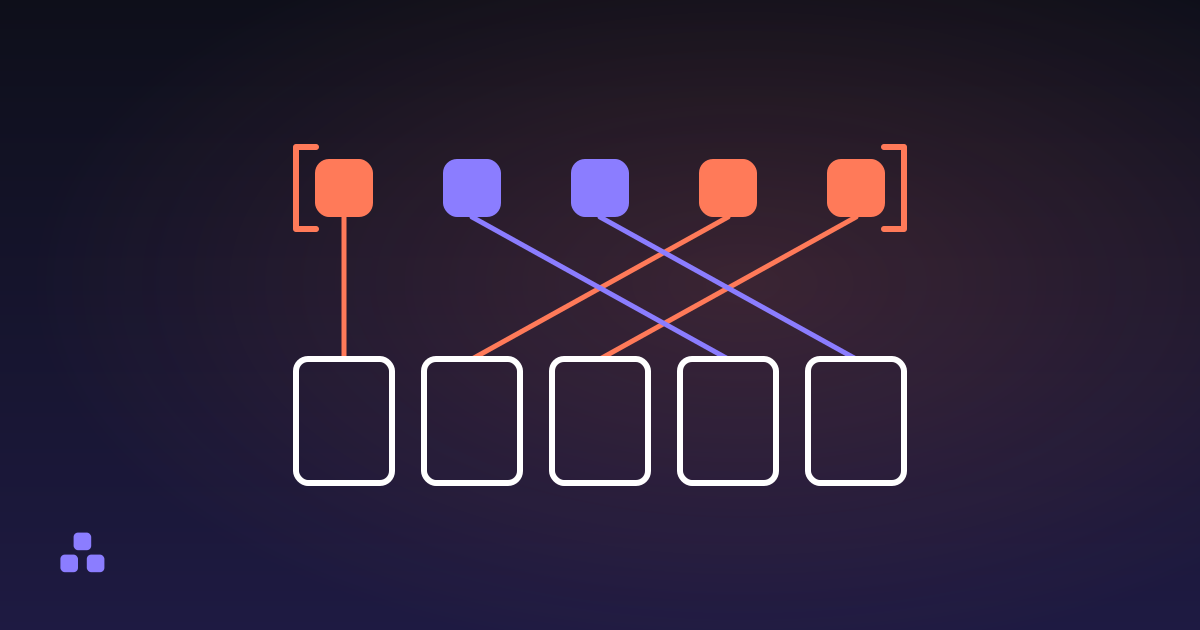 PDF
PDF
How to Reorder the Pages in a PDF Without Acrobat
The page order in a PDF is a list the document keeps, not a property of the pages, which is why reordering is free and lossless.
Read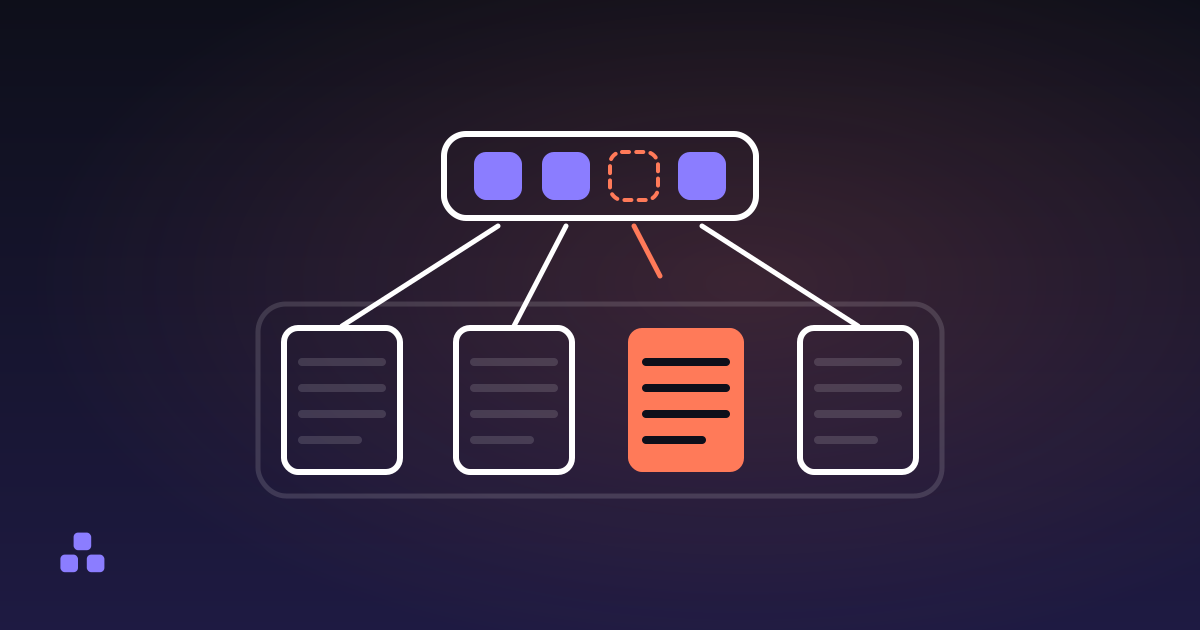 PDF
PDF
How to Delete Pages From a PDF, and Really Delete Them
Taking a page out of the page list is not the same as taking it out of the file, and your viewer shows you the same thing either way.
Read