PDF Info — See What Is Inside a PDF
Drop in a PDF and see what it is made of: how many pages, exactly how big each one is, which page is the odd size out, what the metadata claims and which program wrote the file. The PDF is read by your browser and never leaves your device.
Drop a PDF here or browse
One file at a time · read on your device · nothing is uploaded
A point is 1/72 of an inch. It is the unit a PDF stores internally, so the other two are converted.
What is actually inside a PDF file
A PDF is a bag of numbered objects — dictionaries, arrays, numbers, strings and compressed byte streams — followed by a cross-reference table recording the byte offset of each one, and a trailer pointing at the document catalog. The catalog points at a page tree, the page tree lists the pages, and each page points at its content stream and its resources. Nothing is stored in reading order, and nothing is stored as a picture of a page. A reader jumps around the file by offset, which is why a 900-page manual can open at page 900 without decoding the first 899.
That design is also the format's soft spot. When the offsets in the cross-reference table are wrong — and scanners, form fillers and cheap export libraries write them wrong often enough — a strict reader declares the file broken while the objects sit there intact. This tool rebuilds the index by scanning the file for object headers whenever the table does not work, and tells you when it had to. Such a file still opens in most readers, but re-save it from a real PDF application before sending it anywhere that matters.
Why the page sizes are the most useful thing here
Page geometry is stored in points, where a point is 1/72 of an inch. US Letter is 612 × 792 and A4 is 595.28 × 841.89 — the awkward decimals are what 210 × 297 millimetres works out to. Those numbers are not a hint to the printer; they are the page. A document where 119 pages are A4 and one is Letter prints as 119 correct pages and one that is scaled, shifted or pulled from a different tray, and nobody knows which page did it.
So this tool groups consecutive pages into ranges. A run breaks wherever the size, the way round or the crop changes, and any page whose sheet size does not match the majority is marked. One line reading "1–240, A4" is a document that will print predictably. Six lines is a document stitched together from several sources, and those six lines are where the seams are.
Why does a page have both a MediaBox and a CropBox?
Every page carries a MediaBox: the full sheet, corner to corner, in points. Most pages also carry a CropBox, the region a viewer displays and a printer images. Usually they are identical. When they are not, someone cropped the page — and cropping a PDF almost never removes anything. The content outside the CropBox is still in the file, still selectable by any tool that ignores the box, still visible to anyone who enlarges the crop again. If you cropped a PDF to hide something, a CropBox smaller than the MediaBox is the warning that you did not hide it. The crop box is shown here whenever it is smaller than the sheet. A CropBox larger than the MediaBox is malformed and changes nothing — a reader shows the overlap of the two — so it is not reported as a crop.
Why is rotation metadata rather than pixels?
A page turned sideways is not redrawn. The content stays exactly as it was and the page gains a rotation entry of 90, 180 or 270 degrees, which every reader applies at display time. That is why straightening a 400 MB scan is instant and lossless, and also why a stubborn printer occasionally ignores the entry and prints the page the way it was stored. The sizes listed here already have the rotation applied, so what you see is the shape the page presents, not the shape it was drawn at. A turned page is deliberately not counted as a different sheet size: it goes through the printer on the same paper, and flagging it would bury the page that really is wrong.
Creator, Producer, and which one to believe
Two metadata fields get confused constantly. Creator is the program the content was authored in — Word, InDesign, a scanner's front end. Producer is the library that wrote the actual PDF bytes. Producer is usually the more informative of the two: it tells you whether a file came out of Acrobat Distiller, Ghostscript, a browser's print-to-PDF or a Python script, and that tells you what to expect from the file. Dates are stored as PDF date strings like D:20240115103000+01'00' and are shown here in ISO form, offset included. All of it is free text written by whatever produced the file, so read it as a claim, not a fact.
What this tool cannot tell you
- It will not open a password-protected PDF. Encrypted files are refused rather than circumvented. Remove the password in the application that made the file, then come back.
- It does not render pages. There is no preview, because drawing a PDF page needs a font engine and a rasteriser: about a megabyte of code everyone opening this page would have to download.
- It does not extract text, fonts or images, and it cannot tell you why a file is large. It reports the size, not a breakdown of it.
- It reads the classic Info dictionary, not XMP. Many modern files carry a second metadata block in XMP and the two are sometimes out of sync, so a title that looks empty here may still exist in XMP.
- The version shown is the one in the file header. A document catalog is allowed to override it, and that override is not read.
- Fast web view is read from the front of the file. If someone saved changes on top of a linearised PDF, the marker survives but the layout does not, so a yes here means "was built that way" rather than "still is".
Everything above happens in the page you are looking at. The PDF is read with the browser's own file API, nothing is sent anywhere, and the tool keeps working with the network disconnected.
Frequently asked questions
How do I check the page size of a PDF?
Open the file in this tool and read the page sizes table, which lists every run of pages with its width and height in millimetres, inches or points. A PDF stores geometry in points, at 72 points to the inch, so A4 appears as 595.28 × 841.89 points and US Letter as 612 × 792.
Why does one page of my PDF print on the wrong paper?
Almost always because that page is a different size from the others, usually because the document was assembled from more than one source. A printer handles each page on its own terms, so a single Letter page inside an A4 document gets scaled or pulled from another tray. This tool marks any page whose size does not match the majority.
Can I see who created a PDF?
You can see what the file claims. The Creator field names the program the content was authored in and the Producer field names the library that wrote the PDF bytes, alongside an author name and creation date when they were filled in. All of it is free text set by the software, so it can be wrong, empty or deliberately misleading.
What does "linearized" or "fast web view" mean in a PDF?
It means the file was laid out so a reader can display the first page before the rest has downloaded, with a special dictionary at the front and the objects for page one grouped near it. It makes no difference to a file you already have on disk. Saving changes on top of a linearised PDF usually breaks the layout while leaving the marker in place.
Can this tool open a password-protected PDF?
No. An encrypted PDF is refused with a message rather than cracked, and no tool on this site attempts to bypass a password. Remove the protection in the application that created the document, then read the copy here.
Is my PDF uploaded anywhere?
No. The file is read by JavaScript running in your browser, using the same file API a page uses to show you a photo you picked. Open your developer tools, watch the Network tab while you load a PDF, and you will see no request. Disconnecting from the internet after the page loads does not stop it working.
Last updated September 19, 2026
Keep reading
 PDF
PDF
What Makes a PDF Enormous
Almost always images, sometimes whole fonts, occasionally every save since the file was created. How to tell which, and what comes out without touching a page.
Read PDF
PDF
Why a PDF Looks Different When It Prints
The page that fills your screen comes out with a margin, shrunk or sideways. Four things can cause it, and the file tells you which.
Read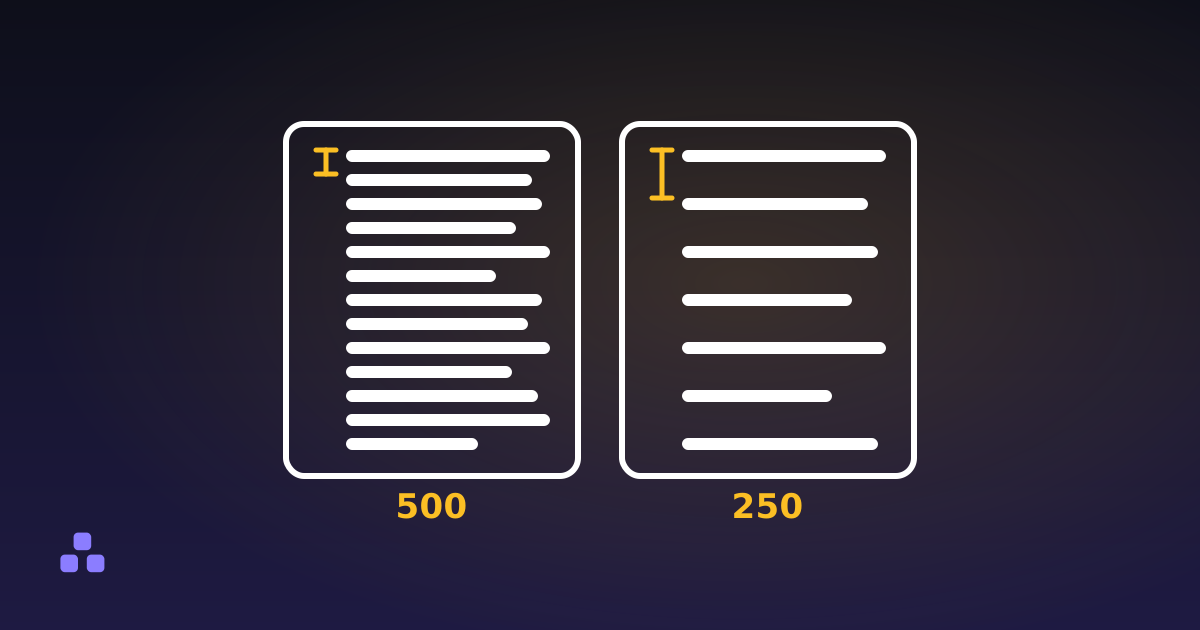 Text
Text
How Many Words Fit on a Page: The Real Numbers
About 500 single-spaced, about 250 double-spaced, plus the arithmetic behind both and why your page count and someone else’s will not match.
Read