Reorder PDF Pages — Free, Nothing Uploaded
Open a PDF, say what order you want its pages in — type 1, 3, 2, 4-8 or move them with the arrows — and download the rearranged file. The PDF is read and rewritten by your browser: it is never uploaded, and the page content is copied byte for byte rather than re-encoded, so nothing loses quality on the way through.
Drop a PDF here or browse
One file at a time · it stays on your device · nothing is uploaded
What page order is, inside the file
A PDF is a pile of numbered objects plus a table saying where each one starts. One of those objects is the page tree, and it holds a /Kids array that lists every page. That array is the order. Page 7 is the seventh entry in it — no page records its own number, which is why the number printed on a page can disagree with its position in the file, and often does in a scanned document.
So reordering moves nothing. The tool reads your file and writes a new one, listing the pages in the order you asked for. Each page is copied with everything it points at: its content stream, its fonts, its images, its annotations, all renumbered to fit the new file. The drawing instructions are copied as bytes and never decoded, which is what makes this lossless — no image is re-compressed, no text is re-encoded, and a page that has been through this tool ten times looks exactly like the one that went in.
Why a page can be in the list twice
Because two entries in that array are allowed to point at the same content. Name a page twice and you get two page objects sharing one content stream, so a 3 MB page repeated ten times does not produce a 30 MB file — it adds a few hundred bytes. It is a legitimate thing to want: ten copies of a form, a separator sheet between sections, one card printed eight-up. Most tools refuse it on the assumption that you made a typo.
How the order box reads
Page numbers and ranges, separated by commas, and the file comes out in exactly that sequence:
- 1, 3, 2 swaps two pages and leaves the rest where a range puts them.
- 4-8 is pages four through eight in order; 8-4 is the same five pages reversed.
- 2, 2, 2 is one page, three times.
- A page you never name is simply not in the new file. The tool lists those pages before you build anything, because leaving one out by accident is the easiest mistake to make here. If dropping pages is the actual job rather than a side effect, taking them out by number is the tool built for that.
The box and the arrows are the same thing seen twice. Move a row and the text rewrites itself; type a new order and the rows rearrange. Nothing is applied to your original file, which is still sitting on disk untouched — this writes a new one.
Why each row says 612 × 792 pt
A point is 1/72 of an inch, the unit PDF measures everything in. 612 × 792 is US Letter, 595 × 842 is A4. When a row shows portrait numbers and a rotation badge of 90°, the page was drawn portrait and carries a note telling the reader to turn it — rotation in a PDF is metadata, not pixels, which is why turning a page is instant and costs nothing. A page has no resolution of its own, so these numbers say nothing about print quality.
Where this falls short
- There are no page previews. Rows say "Page 4", not what page 4 looks like. Drawing a page means a font engine and a rasteriser, which is megabytes of code, so this tool identifies pages by number and size only. Open the file alongside in your PDF reader and work from its page numbers.
- Bookmarks are dropped. The outline in the sidebar lives in the document catalog, pointing at pages in the old order. The new file is written with a fresh catalog, so it comes out without one.
- Bookmarks and links by name are lost; links by reference survive. A link that names the page object follows that page and still lands on it. A bookmark, or a link that goes to a name rather than to a page, resolves through a table on the document catalogue, and the rebuild writes a fresh catalogue without it. Links out to a web address are unaffected.
- A page you leave out is gone, not hidden. Only the pages you named are copied into the new file, so a page you dropped leaves no content behind, and a link that pointed at it is removed along with it. What the new file does lose is the document catalogue’s extras: bookmarks, named destinations and form definitions are not carried over.
- A one-page PDF is turned away. A single page has no order to change, so the tool says that instead of handing you a list with one row in it. If what you wanted was several copies of a one-page file, joining files accepts the same file more than once.
- Password-protected files are refused, not cracked. Remove the password in the app that made the file first.
- Form fields come across drawn but inert. The widgets are copied, the form machinery that makes them fillable is not, so a filled-in form keeps its appearance and loses its fields.
What does survive is the part most people are asking about: the pages themselves, at full quality, with their sizes, their rotations, their images, their selectable text and their comments, plus the document title and author. A file whose index is damaged is rebuilt by scanning for page objects, and the tool says so when that happens, because a rebuilt index sometimes finds pages in a different order than the one you saw.
Frequently asked questions
How do I change the page order in a PDF without Acrobat?
Open the PDF in this page, type the order you want — for example 1, 3, 2, 4-8 — and download the result. The rearranging happens in your browser, so there is nothing to install and no account. Your original file is not modified; a new one is written.
Can the same page appear more than once?
Yes. Name a page twice in the order and it comes out twice. The two copies share one content stream inside the file, so repeating a heavy page costs a few hundred bytes rather than doubling the file size.
Does reordering a PDF lose quality?
No. The page content is copied byte for byte and never decoded or re-compressed, so images, fonts and vector artwork come out identical. That is the difference between reordering and compressing: one is a rearrangement, the other throws information away.
Do bookmarks and internal links survive?
Partly. The sidebar outline is dropped, because the rebuilt document catalogue is written from scratch and does not carry it. Internal links are split: one that points straight at a page object follows that page and still lands on it, while one that points at a named destination stops resolving, because the name table lived in the catalogue too. A link whose target page you left out is removed rather than left dangling. Links to a web address still work, and so do comments and highlights.
Is my PDF uploaded to a server?
No. The file is read by your browser and the new one is written there too. Open your developer tools, watch the Network tab while you use the tool, and you will see no request. Disconnecting from the internet after the page loads does not stop it working.
Why does it refuse my password-protected PDF?
Because the tool has no way to read an encrypted file without the password, and it does not try to get around the protection. Open the PDF in the app that made it, save a copy without the password, and reorder that.
Last updated September 19, 2026
Keep reading
 PDF
PDF
What Makes a PDF Enormous
Almost always images, sometimes whole fonts, occasionally every save since the file was created. How to tell which, and what comes out without touching a page.
Read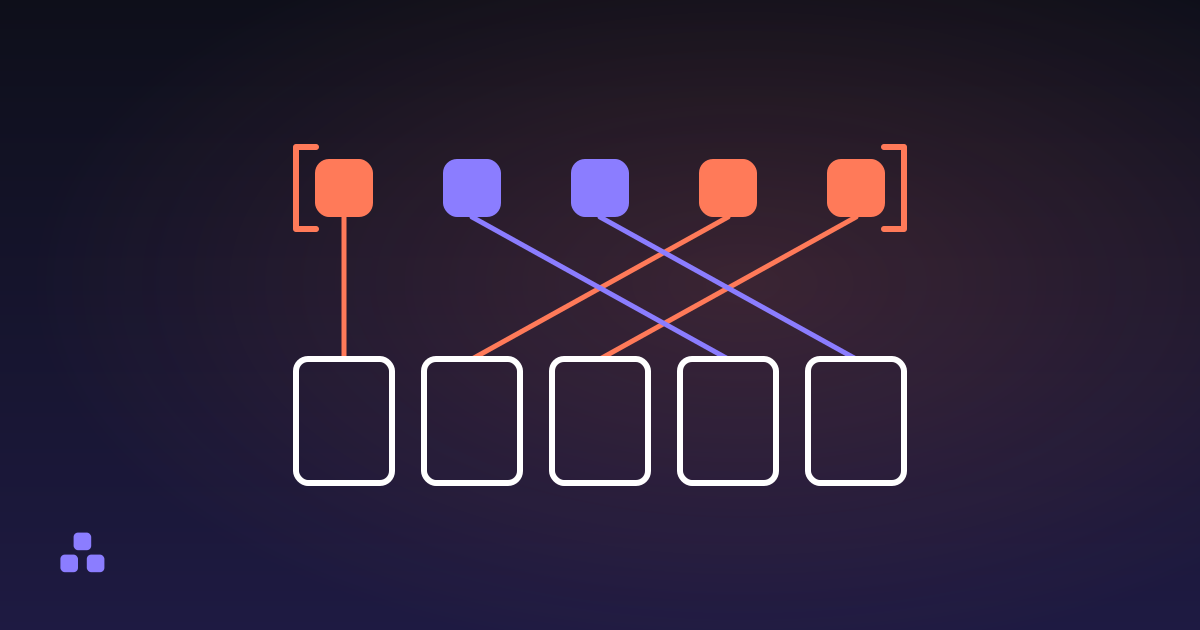 PDF
PDF
How to Reorder the Pages in a PDF Without Acrobat
The page order in a PDF is a list the document keeps, not a property of the pages, which is why reordering is free and lossless.
Read