Split a PDF — Extract a Page Range or One File per Page
Drop in a PDF and cut it up: keep a range such as 3-7, 12, 15- as a single new file, or turn every page into its own PDF. The document is read and rewritten by your own browser — it is never uploaded, which matters when the thing you are splitting is a contract or a payslip.
Drop a PDF here or browse
One file at a time · nothing is uploaded · keeps working offline
Everything you do not name is left out of the new file.
A single page, a range like 3-7, or 15- to run from there to the end. Separate them with commas.
What splitting a PDF actually does to the file
A PDF is not a stack of pages the way a text file is a stream of characters. It is a numbered collection of objects — dictionaries, arrays, numbers, strings and compressed byte streams — followed by a cross-reference table that records the exact byte offset where each numbered object starts. A page is one of those objects: a small dictionary pointing at the content stream that draws it, at the fonts and images it uses, and at its parent in a tree of page nodes.
So nothing is cut. The tool reads the cross-reference table, walks from the document catalog down to the page you asked for, and copies that page's dictionary plus everything it points at into a brand new file, renumbering objects as it goes and writing a fresh cross-reference table at the end. Content streams are copied byte for byte, still compressed, never decoded and never re-encoded. That is why splitting is lossless in a way that compressing a PDF never is: the drawing instructions that come out are the same bytes that went in, so text stays selectable and images keep whatever quality they had.
Why the pieces add up to more than the original
An embedded font subset is often 200 to 400 KB, and one PDF stores it once however many pages use it. Split that document into forty separate files and every file that uses the font needs its own copy of it. Forty files of 400 KB out of a 2 MB original is normal arithmetic, not a bug — it is what each piece being a complete, independently openable document costs.
Inside a single output file the saving still holds. Pages copied from the same document in one operation share their resources instead of duplicating them, so extracting pages 3 to 7 gives you one copy of the font, not five. If you are pulling out several ranges, one file with all of them is much smaller than several files with one each.
Page 12 is not always the page numbered 12
This tool counts physical pages from 1: the first sheet in the file is page 1, whatever is printed on it. A document with roman-numbered front matter, or one that starts its body at "page 1" after six pages of preface, has a printed number that drifts from the physical one. PDFs can carry page labels describing that drift, and readers display them, but the split still happens by position. If the preface is six pages, the body's page 1 is physical page 7.
The same applies to a scanned book where two facing pages were captured on one sheet. To the file that is one page, and no range can separate the halves.
What does not survive the split
- The outline. Bookmarks live in the document catalog, not on the pages, so the new file has none. Nobody notices on a five page extract and everybody notices on a 300 page manual.
- Links to pages that were left out. An internal link is a reference to a page object. If that page is not in the output, the link has nothing to point at and does nothing when clicked. Links to the outside web still work.
- Form fields stop working. Widget annotations are copied, so a form still looks like a form, but the structure that makes fields fillable is not rebuilt. Treat a split form as a picture of a form.
- Encrypted files are refused. A password-protected PDF is not opened here, and it is not circumvented either. Remove the password in the application that made the file, then split the unprotected copy. This is deliberate: a tool that quietly strips protection is a tool you should not trust with a payslip.
Everything that is on the page itself — text, vectors, images, annotations, the page's own box and rotation — comes across intact, and so do the title and author recorded in the document properties.
Why there is no ZIP and no page thumbnails
Splitting every page gives you a list of files that download one at a time. A single ZIP would be friendlier, and it would also mean shipping a zip encoder to everybody who visits the page, including everyone who only ever pulls out one range. The files here are built on demand when you click, so a 300 page document costs nothing until you ask for a page.
Thumbnails are a bigger absence. Picking pages is easier when you can see them, but drawing a PDF page means a rasteriser and a font engine, and the smallest honest version of that is over a megabyte of JavaScript on every visit. So the tool tells you how many pages there are and how big each one is, and you pick by number. If you need to see the pages to choose them, open the file in your browser's own PDF viewer in another tab and read the numbers off there — that viewer is already installed and it is not uploading anything either.
For the jobs this cannot do — editing the text on a page, reordering with a visual grid, signing, or turning a scan into searchable text — the honest answer is a desktop application rather than any web tool. Our guide to free alternatives to Adobe Acrobat covers which free ones are worth installing and which are a waste of an afternoon.
Frequently asked questions
How do I extract specific pages from a PDF?
Open the PDF, choose the range mode and type the pages you want, using commas between them: 3-7, 12, 15- keeps pages three to seven, page twelve, and everything from fifteen to the end. The result is one new PDF containing only those pages, in the order you typed them.
Can I split a PDF without uploading it anywhere?
Yes. This tool parses and rewrites the file inside your browser using JavaScript, so the PDF never leaves your device. Open your developer tools and watch the network tab while you split something: there is no request. Disconnecting from the internet after the page loads does not stop it working.
Why is each split file almost as big as the original?
Because fonts and images are stored once per file. A font subset weighing 300 KB is shared by every page of the original, but each new file that uses it needs its own copy. The pages themselves are usually tiny; the resources they depend on are not.
Can I split a password-protected PDF?
No. An encrypted PDF is refused rather than cracked. Open it in the application that made it, save an unprotected copy, and split that copy instead. If a website offers to split a protected file for you, ask yourself what it is doing with the password.
How do I download all the pages at once?
You cannot get them as a single ZIP here, and the pages come one download at a time. If you want every page in one go, it is usually less work to extract a few ranges into a few files than to save fifty single-page PDFs by hand.
Does splitting a PDF reduce quality?
No. The page content is copied byte for byte in its original compressed form, so text stays selectable and images are not re-encoded. That is the difference between splitting and compressing: one rearranges the file, the other throws information away.
Last updated September 19, 2026
Keep reading
 PDF
PDF
How to Split a PDF Into Separate Files
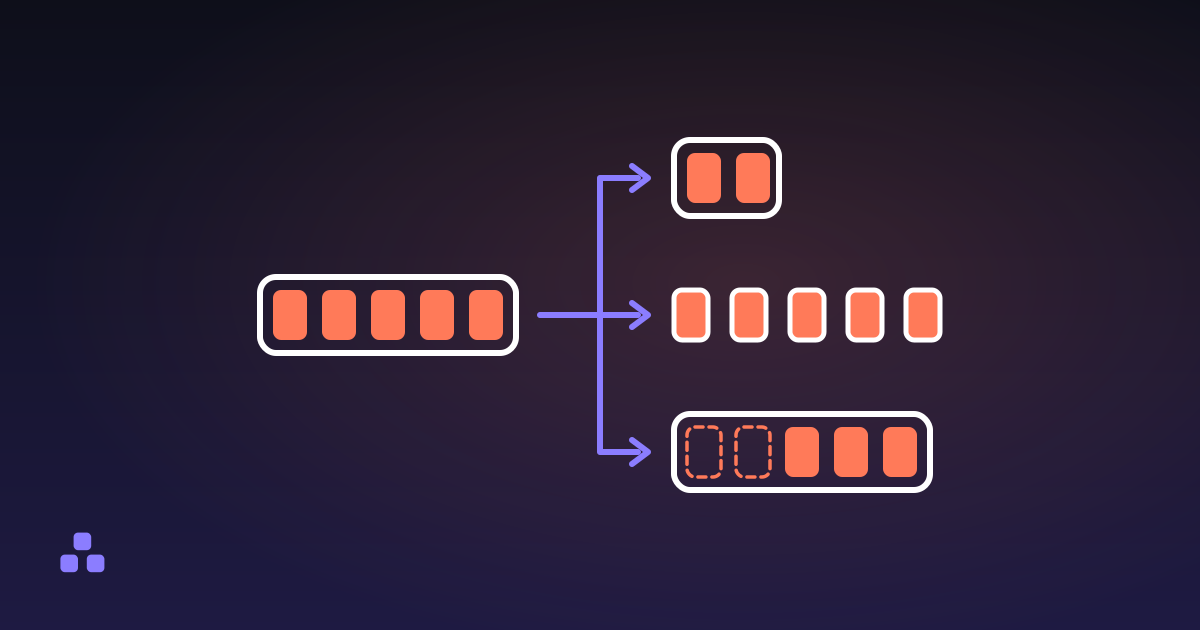
Splitting is three different operations, and picking the wrong one is why the file you get back is not the file you wanted.
Read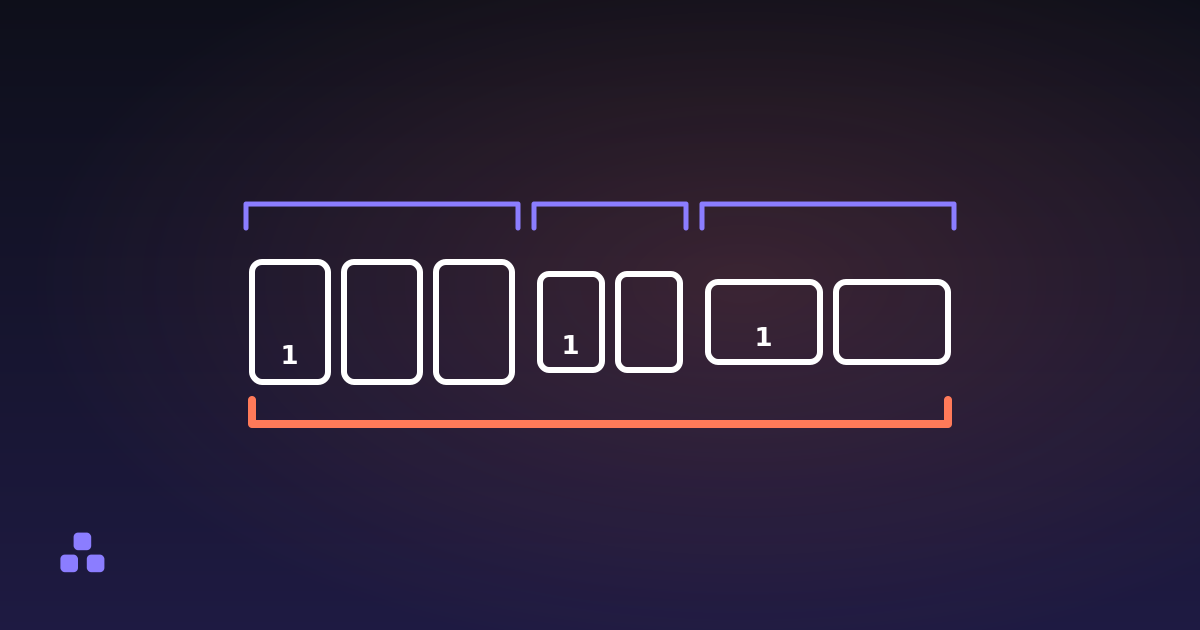 PDF
PDF
How to Merge PDF Files Without Uploading Them
Merging is a copy-and-renumber job: nothing is decoded, nothing is re-encoded, and the only question left is where your file goes.
Read