EXIF is a block of data your camera writes inside the photo file, in front of the pixels. It records what took the picture and how: make and model, lens, shutter speed, aperture, ISO, the exact second the shutter opened, and, if the camera knew, the latitude and longitude of the spot you were standing on. The block travels with the file when you copy it, rename it, email it or hand it over on a USB stick. Most people have never looked at it.
The name is short for Exchangeable Image File Format. It is a Japanese industry standard, written originally by JEIDA and maintained today by CIPA together with JEITA, and it has been in essentially every consumer camera since the late 1990s. That longevity is why a photo from a 2003 compact and a photo from this year's phone use the same tag numbers for the same things.
What is actually stored in EXIF?
More than you would guess, and it varies by camera. The groups that are almost always present:
- Camera and lens. Make, model, lens model, and on many bodies a lens specification like 24-70 mm, f/2.8.
- Exposure. Shutter speed (1/250 s), aperture (f/5.6), ISO, focal length, exposure compensation, metering mode, and whether the flash fired.
- Date and time. When the photo was taken, when it was digitised, and when the file was last written. EXIF writes dates as
2026:09:19 14:32:07, with colons where the rest of the world uses dashes, which is why so many imports mangle them. - Orientation. A number from 1 to 8 describing how the camera was held. The pixels are stored the way the sensor saw them and this tag says how to turn the result, which is why the same photo can look correct in one program and sideways in another.
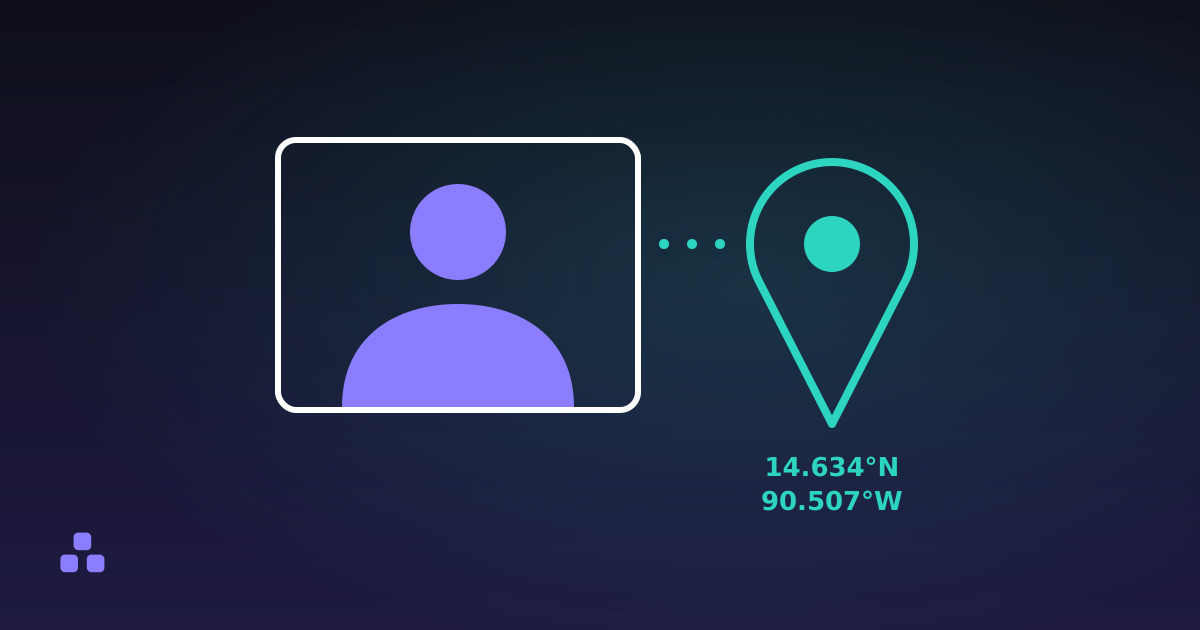
- Location. Latitude, longitude, altitude, sometimes the compass bearing you were facing, and a separate GPS timestamp in UTC.
- Software. The name and often the version of the last program that wrote the file.
One gap: the original date fields carry no time zone. A revision of the standard added separate offset tags, but plenty of cameras never write them, so "14:32" means local time at a place the file may not tell you.
The fields nobody thinks about
Three items do more damage than the rest combined.
Serial numbers. Many cameras record the body serial number, and some record the lens serial number too. Neither is personal on its own. Together they link every photo you have ever published (across accounts, names and years) to one physical camera.
The embedded thumbnail. Cameras store a small JPEG preview inside the file so that image browsers can show a grid quickly. Some editors update the full-size image and leave that preview alone, so the thumbnail can still show what the picture looked like before you cropped something out of the frame. This has embarrassed people in public.
The software field. It names the editor a photo went through, which undoes any claim that the image came straight out of the camera.
Where does EXIF sit inside the file?
In a JPEG it lives in a segment called APP1, which starts with the four letters Exif followed by two zero bytes. Everything after that is a TIFF structure: a byte-order mark, a list of numbered tags, and offsets pointing at where each value is stored. PNG and WebP adopted EXIF later and bolted it on (PNG in an eXIf chunk, WebP in an EXIF chunk), but the contents are the same TIFF block, so one parser reads all three.
This explains the behaviour that confuses people. Renaming a file, copying it to another drive or zipping it keeps every tag, because none of those operations touch the bytes. Taking a screenshot of the photo, on the other hand, destroys all of it: you have made a new image out of what was on screen, and the screen never carried the metadata.
How do I check what EXIF data a photo has?
Your operating system will show you a fraction of it (Windows in the file properties, macOS in the Get Info panel), and both hide the fields that matter most. To see the whole block, including GPS and the embedded thumbnail, drop the file into the EXIF viewer here. It reads the file in your browser and tells you at the top whether the photo records a location, which is the answer most people came for. Nothing is uploaded, which matters more than usual when the thing you are checking for is your home address.
It has a real limit: HEIC and AVIF are not read. Those are ISO base media containers, the same family as MP4, and the metadata is buried in a nested box structure with nothing in common with the JPEG layout. If your iPhone is set to High Efficiency, you will get the file type and little else. Export a JPEG copy and inspect that instead.
Does posting a photo online reveal where I live?
Usually not any more, though that protection does not reach every copy of the file.
Most large platforms re-encode uploaded images and strip EXIF from the copy they serve to the public. That protects you from strangers downloading the picture. It does not protect you from the platform, which read the original before stripping it, and it says nothing about the copy you emailed to a colleague, sent as a file attachment in a chat app, or uploaded to a small site that stores what you gave it.
The famous case is from December 2012, when Vice published a photo taken with a phone while travelling with John McAfee, who was on the run at the time. The GPS coordinates in the file placed him in Guatemala.
The practical rule is to assume the original file knows where it was taken, and that anyone who receives the original can read it. That check belongs before you send it.
How do I remove EXIF without ruining the photo?
The common advice is to open the image in an editor and re-save it. That works, and it costs you a compression generation for no reason: JPEG is lossy, and every re-save discards a little more detail.
There is a cleaner way. JPEG and PNG are both sequences of labelled blocks, so the metadata can be removed by copying every block except the metadata ones into a new file. The compressed pixel data is copied byte for byte and never decoded, so the result is not similar to the original, it is identical. That is what the download button in the EXIF viewer does, and it deliberately keeps the ICC colour profile, because dropping that would change how your colours display.
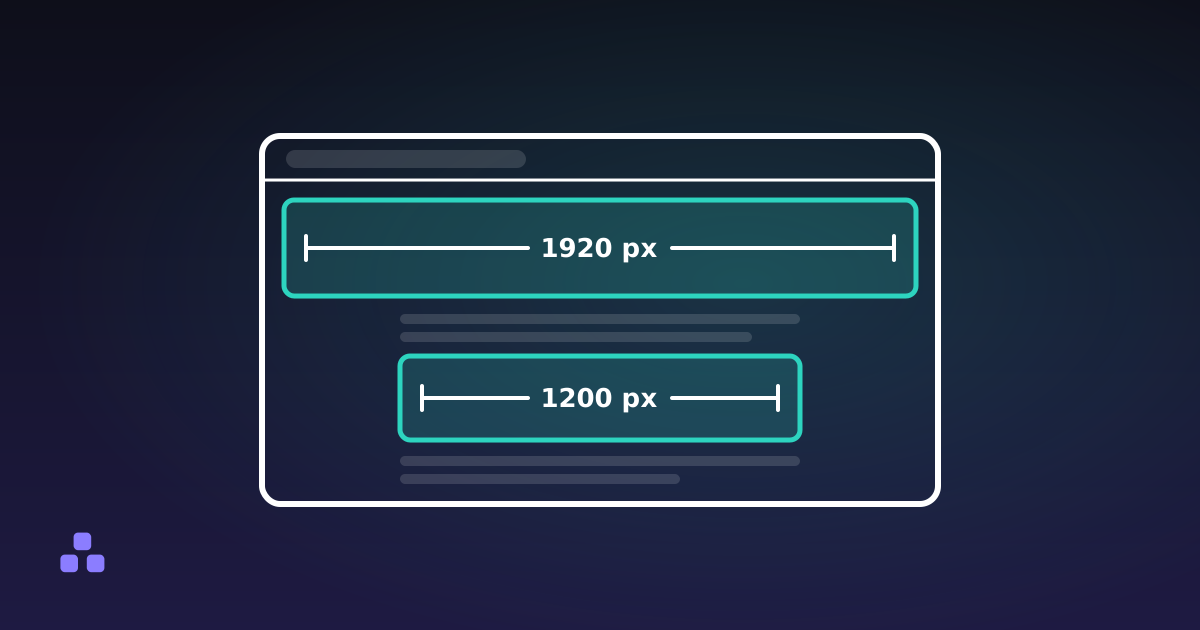
Two caveats. Stripping metadata does nothing about what is visible in the pixels: a street sign, a reflection, a screenshot with a notification bar. And if you were resizing the photo for a web page anyway, the re-save usually drops the metadata as a side effect, so the only decision left is what pixel dimensions the page actually needs.
What EXIF does not prove
Every field described above can be rewritten with free software in about ten seconds. A date, a camera model and a set of coordinates are claims the file makes about itself, not evidence. Add the cameras whose clocks were set wrong in 2019 and never corrected, and the time stamp becomes a rough hint.
The absence of metadata proves even less. A file with no EXIF may have been screenshotted, re-encoded by a messaging app, processed by a platform, or deliberately cleaned. "No metadata" tells you only that there is none left now.
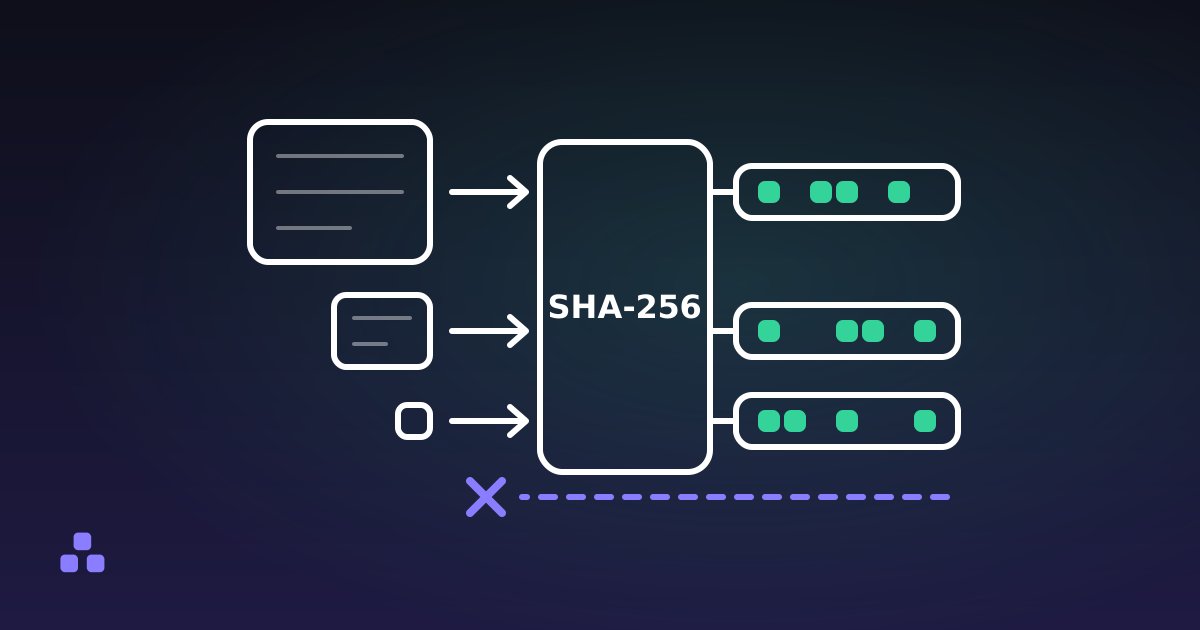
If what you need is proof that a file has not been altered since someone gave it to you, metadata is the wrong instrument entirely: a hash of the bytes is the one built for that job, and even it only tells you the bytes match, not that the picture is honest.
If you want to know what a specific photo is carrying, the EXIF viewer reads it in your browser, flags a GPS location at the top, shows the embedded thumbnail when there is one, and will write you a clean copy with the metadata gone and the pixels untouched.
A file is a claim about itself, and metadata is only the easiest part of the claim to fake. What a hash is, and what it is not covers the part that actually verifies a file, along with what it still cannot tell you.
Frequently asked questions
What is EXIF data in a photo?
EXIF is a block of information the camera writes inside the image file, alongside the pixels. It typically holds the camera make and model, lens, shutter speed, aperture, ISO, the date and time the photo was taken, and on phones the GPS coordinates. The block stays with the file when you copy, rename or send it.
Does EXIF data show my location?
If the photo came from a phone with location services enabled for the camera, almost certainly. EXIF stores latitude and longitude to roughly the precision of a single building, and can also record altitude and the direction you were facing. A standalone camera without a GPS receiver will not have those fields.
How do I view the EXIF data of an image?
Windows shows part of it under file properties and macOS under Get Info, but both omit fields such as serial numbers and the embedded thumbnail. A dedicated EXIF viewer shows the full block, including GPS. Pick one that parses the file in your browser so the photo is not uploaded to read it.
Does removing EXIF data reduce image quality?
Not if the metadata blocks are removed directly from the file. JPEG and PNG store metadata in separate labelled blocks, so they can be dropped while the compressed pixel data is copied across untouched. Re-saving the image in an editor to clear the metadata is what costs you quality.
Do social media sites remove EXIF data?
Most large platforms strip EXIF from the version they serve publicly, so people who download your picture will not find your coordinates. The platform itself received the original with everything in it. Files sent by email, chat attachment or file transfer keep their metadata in full.
Can EXIF data be faked?
Yes, and easily. Every field can be edited or invented with free software in seconds, so a date, a camera model or a location in a file is a claim rather than proof. A camera with a wrong clock produces false timestamps without anyone intending it.
Last updated September 19, 2026