On a screen, DPI means nothing. The DPI value stored in an image file is a note telling a printer how densely to lay the pixels down, and a browser does not read it. Two files with the same pixel dimensions look identical on a web page whether they are tagged 72, 96 or 300 DPI, and the file with the higher tag is not sharper.
What does the DPI field in an image actually store?
A single number, or two (one per axis), in the file's header: how many pixels should fit in an inch when the image is printed. Dividing pixels by that number gives the printed size. A photo that is 3000 pixels wide and tagged 300 DPI prints 10 inches wide. Retag the same file as 150 DPI and it prints 20 inches wide, with exactly the same pixels, just spread further apart.
The tag changes nothing about the picture itself. Edit only the DPI and the pixel data is untouched. What you did was change a suggestion for software that places images on paper: a word processor, a layout program, a print driver. Those programs often read it to decide the size an image arrives at when you insert it, which is why the number feels important to people who work with them.
Why do people say web images should be 72 DPI?
It is a leftover from early Macintosh screens, where one pixel was drawn as one typographic point and a point is 1/72 of an inch. Under that arrangement, 72 pixels per inch described the screen, and "web resolution" became a phrase. Windows used 96 for a similar reason. Neither number describes the screens people use now, and neither was ever read by a browser deciding how big to draw an image.
The advice survives because it is harmless. Exporting at 72 does not hurt, and designers who were told to do it keep telling others. What it never did was make a file smaller or faster. If a 72 DPI file is lighter than a 300 DPI one, the cause is that someone also resized the pixels, and the pixels are the part that matters.
What decides how big an image appears on a page?
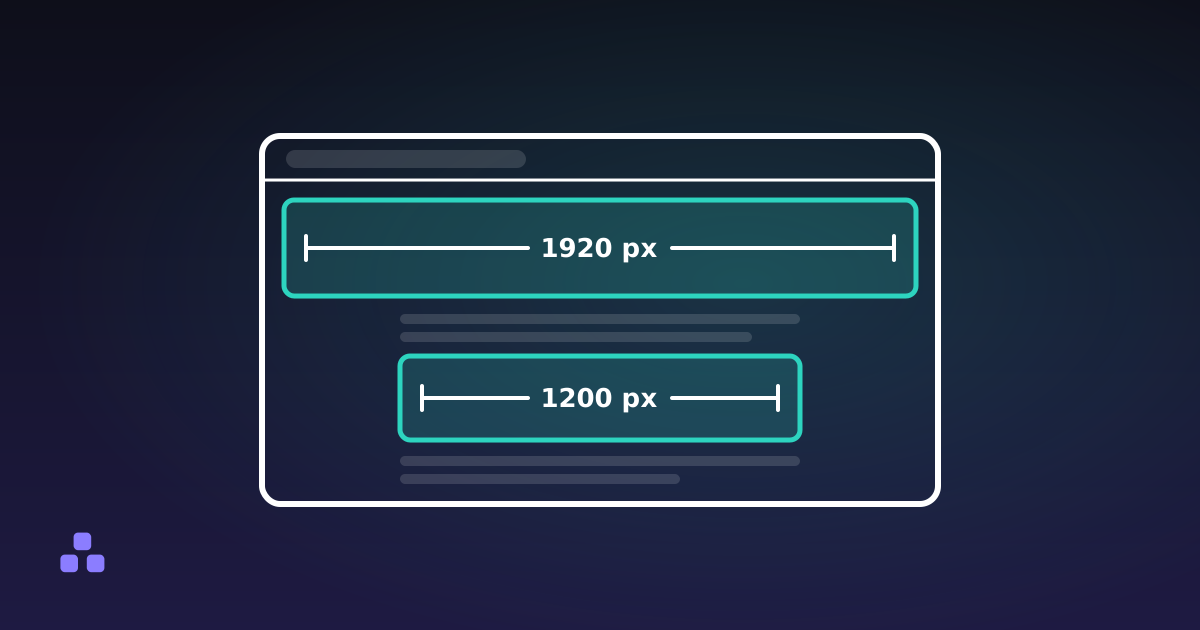
Two things: the image's pixel dimensions, and the size the page gives it. With no CSS, a browser draws an image at its pixel width, counted in CSS pixels. A CSS pixel is defined as 1/96 of an inch, which is a unit of the stylesheet and not a measurement of your glass. A phone and a monitor with different physical densities both show a 400-pixel-wide image at the same CSS width.
Dense screens add one wrinkle. A display with a device pixel ratio of 2 uses a 2×2 block of hardware pixels for each CSS pixel, so an image shown 400 CSS pixels wide has 800 hardware pixels to fill. Supply 400 and the browser stretches them, and the picture looks soft. Supply 800 and it is sharp. That is the "resolution" decision on the web, and it is a pixel count again: roughly double the displayed width for ordinary dense screens, as the sizes that suit web images lay out in numbers.
So when a layout asks for a hero image "at high resolution", the question to answer is how many pixels wide. If you have a picture that is too large for that, resizing it down is the fix, and a resizer that works in your browser does it without sending the file anywhere.
When does the DPI number matter?
When the file is going to paper, or into software that lays out paper. A print shop asking for 300 DPI is really telling you how many pixels you need for the size you want: multiply the printed inches by 300. An 8 by 10 inch print needs 2400 by 3000 pixels. The same file tagged 72 DPI would be treated as 33 by 42 inches by software that trusts the tag, so inserting it into a document can produce a page-sized picture until you rescale it.
Three practical points:
- 300 is a convention for photographic prints held at arm's length, not a law. Posters viewed from a distance are commonly printed at much lower densities, and a shop will tell you the figure it wants.
- Raising the DPI tag never adds detail. If the pixel count is too low for the print size, the only honest fixes are a larger original or a smaller print.
- The tag is only a default. Print and layout software let you override the size, and when they do, the tag stops mattering again.
What does the image resizer do about DPI?
It works in pixels and nothing else. This site's resizer re-encodes through the browser's canvas, and that encoder does not write a meaningful DPI tag. A file it produces will open in other software at that software's default, usually 72 or 96. The pixels are what you asked for; the label is simply absent. If a print shop insists on the tag, set it afterwards in whatever editor they point you to. The resizer will not stamp 300 on a file, and it cannot tell you a print size, so do the division yourself using the pixel count it shows.
The same applies to anything that goes through a canvas, including the image compressor. Neither tool is the place to prepare a file whose job is to carry a specific tag.
Does 300 DPI make a web image load slower?
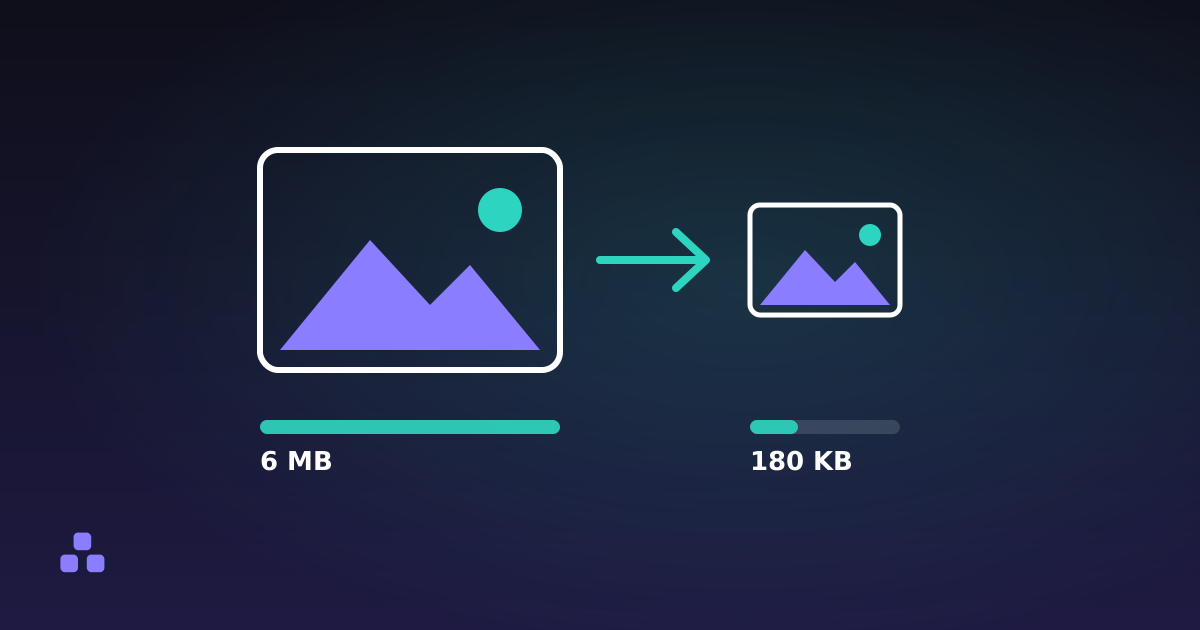
Not by itself, because the tag is a few bytes. A file called "300 DPI" is usually large for a different reason: it was exported at a size meant for print, with thousands of pixels across. Those pixels cost bytes, and a browser shows a page-width image no larger for them. Shrink the pixel dimensions to what the layout needs and the weight drops; how to reduce image file size walks through that order of operations.
If a file is the wrong size, the number to change is the pixel count, and the image resizer shows the new dimensions before you download, entirely in your browser. When you know a print needs, say, 2400 by 3000 pixels, enter exactly that rather than hunting for a DPI box.
The same confusion between a tag and the pixels shows up with ratios: aspect ratio is a third separate property of an image, and the relationship between the three explains most "why does my picture look wrong" questions.
Frequently asked questions
Does DPI matter for images on a website?
No. A browser draws an image from its pixel dimensions and the CSS size the page gives it, and never reads the DPI value stored in the file. Two files with the same pixels but different DPI tags look identical on a web page and weigh the same.
Should I save web images at 72 DPI?
You can, but it makes no difference. The 72 figure comes from early Macintosh screens and has never affected how a browser displays an image or how large the file is. What counts is the pixel width: roughly twice the displayed width for screens with a device pixel ratio of 2.
How many pixels do I need for a 300 DPI print?
Multiply the printed size in inches by 300. A 4 by 6 inch print needs 1200 by 1800 pixels, and an 8 by 10 inch print needs 2400 by 3000. Changing the DPI tag on a smaller file does not add pixels, so the print would still be soft.
Can I change the DPI of an image without changing its quality?
Yes, because the tag is metadata and the pixels are untouched. Changing it alters only the size that print and layout software assume for the picture. That is different from resampling, where the software adds or discards pixels and the image itself changes.
Why does my image look blurry on a high-resolution screen?
The file probably has too few pixels for the space it fills. On a screen with a device pixel ratio of 2, an image shown 400 CSS pixels wide needs about 800 pixels to look sharp; with 400 the browser stretches them. DPI plays no part in it.
Last updated October 7, 2026