Keep your master logo as an SVG, because an SVG stores the shapes (a circle here, a curve there, this colour) and the browser draws them at whatever size the page asks for. A PNG stores a grid of coloured pixels captured at one size. Show that grid larger than it was made and the browser has to invent the missing pixels, which is why an upscaled PNG logo looks soft. Make PNG copies from the SVG where a place demands one, and keep the SVG as the original.
What is the actual difference between a vector and a raster logo?
A raster image is a measurement. Someone looked at the logo through a 400 × 100 grid and wrote down the colour of each of the 40,000 cells. Nothing in the file knows that cells 12 to 19 in row 30 were meant to be the edge of a letter. A vector image keeps the intent instead: draw a circle of radius 40 at this point, filled with this colour. Redrawing that at 40 or 4,000 pixels wide is the same instruction with a different scale factor.
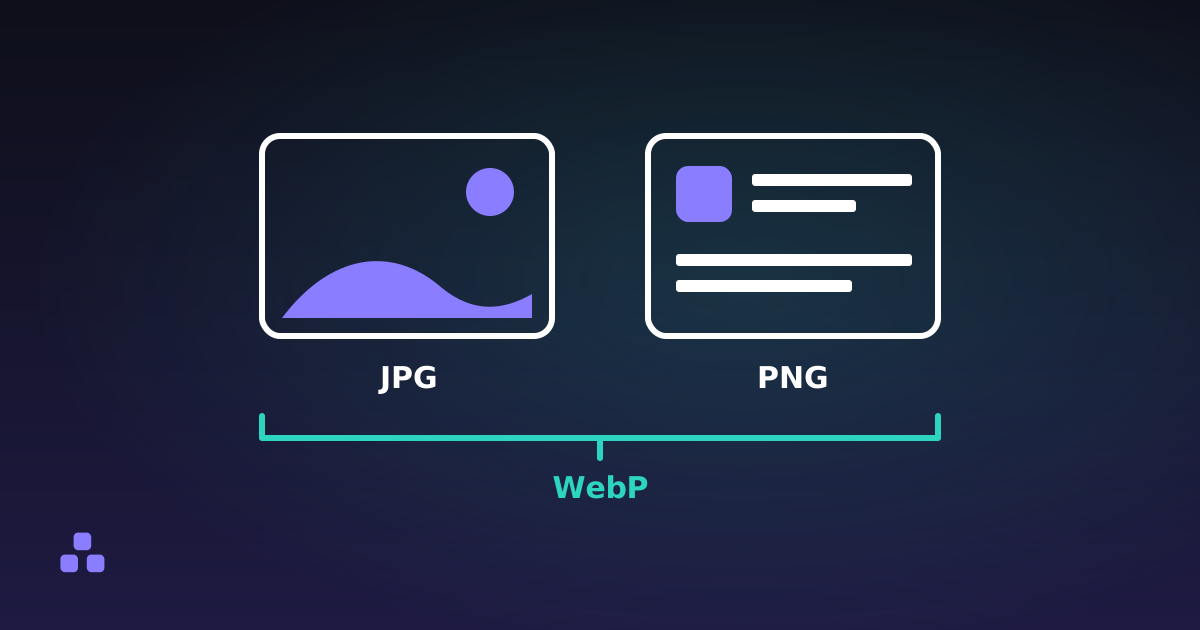
The cost of that is the kind of picture each one can hold. A logo made of flat colour, clean edges and a few dozen shapes is nearly the best case for vectors. A photograph is the worst case: describing it as shapes takes more data than recording the pixels, which is why photos stay in JPG, WebP and PNG and logos get the choice.
Why does my PNG logo look blurry on a phone?
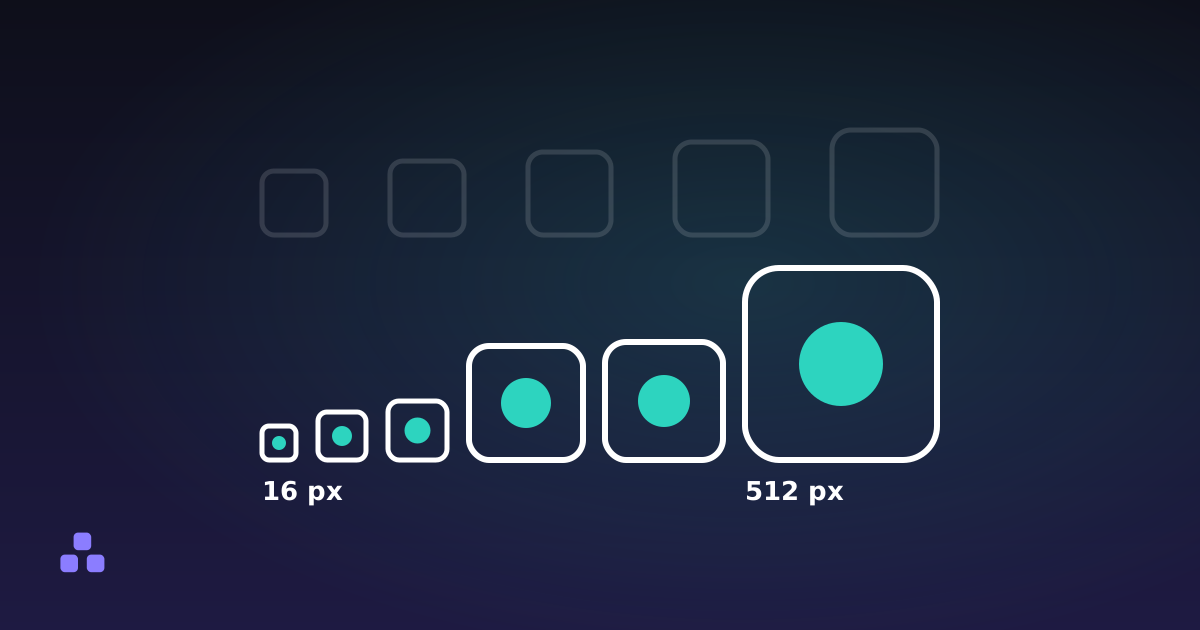
Because CSS pixels and device pixels are different units. A phone with a pixel density of 3 puts nine device pixels behind every CSS pixel (three across, three down). A logo shown 200 CSS pixels wide is drawn with 600 device pixels across. If your PNG is 200 pixels wide, the browser stretches it threefold and the edges go soft. The usual workaround is to export the PNG at two or three times the display size and shrink it with CSS, then repeat the exercise whenever the design changes size or a new screen arrives.
An SVG skips the exercise. The browser rasterises it at the real device resolution, so a sharp edge stays sharp on a 1x office monitor, a 3x phone and a projector. One file, no srcset. The practical limit sits at the other end: if the logo shows up at 16 pixels, hairlines and small gaps stop being visible at any resolution, and a simplified version drawn for small sizes will look better than the full logo shrunk.
Does an SVG work in an email signature and as a favicon?
A favicon and an email signature give opposite answers.
- Favicon: yes, with a fallback. Current Chrome, Edge and Firefox accept an SVG icon, and it stays sharp in the tab, in bookmarks and on a high-density screen. Support elsewhere is patchier and older browsers ignore it, so keep a
favicon.iconext to it. The favicon sizes guide lists what to ship, and an SVG icon can carry aprefers-color-schemerule so a dark logo does not vanish on a dark tab bar. - Email signature: no. Mail clients render images from a short list of formats, and SVG is not reliably on it: Gmail and the desktop versions of Outlook are the ones to worry about, and your recipients use whatever they use. A signature logo should be a PNG, exported at two to three times its display size so it stays crisp on a phone, with the width set in the HTML so it displays at the smaller size.
- Social and share images: raster. Open Graph previews, many profile-picture uploads and most marketplace listing forms want PNG or JPG and reject SVG outright.
- Print: send the SVG, or a PDF or EPS exported from the same source, if the printer accepts vectors. A print shop can scale it to a business card or a banner without a resolution question.
How do I get PNGs out of an SVG without a design program?
The image converter opens an SVG the way the browser does and writes it out as PNG, JPG or WebP, entirely on your device. It has two limits. It draws the SVG at the size the file declares, so a logo whose root element says width="24" height="24" comes out as a 24 pixel PNG. To get 600 pixels, edit those two attributes in the SVG first. And an SVG with only a viewBox and no width and height has no intrinsic size, and browsers disagree about what to assume, so set them explicitly. The converter only goes from SVG to raster. It does not turn a PNG back into a vector, since that needs tracing, which is a different job.
For icons, the favicon generator accepts an SVG as its source and builds the multi-size .ico and the PNG set from it. It does not pass your own SVG through as icon.svg: that file is only produced in its letter mode. If you want the SVG icon, copy your own file to the site root and add the link tag by hand.
When is a PNG genuinely the right answer?
- The logo is already a bitmap. If all you have is a 300-pixel PNG from a former designer, wrapping it in an SVG tag changes nothing: the pixels inside are the same ones. Check by opening the SVG in a text editor. If you see a long
base64string and no shapes, it is a PNG in a costume. - The destination rejects SVG. Email, share previews, some app stores and many upload forms.
- The artwork is effectively a texture. Brushed paint, grain and photographic effects have no short description. An SVG of a traced painting can be several times the size of the PNG it came from.
- A tiny, fixed size. A 32-pixel icon drawn by hand on a pixel grid can beat a scaled vector at that exact size.
What goes wrong with SVG logos?
Text is the usual one. An SVG that contains a <text> element names a font and depends on the viewer having it, so the wordmark comes out in a fallback typeface on someone else's machine. Convert text to outlines before you export. Next, check the file for an editor's leftovers: some programs write hidden layers, metadata and huge coordinates, and a simple logo that weighs 200 KB should be looked at. Finally, SVG can contain scripts and external references, so treat a file from an unknown source as you would any file that can run code, and do not paste it straight into a page you control.
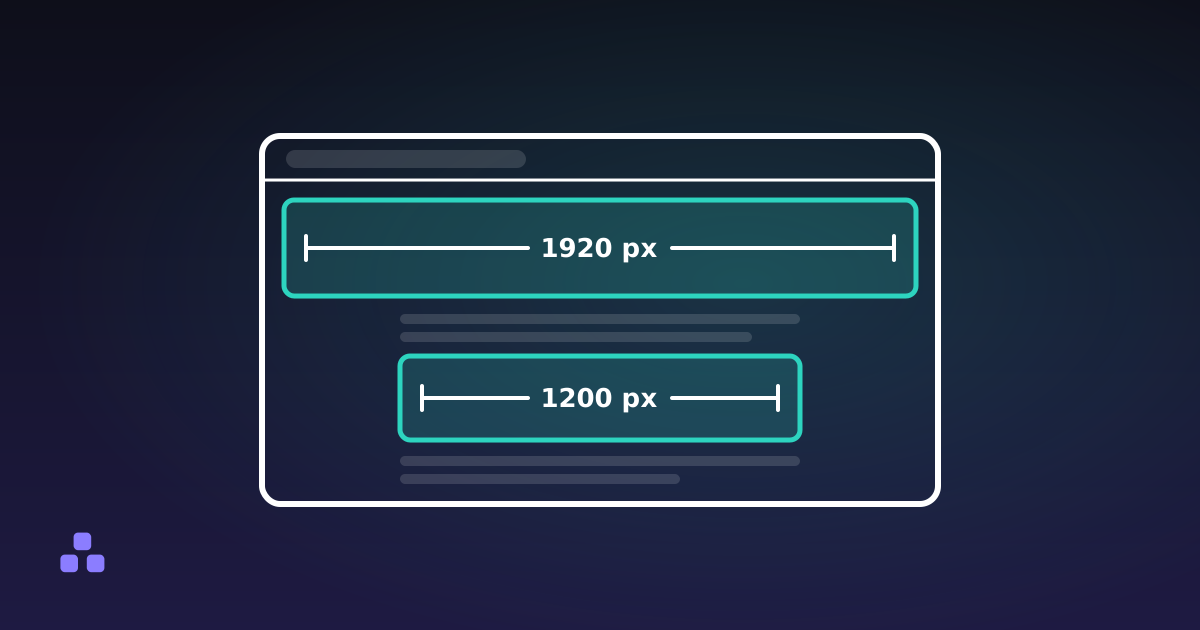
The image converter makes the PNG copies on your device without uploading the logo, and it shows how the size changed against the file you started with. For the browser tab itself, which favicon sizes you actually need is the next question once the SVG is settled, and what size images should be on a website covers the raster images that stay raster.
Frequently asked questions
Is SVG better than PNG for a logo?
For the master file, yes. An SVG stores the logo as shapes, so it stays sharp at any size and on any screen density, and a simple logo is usually a few kilobytes. PNG is still the right export for places that reject SVG, such as email signatures, share previews and many upload forms.
Can I use an SVG logo in an email signature?
Not reliably. Mail clients accept images from a short list of formats and SVG is not dependable on it, with Gmail and desktop Outlook the usual trouble spots. Use a PNG exported at two to three times the size it will be displayed, and set the display width in the HTML so it stays sharp on high-density phones.
Can I use an SVG as a favicon?
Yes in current Chrome, Edge and Firefox, and it stays sharp at any size. Support elsewhere is less consistent and older browsers ignore it, so also ship a favicon.ico and an apple-touch-icon PNG. Browsers request /favicon.ico on their own, so that file works even when your markup does not.
How do I convert an SVG to PNG without uploading it?
Use a converter that runs in the browser. The browser decodes the SVG and the page writes it out as a PNG, so the file stays on your device. The PNG comes out at the size the SVG declares in its width and height attributes, so set those to the pixel size you want before converting.
Why is my SVG logo blurry?
Usually the SVG is a bitmap in disguise: it contains an embedded PNG or JPG, and open in a text editor you will see a long base64 string instead of shapes. A real vector cannot blur from scaling. If it contains shapes and still looks soft, the shapes may be thin lines being displayed far smaller than they were drawn for.
Does converting a PNG logo to SVG make it sharp?
Not by itself. Saving or renaming a PNG as SVG only wraps the same pixels. To get a true vector you need to redraw the logo, or trace it with software, which approximates the edges with shapes and usually needs cleaning up by hand afterwards.
Last updated October 6, 2026