Convert Images — PNG, JPG & WebP
Pick your images, choose a target format, and download. Conversion uses your browser's own image encoder, so files stay on your device and there is no upload to wait for.
Drop images here or browse
PNG, JPG, WebP, GIF, BMP, AVIF · nothing is uploaded
Only applies to lossy formats. PNG ignores it.
JPG cannot store transparency, so transparent pixels are filled with this color.
Picking the right target format
- PNG — lossless and supports transparency. Correct for logos, icons, diagrams and screenshots of text, where a lossy format would smear the sharp edges. Wrong for photographs: a photo saved as PNG is often several times larger than the same photo as JPG with no visible benefit.
- JPG — the universal photo format. Every device, printer and upload form on earth accepts it. No transparency support, and every re-save degrades it slightly.
- WebP — smaller than both at equivalent quality, handles transparency and animation, and is supported by every current browser. The default choice for anything going on a website. The main reason not to use it is software outside the browser: some older desktop applications and print workflows still refuse it.
What happens to transparency
Converting a transparent PNG to JPG destroys the transparency, because the format simply has no channel to store it. Something must fill those pixels, and this tool lets you choose what — white by default, which is what you usually want. Some converters silently fill with black instead, which is how you end up with a logo that looks fine on the preview and terrible on the page.
Going the other way, JPG to PNG, does not restore anything. You get a lossless copy of an already-lossy image, typically at several times the file size. Do it only when a system demands a PNG.
Conversion cannot undo compression
This is the single most common misunderstanding. Converting a heavily compressed JPG to PNG or WebP does not recover lost detail — the information was discarded when the JPG was first saved and there is nothing to bring back. You are making a faithful copy of a damaged file.
The practical rule: convert from the highest-quality original you have, once. Every lossy re-save compounds. If you converted a photo to WebP and then need a JPG, go back to the original rather than converting the WebP.
About HEIC photos from iPhone
Photos taken on a modern iPhone are saved as HEIC, which Windows and many websites still will not open. This tool relies on the browser's own decoder, and only Safari has one for HEIC: in Chrome, Firefox or Edge the file is rejected with an error. The HEIC to JPG converter brings its own decoder, so it works in every browser; use that one for iPhone photos.
To stop the problem at the source, the setting is on the phone: Settings → Camera → Formats → Most Compatible makes the camera shoot JPG from then on.
Frequently asked questions
Are my images uploaded anywhere?
No. Conversion uses the canvas API built into your browser, so files never leave your device. You can confirm it by watching the Network tab in developer tools, or by disconnecting from the internet after the page loads.
Why did my PNG get bigger when I converted it to PNG?
Re-encoding strips the original file’s compression settings and metadata, and the browser’s encoder is tuned for speed rather than maximum compression. If the source is already a PNG, converting it to PNG gains you nothing — keep the original.
Can I convert HEIC photos from my iPhone?
Here, only in Safari, because this tool uses the browser’s own decoder and no other browser has one for HEIC. For Chrome, Firefox or Edge, the HEIC to JPG converter on this site brings its own decoder and converts them in batches, with nothing uploaded.
Does converting to WebP lose quality?
At the default 85% quality the difference is invisible for photographs. WebP also has a lossless mode, but browsers do not expose a way to request it through the canvas API, so output here is always lossy.
Is there a watermark or a file limit?
Neither. There is no watermark, no daily cap and no signup. The only practical limit is your device’s memory, which very large images or very large batches can exhaust.
Last updated October 21, 2026
Keep reading
 Images
Why a Logo Should Be an SVG
An SVG is a set of drawing instructions and a PNG is a grid of pixels measured once. That difference decides how a logo looks on a 3x phone, in an email and in a browser tab.
Read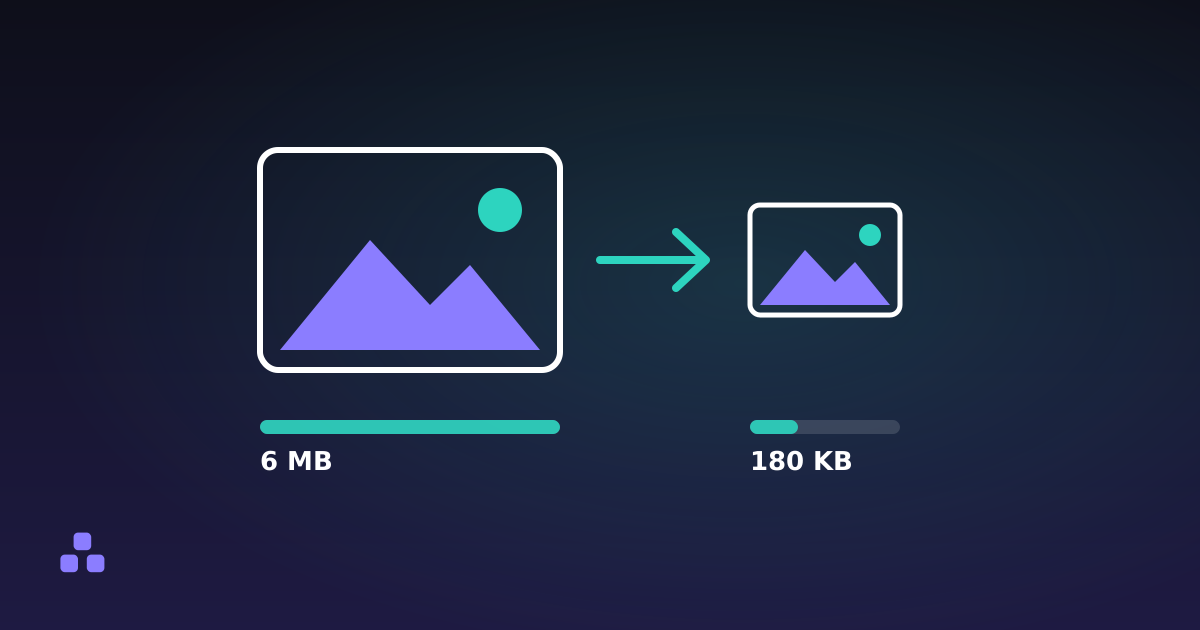 Images
How to Reduce Image File Size (Without Losing Quality)
Most oversized images are oversized for one boring reason, and fixing it takes about thirty seconds.
Read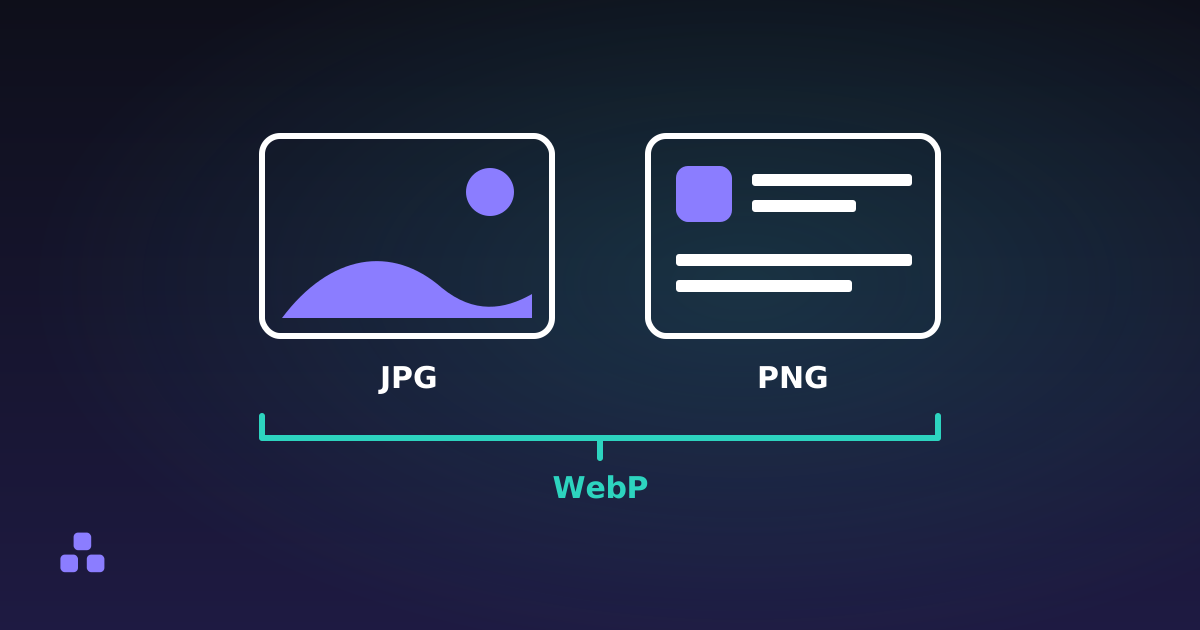 Images
PNG vs JPG vs WebP: Which One Should You Use?
One rule covers ninety per cent of cases, and the exceptions are worth knowing because getting it wrong is expensive.
Read