A QR code is a grid of black and white squares that stores a short piece of text, usually between a few bytes and a few hundred. Nothing else is inside it: no account, no tracking, no connection to the company whose logo is next to it. When you scan a code for a website, the phone reads the text https://example.com/menu out of the squares and offers to open it, exactly as if you had typed the address.
That is also the answer to the question people ask when a printed code stops working. A code never expires by itself. What expires is the thing the text points at.
Why do some QR codes stop working?
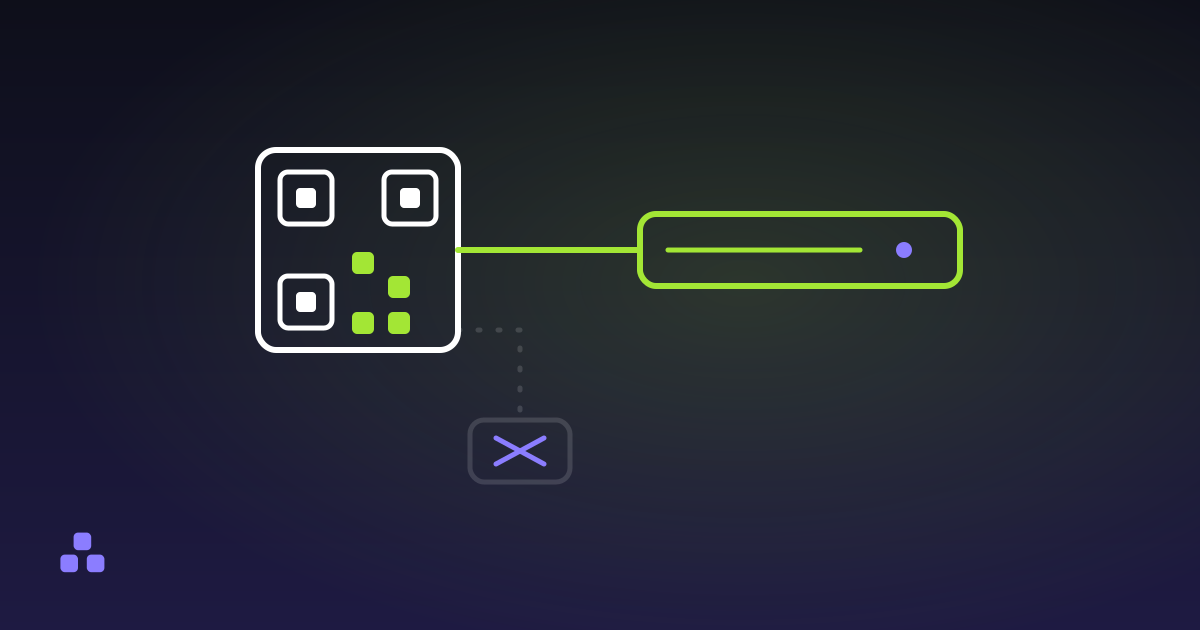
Because what is printed is sometimes not your address. Many generators, especially ones that offer scan counts or the promise of editing the destination later, encode a short link on their domain, such as their-service.example/x7Fq2. Their server receives the scan, looks up where you pointed it and redirects the phone. The code still reads fine and the text inside it is still valid text, but if the account lapses or the company closes, that short link answers with an error. A menu printed on 400 table cards is now 400 dead squares.
You can check this in ten seconds before you print anything. Scan the code, and before opening it, read the address your phone shows. If the domain is not the one you expect, the code depends on someone else's server for as long as it lives.
A code that carries your own address directly has no middleman to lose, and it needs nothing from the generator once you have downloaded the image. The QR code generator on this site draws the grid in your browser and encodes the exact text you type, so the image will work for as long as your own link does. The cost is that nothing counts scans, and you cannot change a printed code's destination. If you want a number, put it in the address itself, the way a UTM parameter does, and read it in your own analytics.
How do you read a code's version from its size?
The size of the grid is called the version, and it follows one rule: version 1 is 21 squares per side, and each version after it adds 4. So a code 29 squares across is version 3, and one 41 across is version 6. The specification goes up to version 40, which is 177 squares per side.
The version is a direct readout of how much text there is. The more bytes, the bigger the grid. As a rough guide, using this site's generator at the Medium error correction level:
- The address
https://toolpile.io/(20 bytes) fits in version 2, 25 by 25 squares. - 32 bytes, about a short sentence, needs version 3, 29 by 29.
- 100 bytes, about a long URL with tracking parameters, needs version 6, 41 by 41.
Every square is a physical size you have to print or display. A long address gives a dense code that needs a steadier hand, a better camera and more room. The cheapest improvement to a hard-to-scan code is usually a shorter address, and when the address has accents or spaces in it, percent-encoding makes it longer still, since each one becomes three or six bytes.
Three of the four corners carry the large square-in-square marks called finder patterns. They are how a scanner finds the code, works out its rotation and measures its size, which is why a code scans upside down or at an angle. Codes from version 2 up also have a smaller alignment pattern near the bottom right, which corrects for a curved or tilted surface. Two dotted lines between the finder patterns act as a ruler for counting squares.
What does the error correction level change?
A QR code stores more than your text. It adds extra data, computed from the text, so the scanner can rebuild what is missing when part of the code is dirty, torn or covered. You choose how much of it to add, from four levels:
| Level | Recovers about | Use it for |
|---|---|---|
| L (Low) | 7% | A clean screen, where size matters most |
| M (Medium) | 15% | The sensible default for screen or print |
| Q (High) | 25% | Codes that get handled or printed small |
| H (Maximum) | 30% | A logo covering the middle |
It is paid for in size. The same 100 bytes of text need version 5 (37 by 37) at Low, version 6 (41 by 41) at Medium and version 10 (57 by 57) at Maximum, using the encoder in this site's generator. Those percentages are what the specification promises, and real damage that covers the three finder patterns or one block of data can defeat a code that is nominally under the limit.
You cannot read the level off a code by looking at it. It is stored in a strip of format information next to the finder patterns, and only a scanner decodes it. The honest visual clue is indirect: if a short address makes a surprisingly large grid, the code was probably made at a high level.
Why does a code need a blank border?
The empty margin around the squares is called the quiet zone, and the specification asks for four squares of it on every side. The scanner needs to see where the code ends and the background begins, and a code cropped tight, set on a photograph or printed on a busy pattern gives it nothing to separate the edge from. When a code that looks perfect will not scan, a missing margin is the first thing to look for. The generator on this site always leaves the four-square border in the downloaded image.
The other common failure is contrast. Dark squares on a light ground is what every reader expects. Light squares on a dark ground is a code some scanners read and others do not, so test it on more than one phone.
What this generator cannot do
The encoder here works in byte mode only, for versions 1 to 20, not the full 40. In byte mode a payload of digits is not packed more tightly the way some generators pack it, so a long numeric code comes out larger than it would elsewhere. The ceiling depends on the level: at Low a code holds at most 858 bytes of text, at Maximum 382, and past that the tool says there is too much text.
It also makes static codes only. There is no dashboard, no edit-later and no scan count, by design and for the reason in the section on dead codes. And it checks its own output, not a photograph of a printed code, so the test that counts is still holding a phone up to the finished sticker.
To see a version number and a quiet zone for yourself, type an address into the QR code generator, change the quality setting and watch the grid grow. It shows the version and the number of squares per side as you type, and nothing leaves your browser.
The most common real-world QR code is one you have already used without reading it: the setup code for two-factor authentication. How authenticator app codes work shows the text inside one, and why it is worth treating like a password.
Frequently asked questions
What is stored inside a QR code?
A short piece of text, encoded as bytes in a grid of squares, plus extra error correction data computed from it. For a website it is the address itself. A phone reads the text and decides what to do with it, which is why the same kind of code can hold a link, wifi details or a contact card.
Why did my QR code stop working?
The code usually still reads fine, and the problem is where it points. Many generators encode a redirect link on their own domain, and when that account ends the redirect fails. Scan the code and read the address before opening it. A code that holds your own address directly does not depend on the generator.
How big can a QR code be, and how much text does it hold?
The specification defines versions 1 to 40, from 21 by 21 squares up to 177 by 177. Capacity depends on the error correction level: version 1 holds 17 bytes of text at the lowest level, and this site's generator, which stops at version 20, holds up to 858 bytes at that level. More error correction means less room for text at the same size.
How much margin does a QR code need around it?
The specification asks for a quiet zone of four squares on every side, in the background colour. Without it a scanner cannot find the edge of the code, and a code that looks perfect will fail to scan. Printing on a busy background is the usual cause.
Last updated October 14, 2026