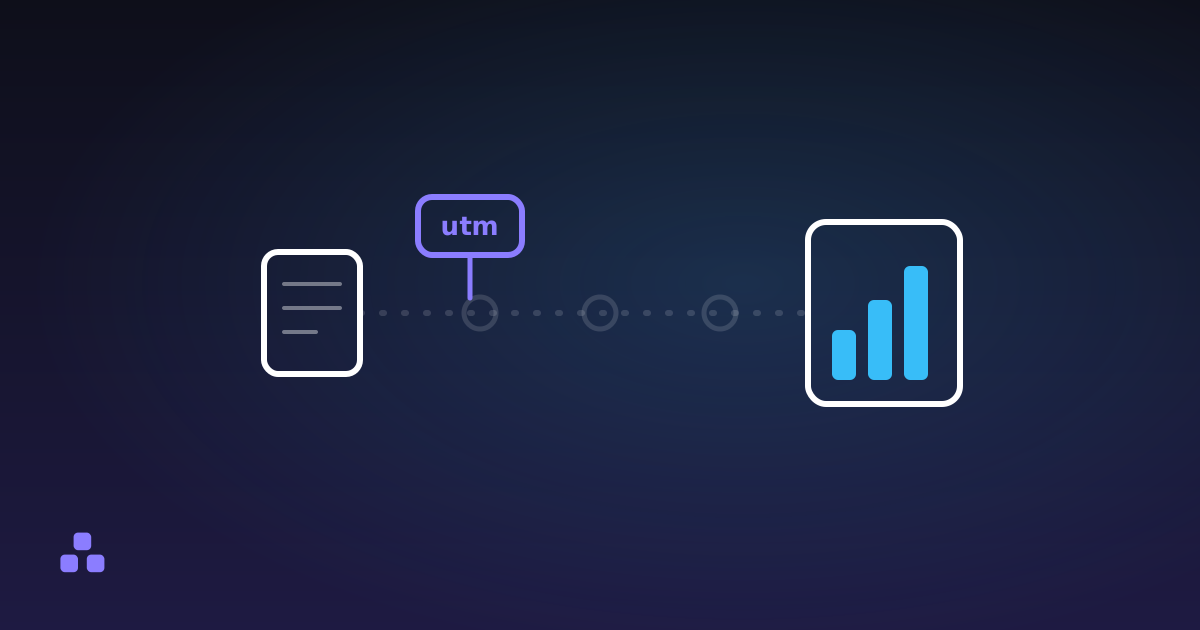
A UTM parameter does nothing while the link is in flight. It is not read by the browser that follows it, not inspected by anything routing the request, and not treated specially by the server that answers. It rides along in the query string as plain text, and the only thing that ever looks at it is the analytics script that runs after the destination page has already loaded — which is why a tagged link opens exactly like an untagged one, right up until something on the far end goes looking for the tag.
That single fact clears up most of the confusion around UTM tags: they do not change where a link goes, they do not affect what loads, and stripping them off does not break anything the destination needed. A UTM parameter is a label glued to the outside of an envelope. The envelope opens the same way with or without it; only whoever sorts the mail on delivery ever reads the label.
The five parameters, and what each one is for
Google's own campaign-tracking documentation lists five parameters as the ones you should always set, and a handful of newer ones layered on top as of 2026. The five that matter for almost every tagged link:
utm_source— where the click came from:newsletter,google,twitter.utm_medium— what kind of channel it was:email,cpc,social.utm_campaign— the name of the specific push:spring-sale,launch-2026.utm_term— the paid keyword, mostly relevant to search ads.utm_content— which of two near-identical links was clicked, for A/B tests on the same campaign.
Google's guidance is blunt about the first three: set utm_source, utm_medium and utm_campaign on every tagged link, because a missing one shows up in a report as the value (not set) rather than an empty field that quietly falls back to something sensible. Analytics platforms have also added utm_id, which ties a link back to an ID in an ads platform, and a couple of others aimed specifically at cross-platform ad reporting — worth knowing exist, not worth using unless the reporting tool on the receiving end actually reads them.
None of the five is reserved or special outside of analytics tools that agree to read them by convention. Nothing stops you writing utm_source into a URL that no analytics tool will ever see; nothing forces you to use it either. It works because Google Analytics, and most of the tools that copied its naming, happen to look for those exact parameter names.
Why utm_source=Google and utm_source=google land as two different rows
Parameter values are compared as literal text, not normalized first. A capital letter is a different character from a lowercase one as far as the comparison is concerned, so a newsletter template that writes Newsletter one month and newsletter the next produces two separate rows in every report that follows — same source, same campaign, split traffic, and a number that looks smaller than it was.
The fix is not clever, it is just consistent: pick a casing convention — lowercase is the easiest to enforce — and write every tagged link the same way, ideally from one shared template rather than by hand each time. If a report already has this problem, there is no way to merge the split rows retroactively; the fix only stops it from getting worse.
What a tagged link gives away when someone forwards it
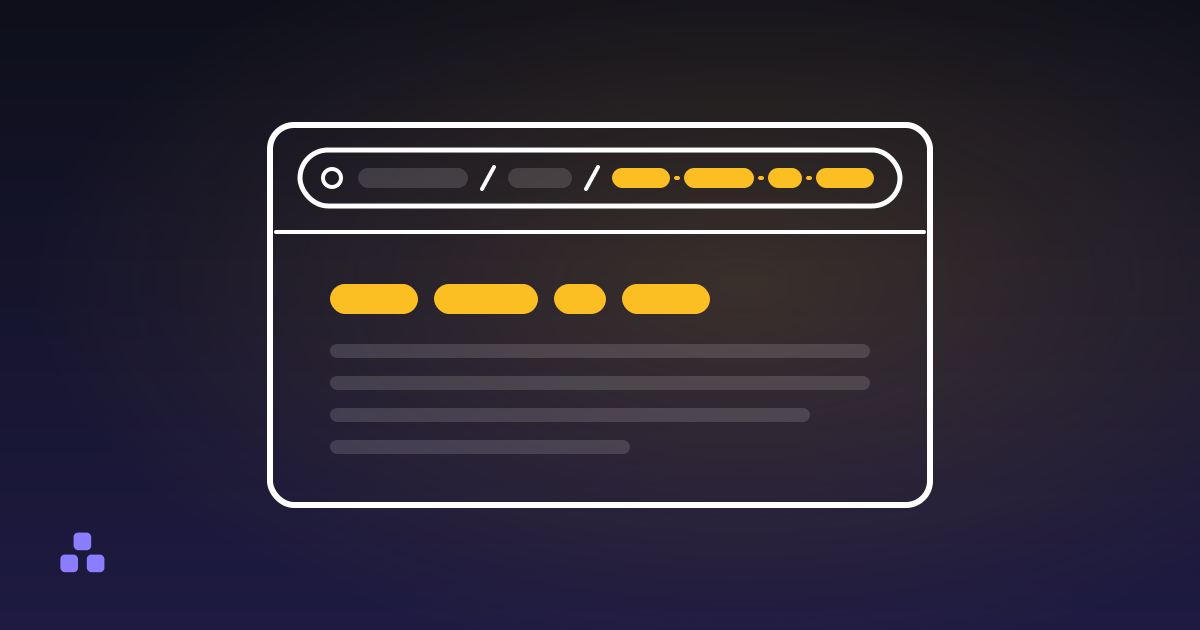
Everything in a UTM parameter is visible plain text sitting in the URL, and a URL is the one part of a shared link nobody can hide. Anyone who receives the link, hovers over it, or opens the page's network requests can read the campaign name, the channel and the content variant exactly as you wrote them. A campaign tag like internal-test-q3-pricing is fine in a spreadsheet and awkward the moment a customer clicks the link and glances at the address bar.
The other leak is quieter: once a link circulates, it circulates with its tags attached. Someone reposts it, a chat forwards it, a crawler indexes it — the copy carries the same utm_campaign value as the original, permanently attributing whatever traffic it earns to a campaign you may have finished tracking months ago. Treat the values as something a stranger will read, because eventually one will.
If you are building tagged links by hand and a value needs a space or punctuation in it, encode it the same way you would any query value — the URL encoder here does that, and the same tool takes a link someone sent you and breaks its query string into a table so you can read every parameter, tagged or not, without squinting at one long line of percent signs.
Does a UTM tag change the page, or where it ranks?
Not on its own. A UTM parameter is just another entry in the query string; the page that loads is whatever the server would have returned for the same address without it, unless the site's own code deliberately reads the parameter and changes something — a landing page that swaps its headline per campaign, say. That behavior comes from the site, never from the tag itself.
For search rankings, the practical answer is that Google's crawler generally treats a URL with tracking parameters as the same page as the untagged version and consolidates signals to one canonical address, so a shared link with UTM tags does not create a competing duplicate in the index by itself. It can still clutter analytics and, on a site that does not set a canonical tag correctly, occasionally confuse which version gets indexed — one more reason a UTM parameter belongs on links you share outward, not on links you write into your own site's navigation or internal cross-links.
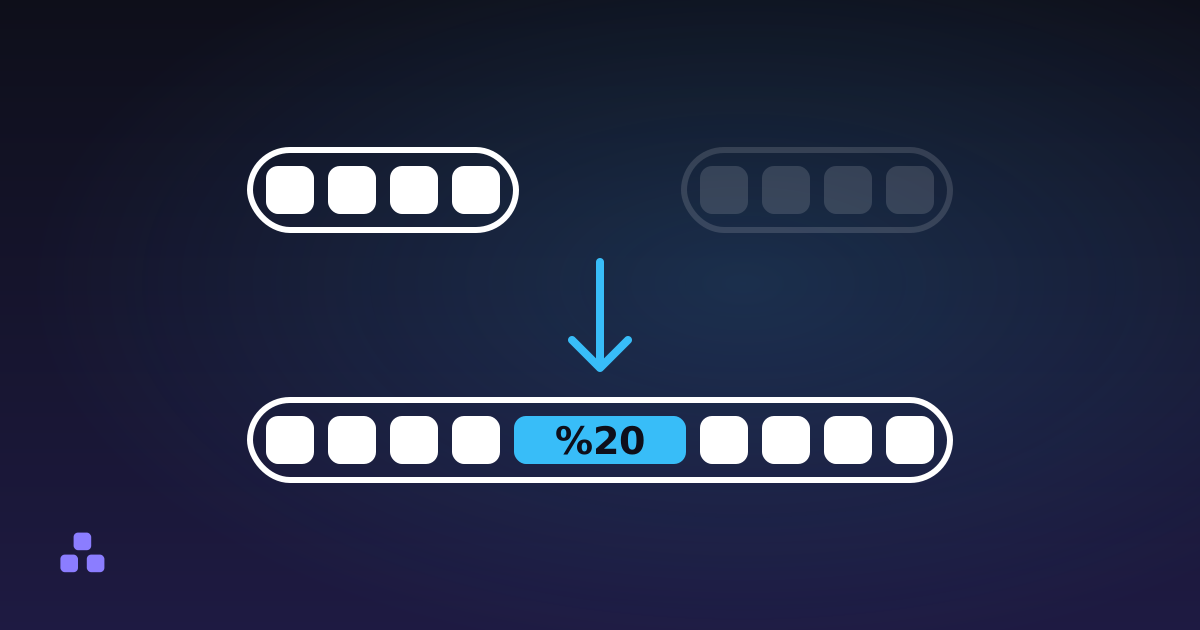
To see the mechanics rather than take them on faith, paste a tagged link into the URL encoder and decoder — it splits the query string apart so every utm_source, utm_medium and utm_campaign shows up decoded in its own row, the same way an analytics platform would parse it on arrival. And if the part that is unclear is the escaping rather than the tagging — why a space in a campaign name turns into %20, why an & inside a value breaks the next parameter — what URL encoding is, and why your link breaks covers that half of the same address.
Frequently asked questions
What are the five standard UTM parameters?
utm_source (where the click came from), utm_medium (the kind of channel — email, cpc, social), utm_campaign (the name of the push), utm_term (the paid keyword) and utm_content (which variant of a link was clicked). Google Analytics reads all five by convention; nothing about the URL format itself makes them special.
Do UTM parameters hurt SEO?
Not by themselves. Google generally treats a tagged URL as the same page as the untagged one and consolidates ranking signals to one canonical address, so sharing a link with UTM tags does not create a competing duplicate in search results.
Why does my analytics report show (not set) for a campaign?
A tagged link left out one of utm_source, utm_medium or utm_campaign. The report has nowhere sensible to put that visit, so it labels the missing field (not set) instead of guessing or leaving it blank.
Is it safe to remove the UTM parameters from a link before sharing it?
Yes. The parameters exist only for analytics on the destination; removing them changes nothing about which page loads or how it looks. You lose attribution data for that click, and nothing else.
Does utm_source=Google track differently from utm_source=google?
They are read as two different values, because the comparison is literal text and not case-insensitive. A campaign tagged inconsistently splits its traffic across separate rows in every report, understating each one.
Last updated September 26, 2026