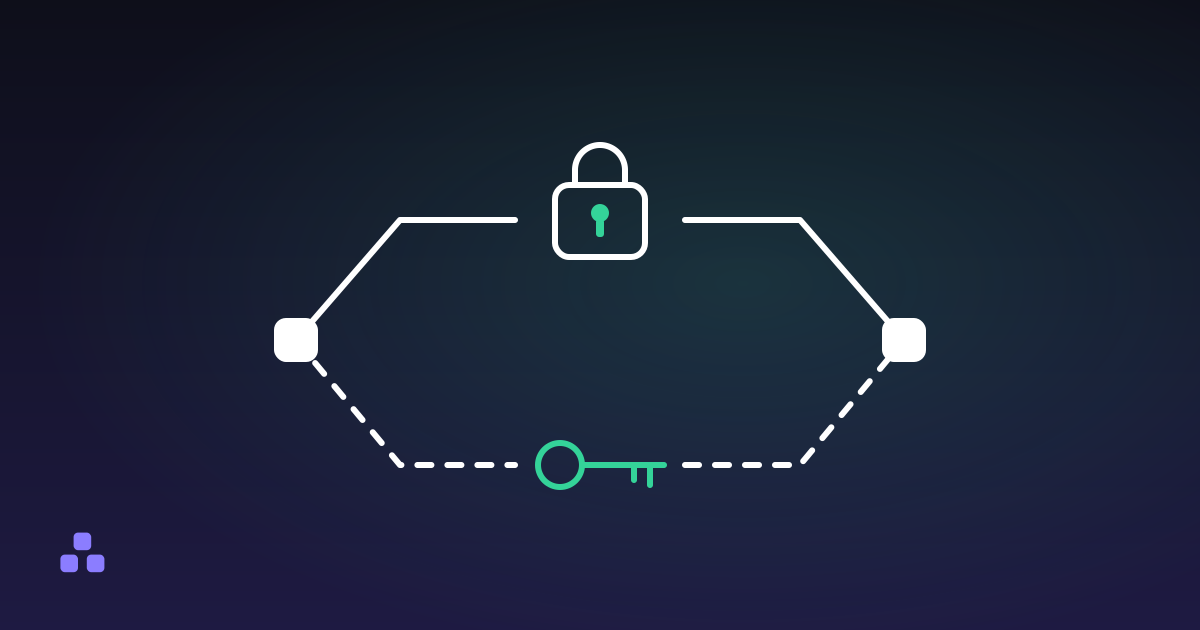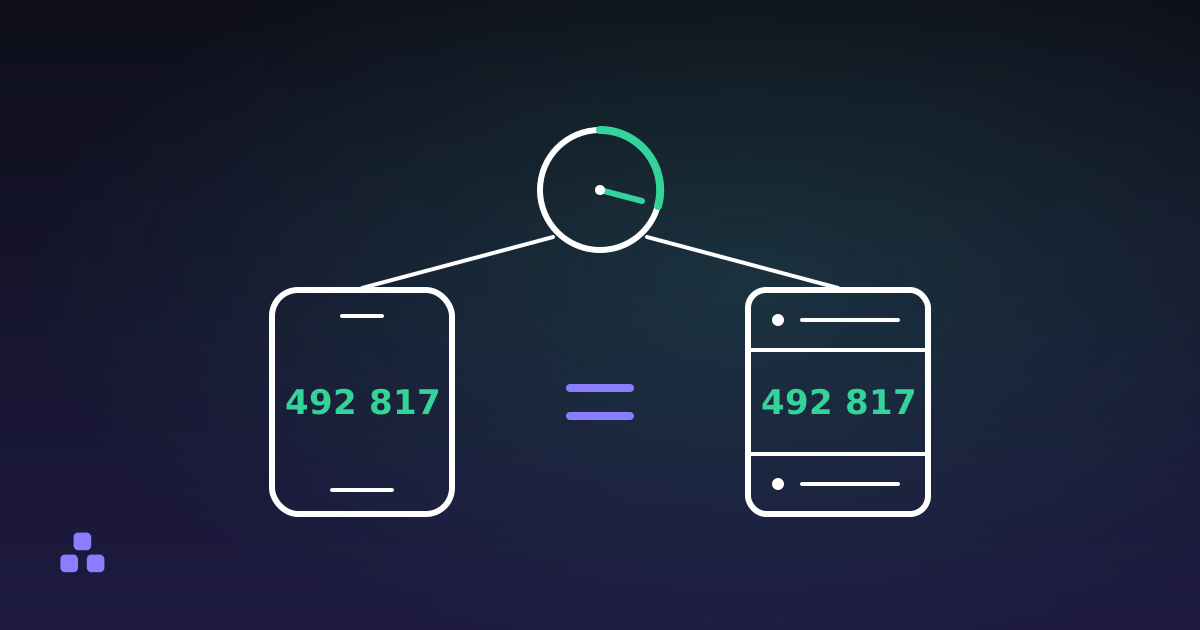
An authenticator app never receives the code it shows you. When you switch two-factor authentication on, the site hands over a secret (usually 20 random bytes, hidden inside that QR code) and your app keeps its own copy. From then on both sides do the same arithmetic: take the current Unix time, divide it by 30 and drop the remainder, run that number through HMAC using the shared secret as the key, then squeeze the output down to six digits. Your phone shows its answer, the server works out its own, and the two match because the inputs matched. Nothing is exchanged, which is why the app still works on a plane.
What is actually inside the QR code
Text, and not much of it. The QR code is a compact way of typing one URL:
otpauth://totp/Example:[email protected]?secret=JBSWY3DPEHPK3PXP&issuer=Example
The only part that matters is secret. The rest is labelling: the issuer and account name exist so your app can show "Example" beside the code instead of a row of anonymous digits. The format allows three further parameters, algorithm, digits and period, and several widely used apps ignore all three, assuming SHA-1, six digits and thirty seconds whatever the link says. Nothing about the squares themselves is special to authenticator apps; what a QR code holds is always just text like this.
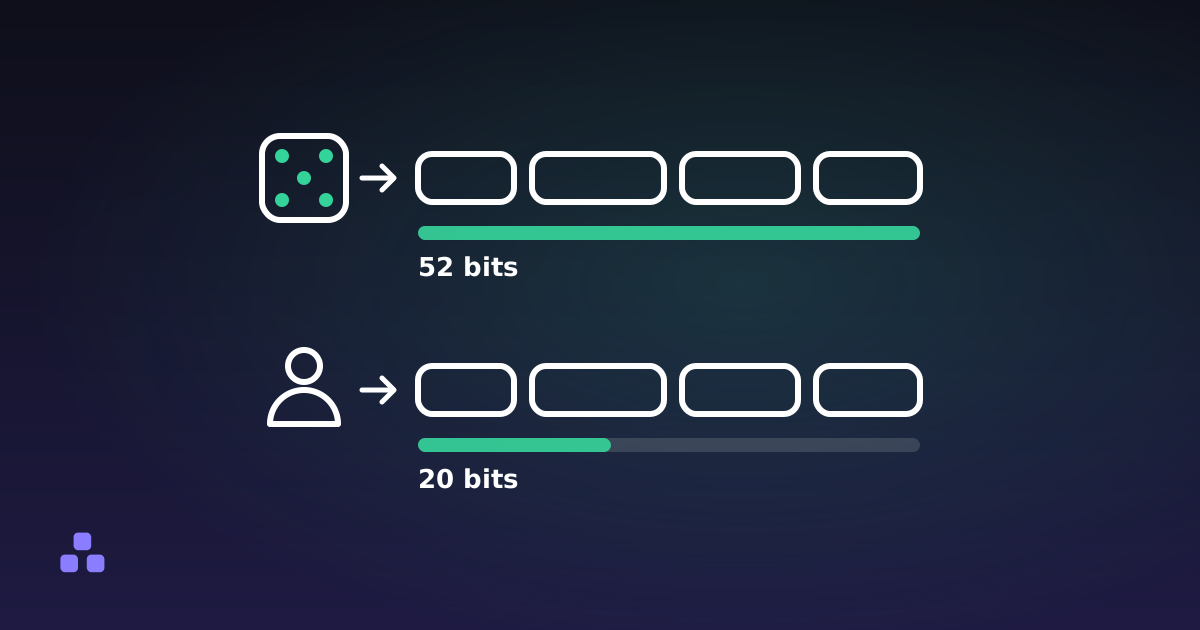
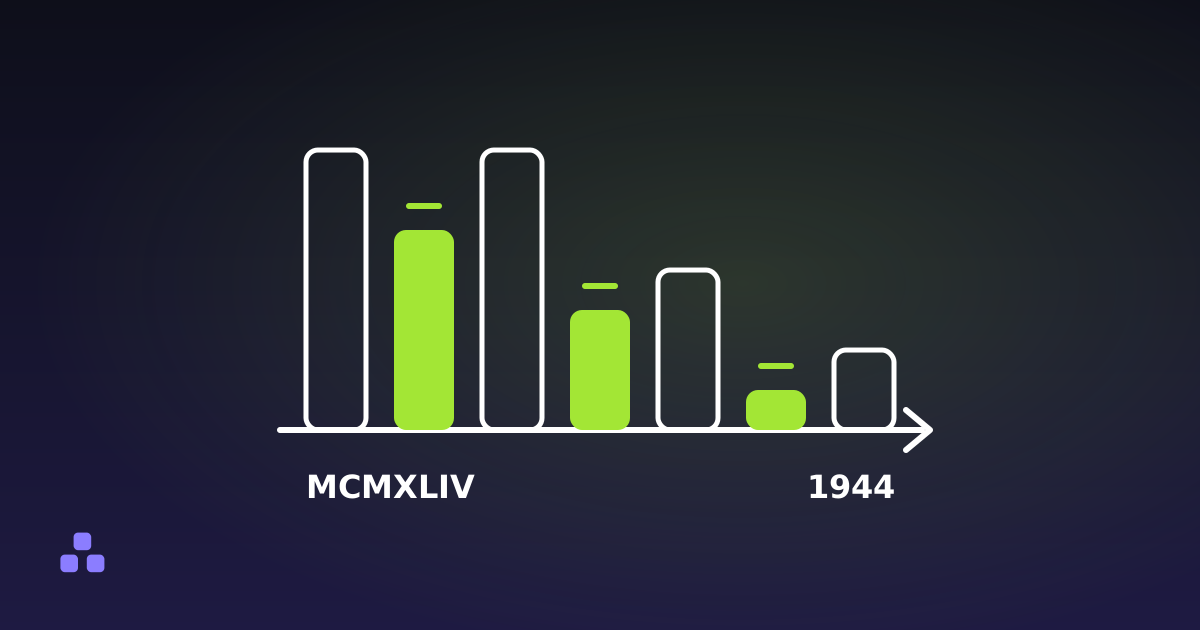
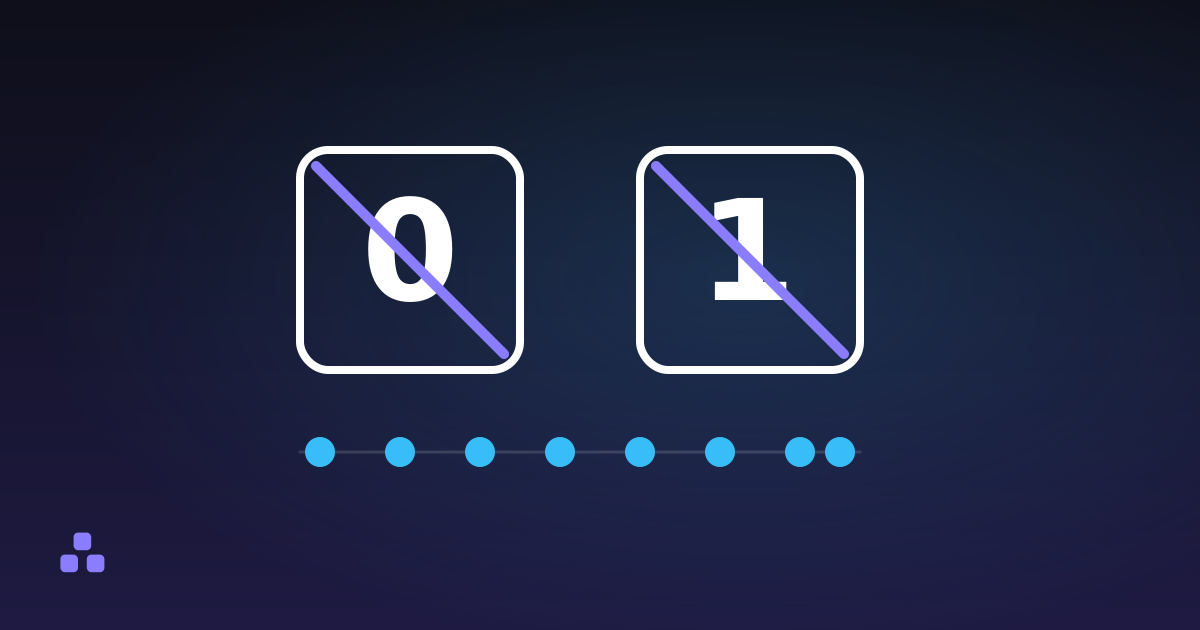
The secret is written in base32: the letters A to Z and the digits 2 to 7. There is no 0, no 1 and no 8, precisely because those are the characters people misread as O, I and B when copying a key by hand. It is case-insensitive too, which base64 is not. The price is length: 20 bytes needs 32 base32 characters where base64 would have used 27. Why that alphabet looks the way it does goes into the specific tradeoff, including the other places base32 turns up.
The four steps that turn the clock into six digits
- Count the intervals. Take the Unix timestamp, the seconds elapsed since 1 January 1970, divide by 30 and throw away the fraction. In 2026 that is a number a little under 60 million, ticking up twice a minute on every correctly set clock.
- Hash it with the secret. The counter is written out as eight bytes and run through HMAC-SHA-1, keyed with the secret. HMAC is a keyed hash: the same input under a different key produces an unrelated output, and the output tells you nothing about the key. If that is doing a lot of unexplained work, what a hash is and what it is not covers the ground underneath this step.
- Truncate, oddly. HMAC-SHA-1 gives 20 bytes, far too many to type. The last four bits of that result are read as a number from 0 to 15, and that number is used as an offset back into the result itself: four bytes are taken from there, and the top bit is discarded. Dropping the bit has nothing to do with security. It exists so that implementations treating the value as signed and ones treating it as unsigned agree.
- Take the remainder. What is left is a 31-bit number. Modulo one million, it becomes the six digits you read. Roughly one code in ten lands below 100000, which is why apps pad with leading zeros.
None of this is new. The counter-based original, HOTP, is RFC 4226 from December 2005, written to run on a keyring token with almost no processor. TOTP is RFC 6238 from May 2011: the same construction with the clock standing in for the counter. The truncation step looks strange because it is a fossil of that hardware.
Why 30 seconds
It is a compromise, and an arbitrary one. A shorter step makes a stolen code worth less, but it also means someone typing slowly on a phone keyboard watches the number change halfway through. Thirty seconds is long enough to read a code off one screen and type it into another, short enough that a code caught in a screenshot is usually stale before anyone finds it.
There are only a million possible six-digit codes, so length is not what makes TOTP hard to beat. Guessing is stopped by the server counting failed attempts, not by the arithmetic. A login form that lets someone try codes all afternoon is broken however the numbers are produced.
Why a code you typed late still works
Because the server normally checks more than one interval. Clocks drift, and a phone running three seconds behind would otherwise fail every second login. Most implementations accept the previous step and the next one alongside the current one, a window of about 90 seconds. Some are stricter, which is why the same late code sails through on one site and is refused on another.
Why your codes suddenly stop working
There are only a few causes.
- The device clock drifted. The most common cause by a wide margin. A phone two minutes out produces codes that are wrong everywhere at once, which looks exactly like a corrupted secret.
- The algorithm does not match. If the setup link asked for SHA-256 and the app used SHA-1 without saying so, every code is a valid TOTP code for the wrong parameters.
- The secret was copied wrong. A capital O typed where base32 has no zero, or a lower-case l standing in for a 1. One wrong character changes every code.
- It is the wrong entry. Two accounts on the same service sitting next to each other in a long list.
Telling these apart is faster with a second opinion. If you still have the original seed, paste it into a TOTP code generator on a different machine and compare the two codes at the same moment. Different codes means one of the two clocks is wrong. The same code from both, still rejected by the site, points at the algorithm, the digit count or the wrong entry rather than the seed.
What TOTP fixes, and what it does not
It ends credential stuffing. A password leaked in someone else's breach, or reused across a dozen sites, stops being enough on its own. For that job TOTP is excellent and almost free.
It does not stop phishing. A code typed into a convincing fake page is worth thirty seconds to whoever is relaying it to the real site, and phishing kits do that, live, while the victim waits for the page to load. Passkeys and hardware security keys close that hole because the login is bound to the site's origin; a six-digit number you can read aloud cannot be.
Nor does it repair a bad password. The server has to store your seed in a form it can read back, since it needs to recompute your codes, so a breach of that database hands an attacker a permanent code generator, not a password hash to grind through. The password is then the only thing left standing. If you have been treating the second factor as permission to keep a weak first one, how long it would take to crack your password is five minutes well spent.
The seed is the thing to back up
Losing the phone is less catastrophic than people expect, provided the seed survived somewhere. There is no pairing step and no device identity anywhere in TOTP: two devices holding the same secret show the same code, because whoever has the secret is you as far as the protocol is concerned. That is also the warning: a photograph of the setup QR code in your camera roll is a working second factor for anyone who gets into your photos.
Save the recovery codes the site offers at setup, and keep them somewhere that is not the phone. They are the only route back in once the seed is gone, and services handle their absence badly, usually by asking for a photograph of your passport.
One honest caveat about doing any of this in a browser tab. A page that can compute your codes is holding your seed while it is open, and pasting a live seed anywhere is a decision rather than a reflex. The generator here writes nothing to storage, sets no cookie, puts nothing in the URL and forgets the secret on reload. Even so, it exists for testing an implementation, confirming a backup still works, or getting in once when the phone is elsewhere. It is not an authenticator app, and it cannot read a QR code either: there is no camera or decoder in it, so you need the text seed that sites hide behind the "can't scan the code?" link.
When you need to check a seed right now, after a migration or when the phone with the app is not in the room, the TOTP code generator turns a base32 secret or a full otpauth link into the current code and the seconds left on it, without the secret leaving the page. Treat it as a diagnostic rather than somewhere to keep your accounts. And because a second factor only ever buys time for the first one, the case for a passphrase over a password is the other half of this problem, particularly if the site that stores your seed is the one that gets breached.
Frequently asked questions
How does an authenticator app generate codes without internet?
It does not need a connection because nothing is sent. The app and the server each hold the same secret and both compute a code from the current time, so the numbers agree without ever being exchanged. The only shared input is the clock, which is why an offline phone still works but a phone with the wrong time does not.
Why does my authenticator code say invalid?
Almost always a clock that has drifted by more than a minute, since the time is half the calculation. The other causes are a secret copied with a wrong character, an app using SHA-1 where the site expected SHA-256, or the wrong entry in a long list. Fix the phone time first, before assuming the setup is broken.
Can two phones show the same 2FA code?
Yes. TOTP has no notion of a device, so any number of apps holding the same secret produce identical codes at the same moment. This is how people keep a backup device, and it is also why a photo of the setup QR code is as sensitive as the password itself.
Is an authenticator app safer than SMS codes?
Yes, for one specific reason: the code never travels, so there is nothing to intercept and no phone number to hijack through a SIM swap. Both are equally vulnerable to a phishing page that relays your code to the real site in real time. Only passkeys or a hardware security key close that gap, because they bind the login to the site address.
What happens if I lose the phone with my authenticator app?
You lose access to every account whose secret existed only on that phone. Recovery codes saved at setup are the normal way back in, and a backup of the seed itself works too. Without either, you are left with whatever manual account recovery the service offers, which usually means identity documents and a wait.
Last updated September 19, 2026