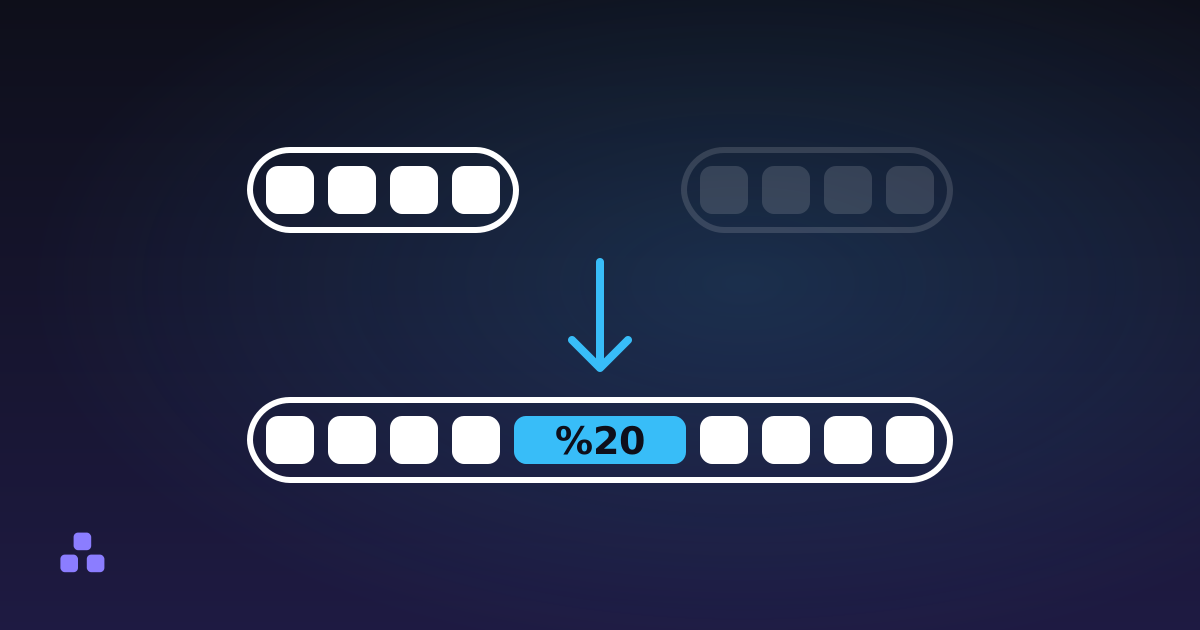
URL encoding, properly called percent-encoding, rewrites any character that cannot appear literally in a URL as a percent sign followed by the two hex digits of its byte. A space becomes %20, a hash becomes %23, and é becomes %C3%A9. It exists because a URL may only contain a small set of ASCII characters, and several of those characters are already doing structural work: the ? that opens a query string cannot simultaneously be a question mark inside someone's search term.
That is the whole mechanism, and almost everything that goes wrong with it comes from one of three mistakes: escaping the wrong amount, escaping twice, or escaping characters when you should be escaping bytes.
Which characters actually need encoding?
RFC 3986, the 2005 specification that defines URL syntax, sorts every character into three buckets.
- Unreserved:
A–Z,a–z,0–9and the four marks-._~. These mean the same thing escaped or not, so escaping them is legal but pointless. It also makes two identical URLs look different to a cache. - Reserved, the punctuation that gives a URL its shape:
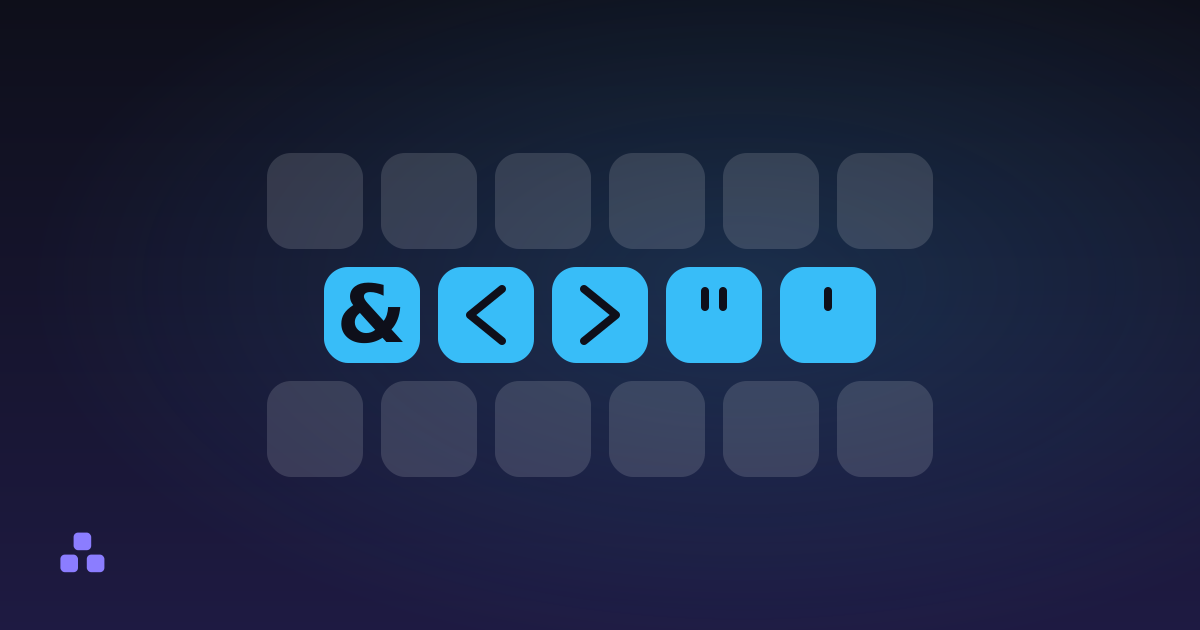
: / ? # [ ] @and! $ & ' ( ) * + , ; =. Whether one of them needs escaping depends entirely on where it sits. - Everything else: spaces, quotes, angle brackets, accented letters, every non-Latin script, every emoji. Always escaped, no judgement call required.
The middle bucket is where the bugs live. Take ?q=fish&chips. You meant to search for "fish&chips"; the server reads a parameter q with the value fish, plus a second parameter called chips with no value. Your data was silently truncated at the ampersand and nothing errored. Encoded properly, the value is fish%26chips and it arrives whole.
The same trap catches # (everything after it is treated as a fragment and never reaches the server at all), / inside a path segment, and = inside a parameter value. If you want to see what a given string turns into, the URL encoder here shows you the escapes as you type, and if you paste a whole query string it splits the parameters into a table so you can check which values survived. That table is also the fastest way to read a link someone tagged for tracking. What a UTM parameter actually does covers what those utm_source and utm_campaign values are for, and what they give away once the link is out of your hands.
Why one accented letter becomes two escapes
Percent-encoding operates on bytes, not characters. Text is converted to UTF-8 first, then each byte outside the safe set is written as its own escape.
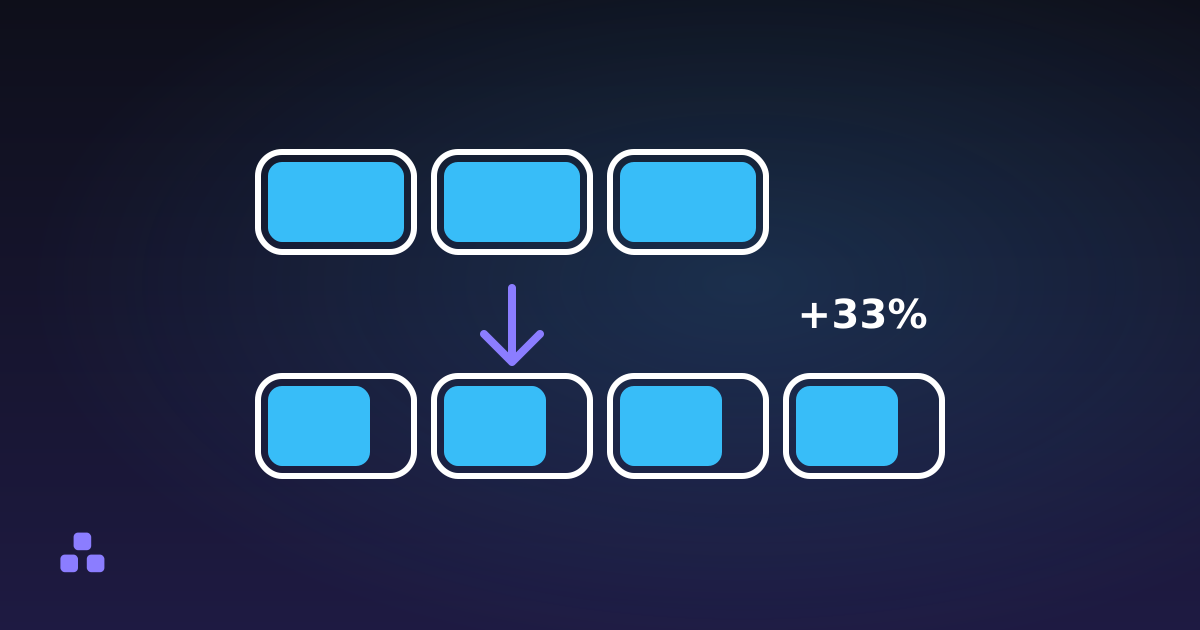
é is one character but two bytes in UTF-8, so it becomes %C3%A9. A typical emoji is four bytes, so it becomes four escapes: twelve characters on screen for one glyph. Chinese and Japanese characters are three bytes each, which is why a URL with a Chinese search term looks absurdly long.
This is also a quick diagnostic. If something hands you %E9 for é, it is encoding in Latin-1 rather than UTF-8, and it will mangle anything outside Western European text. Modern browsers and standard libraries all use UTF-8; a lone %E9 means old code or a bad configuration somewhere upstream.
encodeURI or encodeURIComponent?
JavaScript ships two functions for this, and they are not interchangeable. The distinction is whether you are encoding a value or a whole address.
encodeURIComponent escapes the structural characters too. Use it for a single parameter value, a path segment or a piece of user input. Run it on a full address and you get https%3A%2F%2Fexample.com: technically correct, completely useless as a link.
encodeURI leaves the structure intact and only escapes what can never appear raw, such as spaces and accented characters. It is for repairing an address someone typed badly. Never point it at user input you are about to insert into a URL: it leaves & alone, which is precisely the character that lets a value escape its own parameter.
The rule that covers almost every case: if you are gluing something into a URL you are building, you want the component version.
Is a space %20 or a plus sign?
Both, depending on who produced the string, and this genuinely is ambiguous rather than one convention being wrong.
The application/x-www-form-urlencoded format (what an HTML form sends, and therefore what most query strings look like) writes a space as +. RFC 3986, which governs URLs in general, writes it as %20 and treats + as a literal plus sign. A query string carries no marker telling you which rule made it.
The practical fallout is phone numbers. ?tel=+44123 reaches a lot of servers as " 44123", with a leading space where the country code was. If a value can contain a plus, encode it as %2B and stop depending on either convention. %20 is understood everywhere, so prefer it when you get to choose.
This also limits any tool that reads a query string back, including the one here. Its parameter table decodes + as a space, because that is the more common case, so a value where the plus was literal is shown wrong. Nothing in the string can tell the two apart, so no tool can get this right every time.
What happens when something gets encoded twice
Encode a string, then encode the result, and %20 becomes %2520, because the second pass escapes the percent sign itself as %25. The visible symptom is a page that displays Rue%20de%20la%20Paix to a user, or a redirect that lands on a 404 with escapes still in the path.
It usually happens when two layers each do their job: your code encodes a value, then a framework or a redirect helper encodes the whole URL again on the way out. Decode once and look at what you get. If escapes are still there, decode again. Leftover escapes in the decoded output are the tell.
What no tool can do is tell you whether the double encoding was a mistake. A URL that legitimately contains the text 100% stores it as 100%25, and that is indistinguishable from an accident. Once double-encoded data has been written to a database, the ambiguity is permanent, which is why the fix belongs at the point of encoding rather than in a cleanup script.
Is URL encoding encryption, or the same as Base64?
Percent-encoding hides nothing. It is a transport convention, reversible by anyone with a keyboard, and a query string is one of the least private places to put data: it lands in server access logs, browser history, and historically in the Referer header sent to the next site. Tokens, passwords and personal data do not belong in a URL no matter how thoroughly you escape them.
It is also a different thing from Base64, though the two often appear together. Base64 turns binary into text; percent-encoding makes text safe for a URL. The standard Base64 alphabet includes + and /, both of which need escaping in a URL, which is exactly why RFC 4648 defines a base64url variant that uses - and _ instead.
Hostnames work differently again. A domain like müller.de is converted with punycode to xn--mller-kva.de, a completely separate algorithm, and percent-escapes are not valid in a hostname at all.
Where does percent-encoding still cause problems?
- Encoded slashes in a path.
%2Fis not the same as/, and plenty of servers and proxies reject or normalise it before your application sees it. Apache refuses encoded slashes by default. If a path segment must contain one, test it against the real stack rather than trusting the escape. - Fragments. Everything after
#stays in the browser. Encoding it changes nothing about whether the server receives it, because the server never does. - Length. The spec sets no limit, but servers cap the request line: Apache's
LimitRequestLinedefaults to 8190 bytes. Escaping inflates non-ASCII text roughly threefold, so a long URL in Japanese hits that ceiling far sooner than an English one. - Not needing it at all. For public, human-readable addresses the better move is usually to avoid the characters in the first place. A clean slug made of lowercase letters, digits and hyphens is entirely unreserved, so it survives being copied into an email, a chat window or a printed page without turning into a wall of hex.
The fastest way to settle an argument about an escaped URL is to paste it into the URL encoder and decoder and look: it flags double-encoded input, counts the escapes, and breaks a query string into its parameters with each value decoded. It runs in your browser, which matters when the URL you are debugging has a session token in it.
If the URL is going into an href rather than a browser bar, it needs two escapes, not one: percent-encode the value for the URL, then escape the result for the HTML around it. The rules for HTML entities are the half this post does not cover, and doing them in the wrong order breaks the link just as thoroughly as skipping one.
Frequently asked questions
What is URL encoding?
URL encoding, or percent-encoding, replaces characters that cannot appear literally in a URL with a percent sign and the two hex digits of their byte. A space becomes %20 and an ampersand becomes %26. It exists so that data can travel inside a URL without being mistaken for the punctuation that gives the URL its structure.
What does %20 mean in a URL?
It is a space. The hex number 20 is the byte value of the space character in ASCII, and a raw space is not allowed in a URL. You will also see spaces written as a plus sign, which is the convention used by HTML form submissions.
Which characters need to be encoded in a URL?
Letters, digits and the four marks - . _ ~ never need encoding. Everything outside ASCII always does. The punctuation in between (/ ? # & = + and the rest) needs encoding when it sits inside a value rather than acting as structure.
Is URL encoding the same as encryption?
No. Percent-encoding is a public, reversible convention with no key and no secrecy; anyone can decode it instantly. Query strings also end up in server logs and browser history, so sensitive values should not be placed in a URL at all.
How do I decode a URL that is full of percent signs?
Paste it into a decoder and read the result. If the decoded output still contains percent escapes, it was encoded twice and needs a second pass. If the decoder reports invalid UTF-8, whatever produced the URL used a different character set, usually Latin-1.
Last updated September 19, 2026