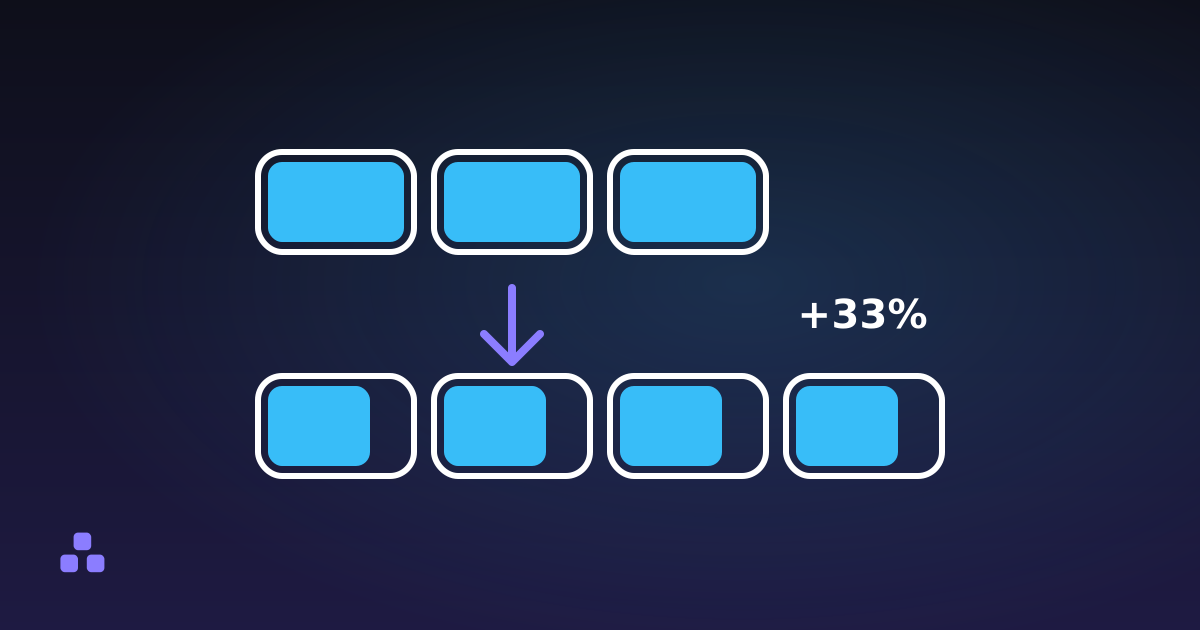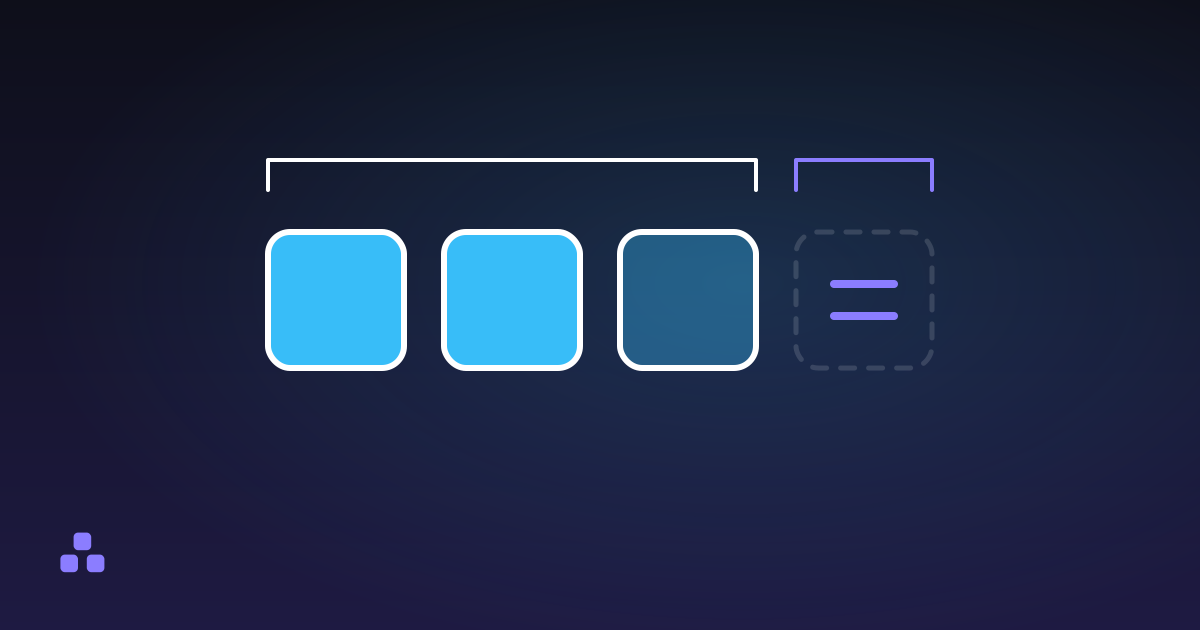
The = at the end of a Base64 string is padding. Base64 works on groups of three bytes, and when the input ends with one or two bytes too few, the encoder fills the last group of four characters with = so the output length is still a multiple of four. One = means the last group held two bytes. Two mean it held one. The padding carries no data of its own, which is why it can often be removed and put back.
Why does the last group need filling at all?
Base64 cuts the input into 24-bit groups, three bytes each, and writes every group as four characters of six bits. Most inputs do not divide evenly, so the final group is short. The encoder pads the missing bits with zeros to reach a whole number of six-bit characters, then adds = to reach four characters. RFC 4648 describes exactly these two cases for the final group: eight bits of input become two characters and ==, sixteen bits become three characters and =.
| Input | Bytes | Base64 | Padding |
|---|---|---|---|
M | 1 | TQ== | two |
Ma | 2 | TWE= | one |
Man | 3 | TWFu | none |
There is no row for three =. Three missing bytes would be a whole group that was never started, so it simply is not written. If you see ===, something other than a standard encoder produced the string, or it was edited by hand.
Can you leave the padding off?
Often, yes, and several formats do. The padding is redundant: the length of the unpadded string already says how many bytes the last group held. RFC 4648 says encoders must include padding unless the specification using it says otherwise, and its section on the URL-safe alphabet adds that the = is typically percent-encoded in a URI, so it can be skipped when the data length is known some other way. That is why the base64url parts of a JSON Web Token carry none (what a JWT contains shows where they sit), and why URL-safe output from the Base64 encoder and decoder here drops it too.
The cost falls on whoever decodes. A decoder that insists on padding rejects a stripped string. Python’s base64.b64decode is the usual example: it raises an “Incorrect padding” error on a string whose length is not a multiple of four. Lenient decoders restore the padding silently. If a token decodes in one place and fails in another, count the characters before suspecting anything else.
When a decoder has to restore it, the rule is mechanical: append = until the length is a multiple of four. The decoder on this site does that, and also strips any whitespace first.
What does the length tell you before you decode?
Take the string with its padding removed and divide its length by four. The remainder says how the input ended.
- Remainder 0. The input was a whole number of three-byte groups, or the string is padded and complete.
- Remainder 2. The last group held one byte. Two characters give twelve bits, and the last four are filler.
- Remainder 3. The last group held two bytes. Three characters give eighteen bits, and the last two are filler.
- Remainder 1. Impossible. One character carries six bits, which is less than one byte. No encoder produces this length, so the string was cut, or something was added to it.
The number of bytes is the length times three, divided by four, rounded down. A string of 22 characters after padding is removed holds 16 bytes, and 22 leaves a remainder of 2, which fits a 16-byte value such as a UUID or an AES block. A length with remainder 1 is the quickest test that a copied string lost its end. The decoder here reports that case as truncated rather than returning bytes that look plausible.
What a length check cannot catch
If a string is cut exactly at a group boundary, it is still valid Base64. The remainder is 0, it decodes without complaint, and it gives you fewer bytes than were sent. The only protection against that is something outside the string: a stated length, a checksum, or a signature. This is the same limit that applies to any hash comparison, and it is worth remembering when a decoded value “works” but turns out shorter than expected.
The filler bits are a second quirk. In the final group they are supposed to be zero, but a decoder is allowed to ignore them. Per the WHATWG algorithm that browsers use for atob(), YQ and YR both decode to the letter a, because the last four bits of the second character are discarded, so two different strings give one value. If you compare Base64 strings as text to decide whether two values are equal, decode them first.
How do browsers and libraries treat missing padding?
They disagree with each other, and that is where most padding bugs come from.
- Browser
atob(). Accepts a string without padding, and also with it. It fails on a length remainder of 1, and on any character outside the standard alphabet, which includes-and_. A base64url string has to be converted back to+and/beforeatob()will read it. - Strict libraries. Many require padding for the standard alphabet, as the Python example above does.
- Node’s
Buffer.from(s, 'base64'). Accepts both alphabets and does not insist on padding.
Behaviour changes between versions and libraries, so for anything you depend on, test the exact decoder your code will run, with a padded and an unpadded string of each length remainder.
What goes wrong when padding meets a URL
A literal = in a query string is also the separator between a key and its value, and form decoders treat it as such. Standard Base64 in a URL can end up with the padding eaten or split, which gives the intermittent kind of bug that only shows up for some inputs, the ones whose length leaves a remainder. The fix is either base64url without padding, or percent-encoding the = as %3D. URL encoding explained covers why that second step is needed.
Two padded strings pasted end to end do not make one Base64 string either. TQ==TQ== has padding in the middle, and most decoders reject it or stop reading at the first =. Decode each piece separately and join the bytes.
What this tool does not do
The decoder is lenient on purpose. It removes whitespace, restores missing padding, and accepts either alphabet in the same string, so it will read input a strict library would refuse. It does not offer a strict mode, so it cannot tell you that your padding was wrong; it can only tell you the length is impossible. It also does not flag non-zero filler bits. It works on pasted text, not files, and it runs in the tab, so a token you are debugging stays on your machine.
To see padding appear and disappear, paste M, Ma and Man into the Base64 encoder and decoder, switch between the standard and URL-safe alphabet, and watch the character count. Nothing leaves your browser.
If you need the wider picture of what Base64 is for and what it costs, what Base64 is and when you actually need it starts from the three-bytes-in, four-characters-out ratio this post takes for granted.
Frequently asked questions
What does the = at the end of a Base64 string mean?
It is padding. Base64 encodes three bytes as four characters, and when the input ends with one or two bytes left over, the encoder adds = until the length is a multiple of four. One = means the last group held two bytes, and two = mean it held one.
Can I remove the = padding from Base64?
Usually, if whatever reads it accepts that. The padding can be recomputed from the string length, so formats such as JWT leave it out. A strict decoder will reject a string without it, so restore it by adding = until the length is a multiple of four before decoding.
Why does my Base64 string fail with an incorrect padding error?
The decoder expected a length that is a multiple of four and got something else. The usual causes are padding stripped by a URL or a format such as base64url, a character lost in copying, or whitespace. Add = until the length is a multiple of four; if the unpadded length leaves a remainder of 1, the string was cut and cannot be repaired.
How can I tell if a Base64 string was truncated?
Remove any padding and divide the length by four. A remainder of 1 is impossible for a real encoding, so the string lost characters. Any other remainder is valid, so a string cut at a group boundary looks fine and decodes to fewer bytes than were sent; only a known length, a checksum or a signature can catch that.
Last updated October 28, 2026