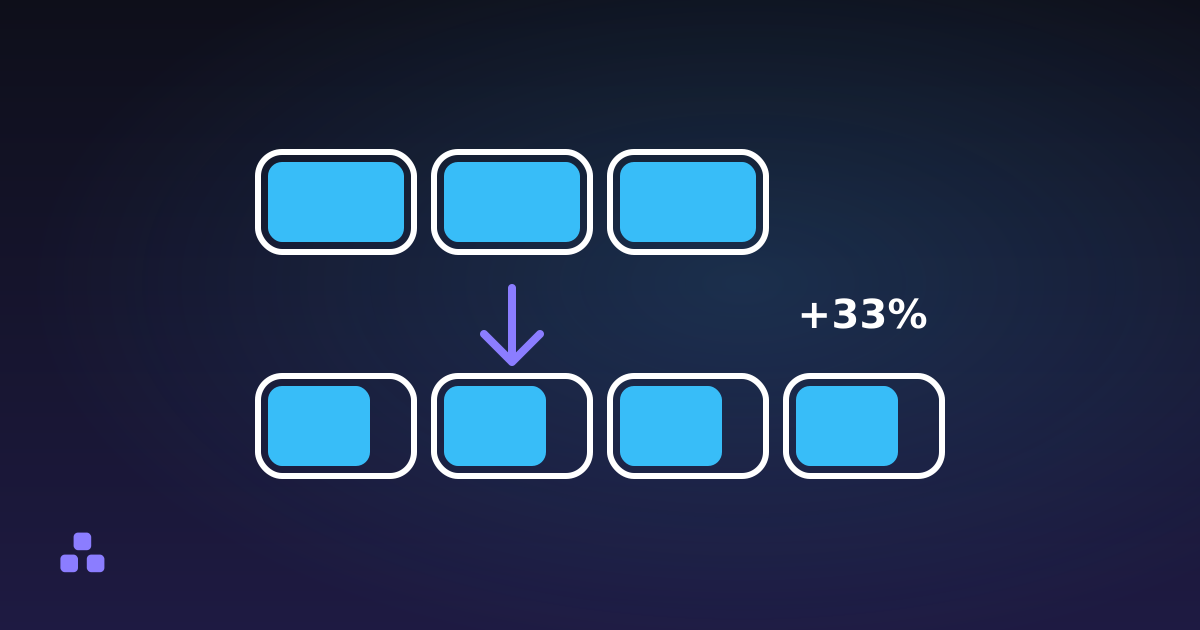
Base64 is a way of writing arbitrary bytes (an image, a key, a zip file) using only 64 plain text characters, so the data survives channels that were built for text and mangle anything else. It works in blocks: three bytes go in, four characters come out, which makes the result about a third larger than what you started with. It is an encoding, not encryption. Anyone who sees the string can reverse it in a second, with no key and no password.
How does Base64 actually work?
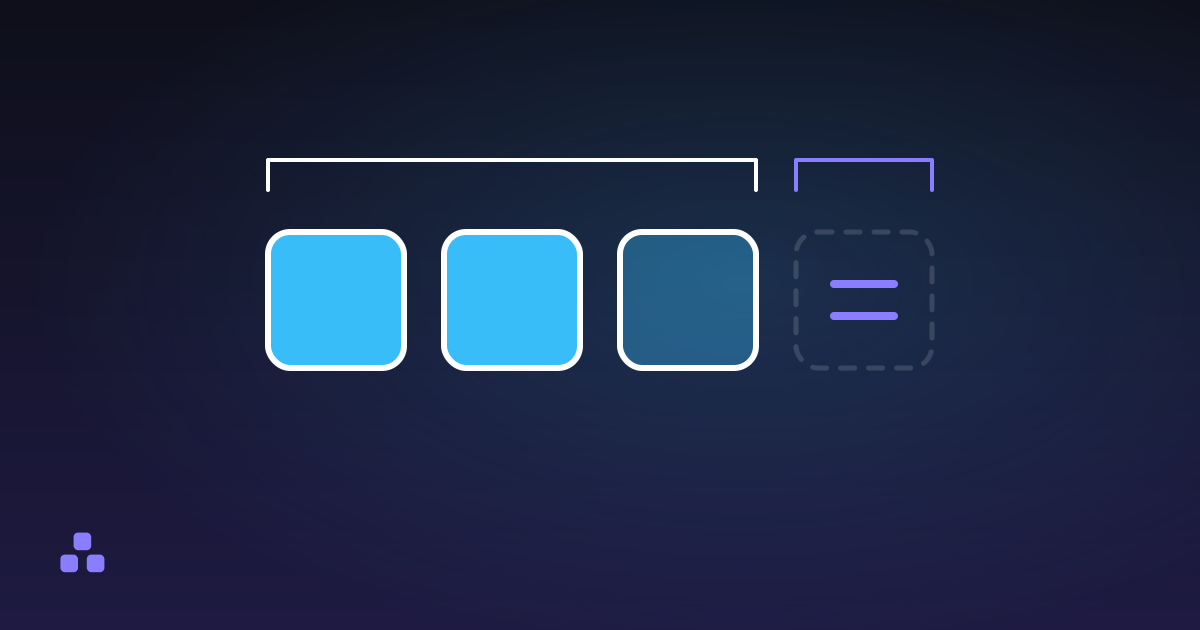
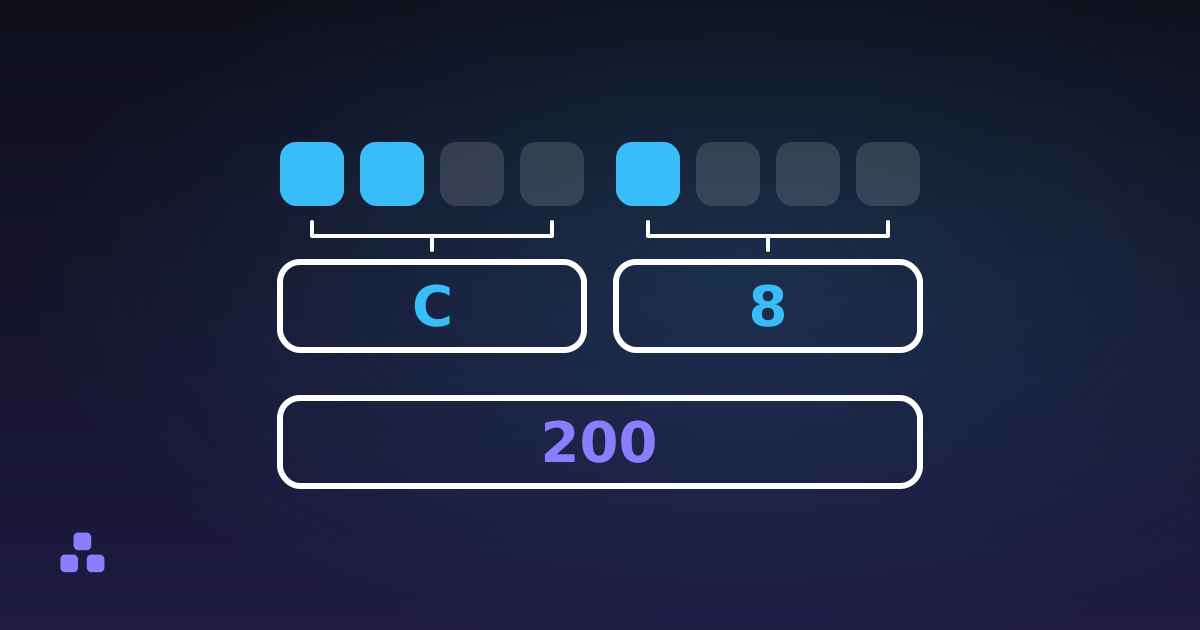
Three bytes are 24 bits. Base64 cuts those 24 bits into four groups of six. Six bits hold a number from 0 to 63, and each number maps to one character in a fixed alphabet: A-Z for 0-25, a-z for 26-51, the digits 0-9 for 52-61, then + and /. Twenty-six plus twenty-six plus ten plus two is sixty-four, which is where the name comes from.
Take the word Man. Those three bytes are 01001101 01100001 01101110. Regrouped into sixes they read 010011, 010110, 000101, 101110. Those four groups are 19, 22, 5 and 46. Look each number up in the alphabet and you get TWFu. Nothing was compressed and no key was involved: the same bits, sliced differently.
Why do so many Base64 strings end in = signs?
Input is rarely a neat multiple of three bytes. When it is not, the encoder pads the final group with zero bits and records the shortfall with = characters. One = means the last group held two bytes; two of them mean it held one. The single letter M encodes to TQ==. You will never see three padding characters, because three missing bytes is not a partial group at all.
That is also the quickest sanity check on a string someone has handed you. To see what is actually inside one, the Base64 encoder and decoder here strips the whitespace, puts missing padding back, and refuses a length that cannot be right rather than returning quiet nonsense. It takes text you paste rather than files: there is no file picker, and a binary file dropped into a text box is already ruined. It runs in the tab, so a token you are debugging never leaves your machine.
Why does Base64 exist at all?
Because a lot of plumbing was designed for text and breaks on raw bytes. Email is the original case: SMTP was specified for 7-bit ASCII, so a file full of arbitrary 8-bit bytes could not simply be dropped into a message. MIME, the standard that lets mail carry anything other than plain text, defined Base64 as one of its transfer encodings in the early 1990s, and that is still how every attachment you send travels.
The same problem keeps coming back in new clothes. JSON has no binary type at all: a string has to be valid text, and a raw control byte sitting in the middle of one is not. A YAML config, an XML document, a text database column, a log line: all of them take the 64 Base64 characters without argument, and all of them do something unpredictable with byte 0x00. Base64 is the boring, universal answer. Make the bytes look like text and the text channel stops caring what they are.
Where do you run into Base64?
- Email attachments. Wrapped at 76 characters per line, because SMTP never promised that anything longer would arrive intact.
- Data URIs.
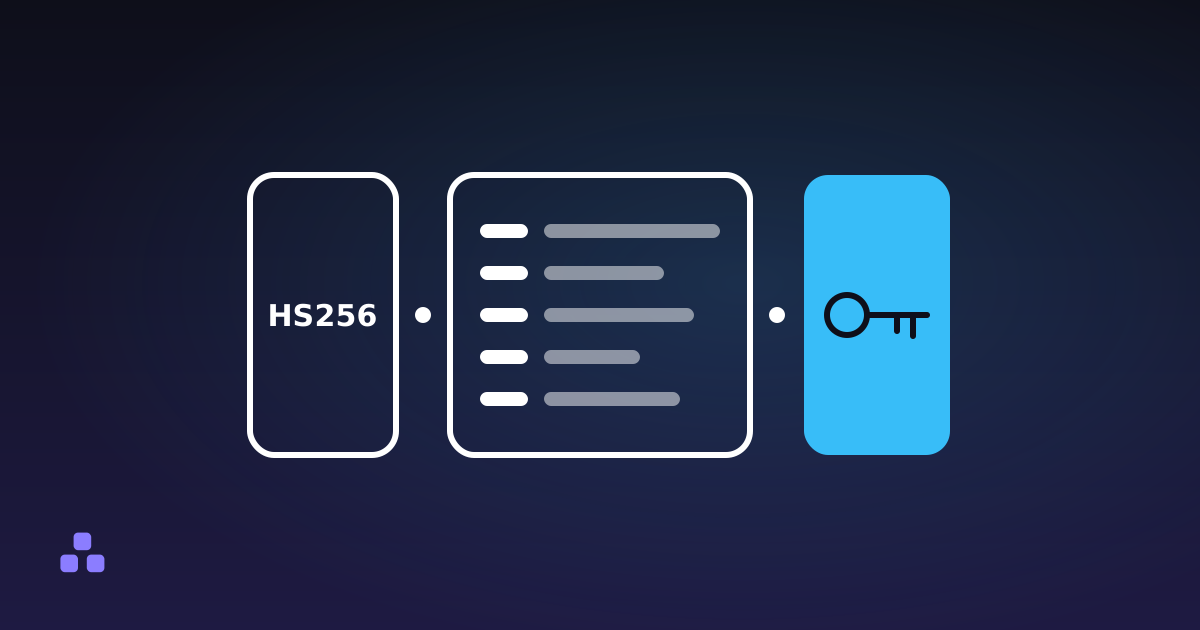
data:image/png;base64,…puts a whole file inside an HTML or CSS file. Useful for a tiny icon, expensive for anything else: when inlining an image actually pays off is a narrower question than it looks. - JSON Web Tokens. The header and the payload are base64url, which is why you can read a JWT without any key at all.
- HTTP Basic authentication. The
Authorizationheader carriesBasicfollowed by Base64 ofusername:password. That is obfuscation, not protection, and it is the reason Basic auth without HTTPS is the same as sending the password in the clear. - PEM files. Certificates and private keys are Base64 wrapped at 64 characters between the BEGIN and END lines.
- Opaque API values. Pagination cursors, upload IDs, signed cookies. Decoding one often reveals a timestamp and a record ID somebody assumed nobody would look at.
What is base64url, and why do tokens use it?
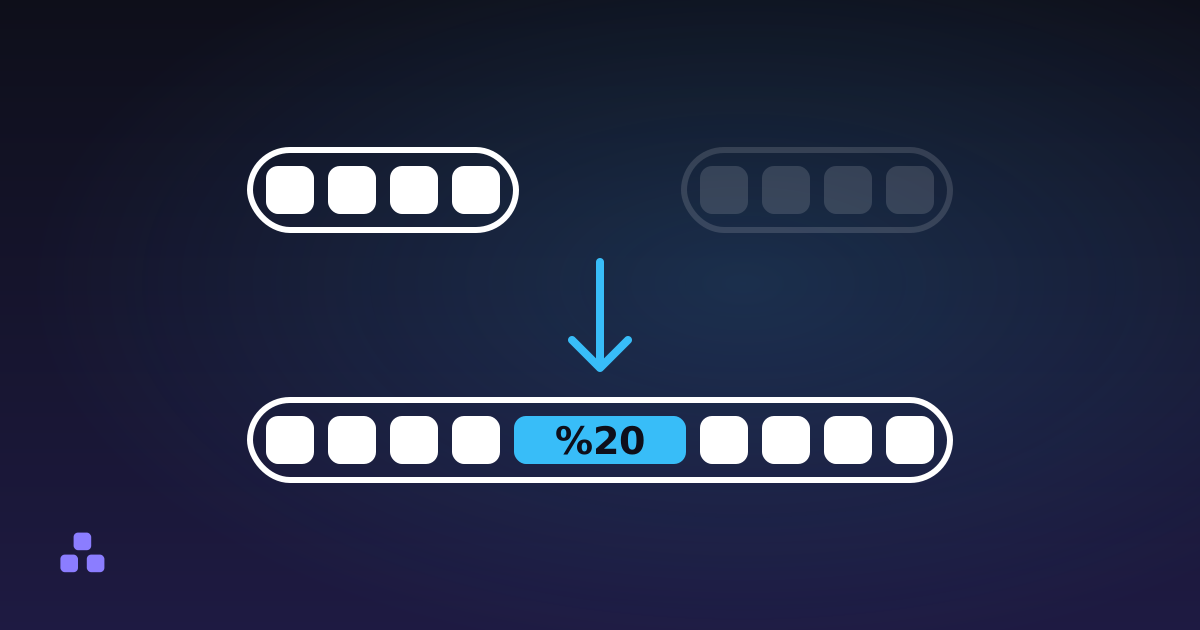
RFC 4648 defines two alphabets, and the second one exists because the first is hostile inside a URL. A + in a query string is read as a space by form decoders, a / ends a path segment, and the = padding has to be escaped. base64url keeps the first 62 characters, swaps the last two for - and _, and usually drops the padding.
The bits underneath are identical, which is what makes the mismatch expensive. Two strings differ only where a + or a / happened to land, so they look the same at a glance, and a token that decodes cleanly in one library and comes out as garbage in another has usually crossed that boundary. It is also why a standard-alphabet string pasted into a query parameter comes back with spaces where its + signs were, one corner of the larger mess that URL encoding exists to clean up.
Why Base64 is not encryption, or compression
There is no key, no secret and no work involved in reversing it. A password sitting Base64-encoded in a config file is a plaintext password wearing a costume: it stops a casual glance and nothing else.
JWTs catch people out for the same reason. The claims in a token are signed, not hidden: the signature shows the payload has not been altered, and shows nothing about who is holding it. Anyone with the token, including the user whose browser is storing it, can read every field. Paste one into a JWT decoder and the internal user IDs, email addresses and role flags come straight out. What a JWT actually contains covers the rest, including the parts that are genuinely protected.
It is not compression either. Base64-encoding a zip file makes it a third bigger, not smaller. Compress first and encode second, never the other way round: Base64 shifts repeated sequences out of byte alignment, because the same three bytes encode to different characters depending on where in the stream they start. A compressor run over the encoded text finds much less to work with than one run over the original bytes.
What does the 33% overhead actually cost?
Four characters for every three bytes is a fixed overhead, and line breaks add a little more on top. A 5 MB attachment travels as roughly 6.7 MB of Base64. A 40 KB logo inlined as a data URI adds about 53 KB to the HTML file, and unlike a separate image it cannot be cached on its own or fetched in parallel.
Gzip claws some of that back, since the output only ever uses 64 distinct characters, but it does not get you down to the size of the raw bytes. If a transport can carry binary, carry binary. Base64 earns its cost only when the channel genuinely cannot.
What usually breaks?
Accented characters and emoji. The browser's btoa() does not take text. It takes a binary string, where every character has to fit in a single byte, and anything above U+00FF throws InvalidCharacterError. Plain English sails through every test you write, and the first customer called Zoë breaks production. Convert the text to UTF-8 bytes and encode those instead. TextEncoder does it in the browser, and Python and Node do it by default.
Missing padding. Plenty of decoders, including the one on this site, restore it for you. Plenty of strict libraries refuse. If a base64url token decodes on a web page and fails in your code, this is the first thing to check. What the = at the end means explains how to read the length to tell a stripped string from a cut one.
Line breaks. Decoders are supposed to ignore them and most do, but some embedded and older enterprise parsers do not. A blob copied out of an email is the usual source.
Double encoding. Encoding an already-encoded string is valid, silent, and grows the data by a third again. You find out when the decoded result is itself Base64.
Expecting text out. If the original bytes were an image, the decoded output is noise, and a lenient decoder shows you mojibake rather than an error. Nothing is broken; the payload was never text.
When should you use something else?
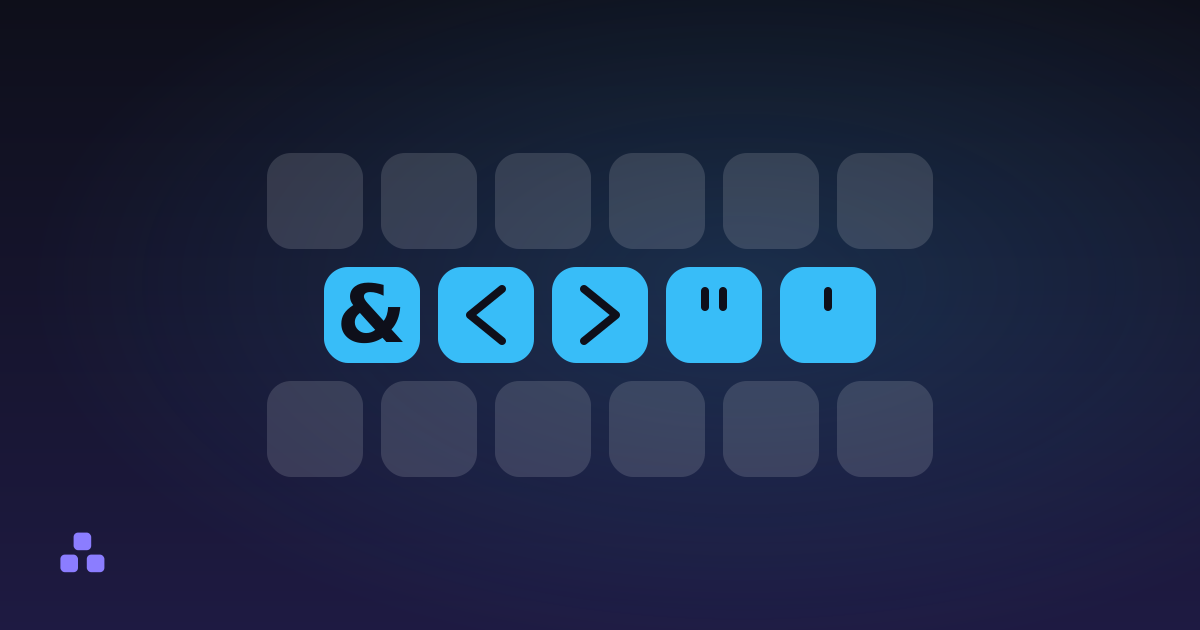
Base64 answers one question: how do I move bytes through a text-only channel. If you need to hide something, use encryption; if you need to shrink it, compress it. And if the real problem is that a few characters have structural meaning in the surrounding document, a narrower escape beats encoding the lot: HTML entities for markup, percent-encoding for URLs, standard quoting for CSV. Those keep the content readable, which Base64 destroys by design.
The fastest way to make any of this concrete is to run a string through it. The Base64 encoder and decoder reads both alphabets, restores missing padding, counts the bytes going in against the characters coming out, and gets UTF-8 right, so the accented text that breaks btoa() survives the round trip intact. It works on pasted text rather than files, which covers tokens, keys and config values but not a PDF.
If you got here because a string in a config file or a URL was not doing what you expected, the neighbouring problem is usually escaping rather than encoding. HTML entities: when you need them and when you do not covers the other half of that: which characters have to be escaped, which ones people escape out of superstition, and what the difference costs you.
Frequently asked questions
What is Base64 used for?
It is used to move binary data through channels that only accept text: email attachments, data URIs inside HTML and CSS, JSON Web Tokens, PEM certificate files, and HTTP Basic authentication headers. In every case the point is that the receiving system would corrupt or reject the raw bytes. Base64 rewrites those bytes using 64 characters that any text channel will carry unchanged.
Is Base64 encryption?
No. Base64 has no key and no secret, and anyone who sees the string can decode it instantly with a free tool or one line of code. It is an encoding, designed for transport, not for privacy. A password stored Base64-encoded is a plaintext password with an extra step.
Why does Base64 make files bigger?
Because it turns every three bytes into four characters, which is a fixed 33% increase, and line wrapping adds a little more. A 5 MB file becomes roughly 6.7 MB of Base64. This is why you compress a file before encoding it, never after.
What do the = signs at the end of a Base64 string mean?
They are padding, added when the input length was not a multiple of three bytes. One = means the final group held two bytes, and two = means it held one. A valid string never ends in three padding characters. Some variants, including the base64url used in JWTs, drop the padding entirely.
How can I tell whether a string is Base64?
You cannot be certain, only rule it out. Base64 uses A-Z, a-z, 0-9 and two more characters, and its length with padding is a multiple of four, so anything outside that set is not Base64. But ordinary words pass the test too: "test" is a valid Base64 string that decodes to three bytes of binary junk. Decoding it and looking at the result is the only real check.
Why does btoa() fail on accented characters?
btoa() expects a binary string, where every character is a single byte, so anything above U+00FF throws InvalidCharacterError. Accents and emoji sit above that limit. Convert the text to UTF-8 bytes with TextEncoder first, then encode those bytes, and the result will match what Python and Node produce.
Last updated September 19, 2026