Aspect Ratio Calculator for Images and Video
Enter the size you have and one dimension of the size you want. The other one is filled in for you, along with the simplified ratio and a warning when the result does not land on a whole pixel.
Type here and the new height follows.
Or type here and the new width follows.
Common widths at this ratio
| Width | Height | Megapixels | Notes |
|---|
The arithmetic, in case you want to do it in your head
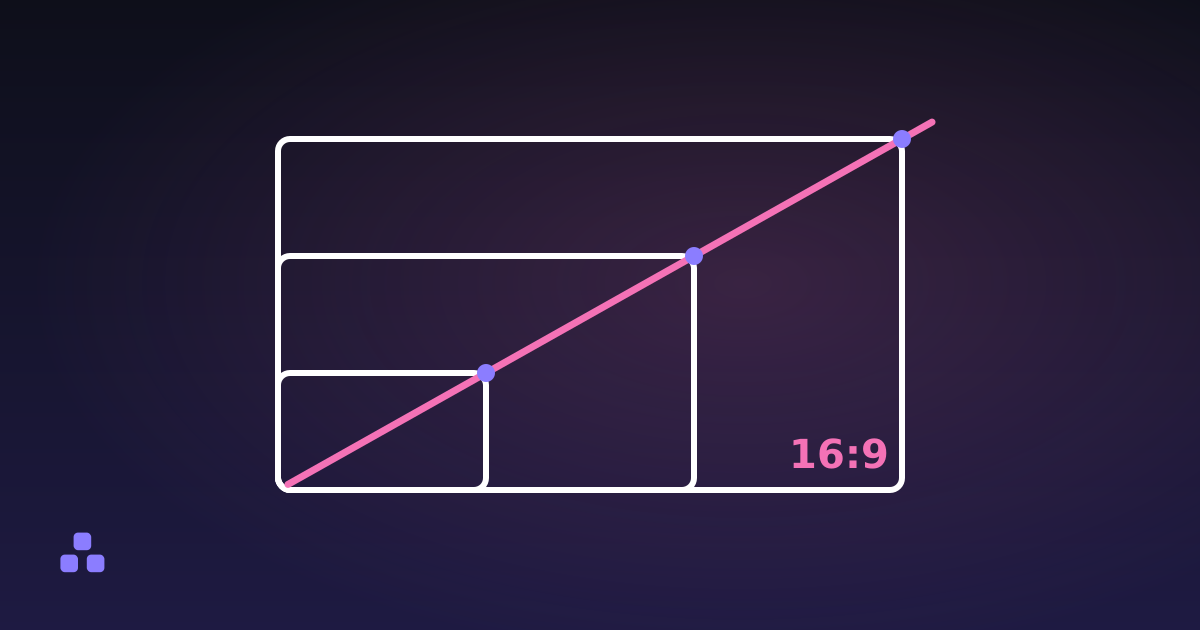
An aspect ratio is one division: width divided by height. 1920 ÷ 1080 is 1.777…, and every size that shares that number is the same shape. To scale, multiply or divide both sides by the same factor. To find a missing dimension, cross-multiply: new height = new width × original height ÷ original width.
The tidy form, 16:9, comes from the greatest common divisor. 1920 and 1080 are both divisible by 120, and dividing through gives 16 and 9. That is all the simplify step above does. It also explains why 1921 × 1080 refuses to simplify into anything useful: the two numbers share no factor, so the smallest honest form is the decimal.
The ratios you will actually meet
- 16:9 — video, laptop screens, YouTube, and the default for almost anything that moves.
- 3:2 — the shape 35mm film had, and what most mirrorless and DSLR cameras still shoot. A 6000 × 4000 photo is 3:2.
- 4:3 — older displays, many compact and phone sensors at full resolution, and most tablets.
- 1:1 and 4:5 — the social feed shapes. 4:5 is the tallest portrait Instagram will show without cropping.
- 9:16 — vertical video: stories, reels, shorts.
Watch out for 21:9. It is a marketing label, not a ratio. Ultrawide monitors sold as 21:9 are usually 2560 × 1080, which is exactly 64:27, or 3440 × 1440, which is 43:18. Neither is 21:9. If you calculate against the literal 21:9 you will be off by enough to letterbox.
Where the rounding bites
Pixels are whole numbers. A ratio that does not divide evenly into your target width forces a rounding, and the shape changes very slightly. Scale a 16:9 video to 1000 px wide and the exact height is 562.5 px. Round to 563 and the real ratio is now 1.7762, not 1.7778.
Usually nobody notices. Two cases where it matters: a one-pixel gap or letterbox appears when the rounded asset sits inside a container sized to the true ratio, and video encoders reject the result. Nearly all common video uses 4:2:0 chroma subsampling, where the color planes are half the size of the luma plane, so both dimensions have to be even. The table above flags odd results for exactly that reason. Some encoders go further and prefer multiples of 16, which is the macroblock size.
When you can pick the width, pick one that divides cleanly. For 16:9, use multiples of 16. For 4:3, multiples of 4. You get whole numbers and no rounding at all.
Aspect ratio is not resolution, and not DPI
1280 × 720 and 3840 × 2160 are both 16:9. The ratio describes shape only, and says nothing about how sharp anything will be. DPI is a third, unrelated thing: it is metadata that matters when printing, and has no effect whatsoever on how an image displays on a screen. Changing an image from 72 to 300 DPI without changing the pixel dimensions changes nothing you can see in a browser.
In CSS, the modern way to hold a shape while the width flexes is aspect-ratio: 16 / 9 on the element. The old padding-top percentage trick still works, and you may still meet it in older code, but there is no reason to write new code that way.
What this tool does not do
It calculates, it does not resize. Nothing here touches a file, and enlarging an image to a bigger size does not add detail that was never captured — it only spreads what is there over more pixels.
It also cannot change a ratio without loss. Going from 3:2 to 16:9 means either cropping pixels off the top and bottom or adding bars. The calculator will happily tell you the numbers for a new ratio, but the decision about what to sacrifice is yours.
Finally, it assumes square pixels. Some older video formats do not have them: DVD-era 720 × 480 footage is displayed at 16:9 through a non-square pixel aspect ratio, so the stored frame and the displayed frame are different shapes. If you are working with anamorphic material, the numbers here describe the stored frame only.
Frequently asked questions
How do I keep an image proportional when resizing it?
Fix one dimension and let the other follow from the original ratio. If the original is 1920 by 1080 and you want 1280 wide, the height is 1280 times 1080 divided by 1920, which is 720. Any other height squashes the picture.
What is the aspect ratio of 1920 x 1080?
16:9. Both numbers divide by 120, giving 16 and 9. As a decimal it is 1.778, and any size with that same width divided by height is the same shape, from 640 by 360 to 3840 by 2160.
Why does the calculator say the height is 562.5?
Because the width you chose is not divisible into the ratio. Pixels have to be whole numbers, so the result gets rounded and the shape shifts by a fraction of a percent. Choosing a width that is a multiple of 16 avoids it for 16:9.
Does the odd number warning matter?
For still images, no. For video, usually yes: most encoders use 4:2:0 chroma subsampling and require even width and height, so an odd dimension will either be rejected or silently adjusted.
Can I change an image from 4:3 to 16:9 without distortion?
Only by cropping or by adding bars. Those are the two honest options. Stretching to fit works mathematically and looks wrong immediately, most visibly on faces and circles.
Last updated September 19, 2026