An iPhone photo will not open elsewhere because the phone saves it as HEIC, a container that compresses a still image with the HEVC video codec, and many editors, Windows installs and upload forms do not include a decoder for it. The file is not damaged. The phone and Safari read it natively; the other program simply cannot. Converting a copy to JPG, which opens almost everywhere, fixes it for that photo, and a camera setting fixes it for the next ones.
Why does the same file open on the phone and fail on the computer?
Opening a photo means decoding it, and decoding HEIC needs a decoder for HEVC. That codec is covered by patents and licences, so software makers decide one by one whether to ship it. Apple does on its own devices. Windows, as of 2026, generally asks you to install a paid or free extension from the Store before it will show one. Chrome and Firefox do not display HEIC files at all. A web form that checks the file type before accepting it will reject the upload before any of this even matters.
The file extension adds to the confusion. Photos from an iPhone end in .heic, and the format underneath is called HEIF, so you will see both names. They refer to the same thing for photo purposes, and a tool that accepts one accepts the other.
Older does not mean broken. A program from before 2017 has never heard of the format, and a program from last year may have left it out on purpose. Neither one will explain that; you get a blank thumbnail or a message about an unsupported file.
What does HEIC save?
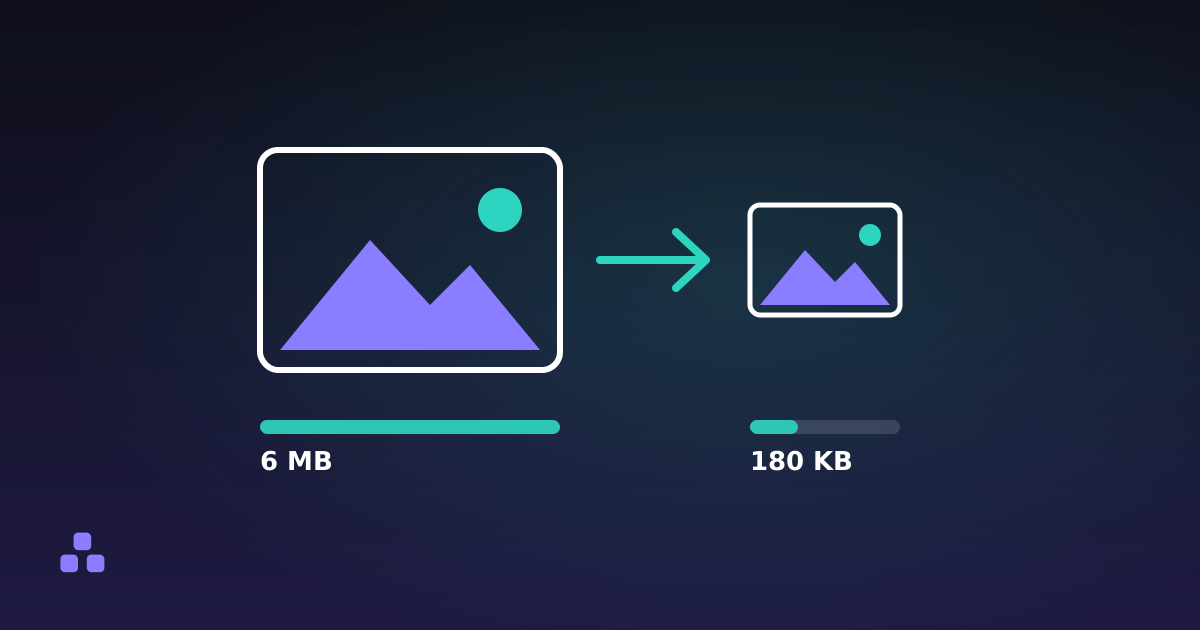
Since 2017 the iPhone camera defaults to HEIC, and the reason is size. The same picture takes roughly half the space of a JPG at similar visible quality, because a video codec is built to describe a frame efficiently using what it knows about neighbouring pixels. On a phone with 128 GB shared between apps, videos and thousands of photos, that adds up.
HEIC can also hold things JPG cannot: more than one image in a file, transparency, and 10-bit colour, which is where the extra smoothness on a bright sky comes from. The cost is compatibility, and the saving only helps if the photo stays on devices that read it.
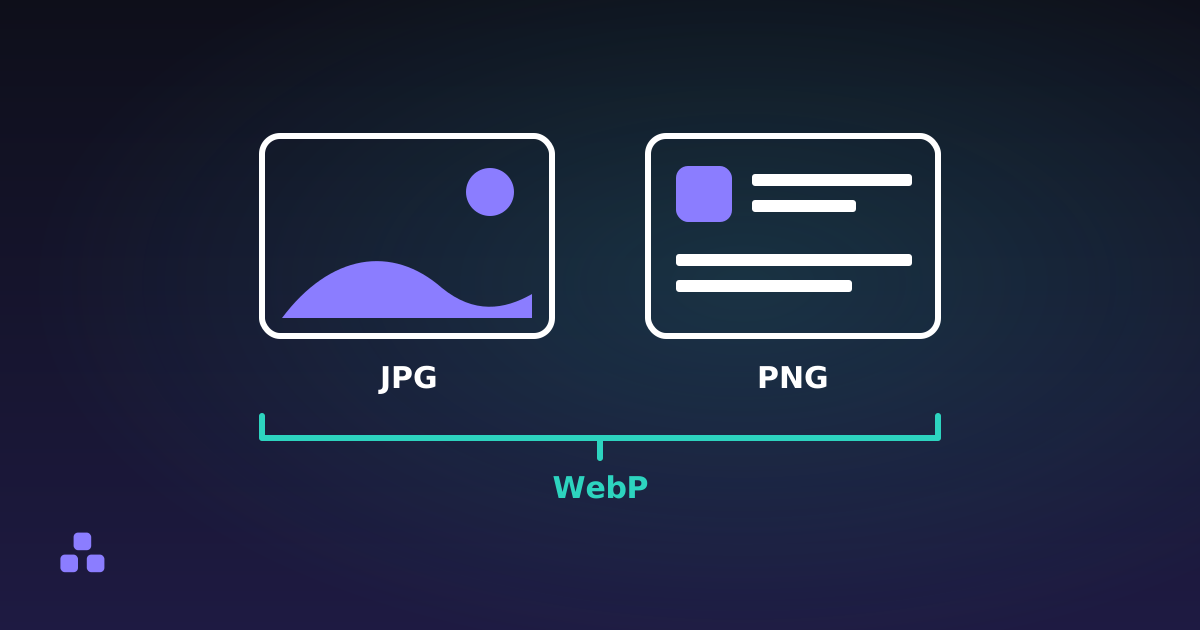
The saving works against you in one place. Convert to JPG and the file usually gets bigger, not smaller, because JPG needs more bytes for the same picture. PNG vs JPG vs WebP explains how the formats trade size against detail, and how to reduce image file size covers what to do when the JPG comes out larger than you wanted.
What does converting to JPG keep, and what does it drop?
I checked this against the code of the HEIC to JPG converter rather than assuming it. It decodes the photo in your browser with libheif, an open-source HEIC library compiled to WebAssembly, and then writes the pixels out with the browser's own image encoder.
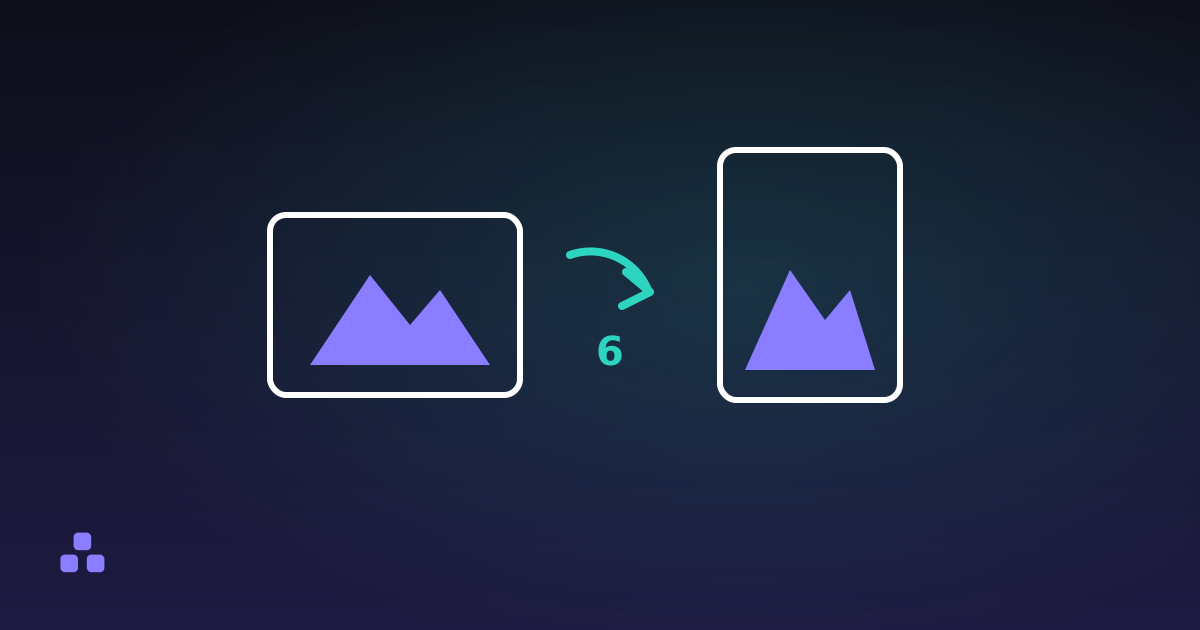
- The pixels come through at full resolution, with the rotation the phone recorded already applied, so a portrait photo stays portrait.
- The default JPG quality is 90, adjustable from 50 to 100. At 90, a 12-megapixel photo usually lands between 2 and 4 MB. At 100 the file roughly doubles.
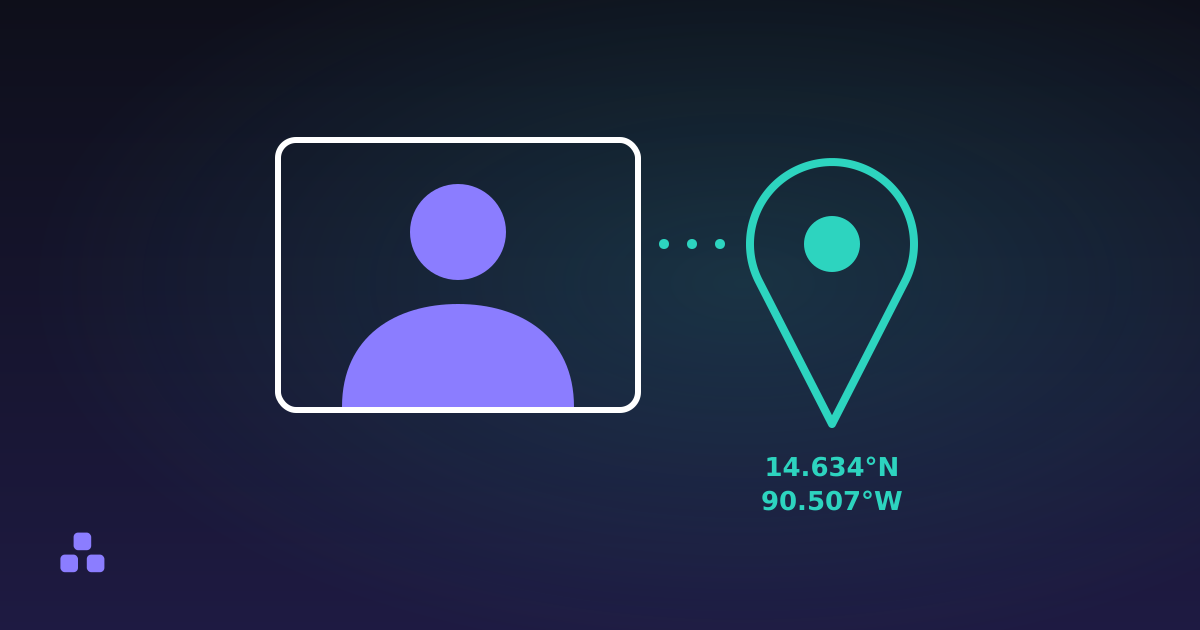
- The metadata is dropped. The JPG has no date taken, no camera model and no GPS position, because the encoder writes pixels and nothing else.
- A 10-bit photo becomes 8-bit. The picture looks normal, but it loses the headroom an HDR screen could have shown.
- A Live Photo gives you the still only. The short video is a separate file that was never inside the HEIC.
- A file holding several images produces one numbered download per image.
The metadata loss cuts both ways. If you are about to post the photo, a copy with no location is what you want, and what EXIF data reveals explains why that matters. If you are archiving the photo, the date and place are part of its value, so keep the original HEIC as well. A conversion is a copy for sharing, not a replacement for the file.
Convert once, from the original. A JPG that you convert again, edit and re-save has been compressed with loss each time.
When is changing the camera setting the better fix?
If most of your photos end up on a laptop, in a web form or in an editor that does not read HEIC, converting each batch is a chore you can remove. On the iPhone, the Camera settings have a Formats entry with a Most Compatible option, which makes the camera shoot JPG from then on. Menu names and positions move between iOS versions, so look for Formats under Camera in Settings rather than trusting a path.
The setting costs space: the same shots take roughly twice the storage, and you give up the 10-bit range. It also changes nothing for photos already taken. Those stay HEIC until you convert them.
Keeping HEIC is the better choice when the photos mostly stay on Apple devices, when storage is tight, or when you edit in software that handles HEIC well. Switching to Most Compatible is the better choice when a share, an upload or a colleague's older computer keeps blocking you. Some iOS transfer and sharing options also convert on the way out, but they differ by method and version, so check the file you received rather than assuming.
What can the converter not do?
It cannot read every HEIC. Depth maps, some HDR gain-map files and images encoded with unusual settings are outside what the decoder handles. When one fails, the tool names that file and carries on with the rest, and sharing the photo from the phone as JPG is the fallback.
It also depends on memory. Files are decoded one at a time, but a very large batch on a phone can still exhaust the browser, in which case convert in smaller groups. The first file triggers a 1.5 MB download of the decoder from this site, then it is cached. The photos themselves are not uploaded anywhere, which you can confirm in the Network tab of your browser's developer tools.
If you have HEIC files in hand right now, the HEIC to JPG converter turns them into JPG, PNG or WebP in your browser, in batches, with nothing uploaded.
If you are wondering what the converted file gives away or no longer carries, what EXIF data reveals goes through what a photo records about where and when it was taken.
Frequently asked questions
Why can I not open an iPhone photo on my Windows computer?
iPhones save photos as HEIC, and opening one needs a decoder for the HEVC video codec. Windows has often needed an extension installed from the Store to show these files, and the requirement can change, so check on your own machine. Converting a copy to JPG gets around it, because JPG opens in every program.
Is HEIC the same as HEIF?
For iPhone photos, yes in practice. HEIF is the container format and HEIC is the name for the version that uses the HEVC codec, which is what the phone writes. A converter that accepts HEIC files from an iPhone accepts HEIF files too.
Does converting HEIC to JPG lose quality?
A little, because JPG compresses with loss and the photo is encoded again. At a quality of 90 the difference is hard to see on a screen. The conversion also drops metadata such as the date and GPS position and reduces a 10-bit photo to 8-bit, so keep the HEIC original if you need either.
How do I make my iPhone take JPG photos instead of HEIC?
Open Settings, go to Camera, then Formats, and choose Most Compatible. The camera shoots JPG from then on, at the cost of larger files. Photos already taken stay HEIC, and menu names can shift between iOS versions.
Why is the JPG larger than the original HEIC?
HEIC uses a video codec that packs a still image into roughly half the space JPG needs for similar visible quality. A bigger JPG is the normal result and not a sign of a problem. Lowering the JPG quality shrinks it, at some cost in detail.
Last updated November 9, 2026