Reversing text means one of four different operations, and asking for the wrong one is why the result looks broken. You can reverse the characters (hello becomes olleh), reverse the order of the words (one two three becomes three two one), reverse the order of the lines, or reverse each word where it stands and leave the sentence shape alone. Character reversal is the literal answer, and it is the one that goes wrong: accents come off their letters, emoji arrive as empty boxes, and the reason is how text is stored rather than which tool you used.
Which of the four do you want?
Run each mode over the line Café 👩💻 never odd or even and the difference is obvious:
- Reverse characters: the whole text mirrored, last character first. It turns the word order and the line order inside out as a side effect, which is usually not what someone meant.
- Reverse word order: even odd never 👩💻 Café. Words come out back to front, each one still spelled correctly. This is the mode for a word-order puzzle, or for checking that a sort does what you think it does.
- Reverse line order: the last line becomes the first, every line untouched. Useful for a log that prints newest last, or any chronological list you want to read from the bottom.
- Reverse each word: éfaC 👩💻 reven ddo ro neve. Sentence structure intact, every word backwards in place.
If you are not sure which you need, look at all four. They are separate buttons in the text reverser here, so the same input switches between modes without retyping, and it counts characters the way a reader does rather than the way the browser stores them. That gap is where the trouble starts.
Why the one-line version breaks
Search for how to reverse a string and the answer is always s.split('').reverse().join(''). It is correct for unaccented English and wrong for nearly everything else, because JavaScript stores text as UTF-16 code units: fixed 16-bit slots that only sometimes correspond to a character a person would point at. Three separate things go wrong, and any real text hits at least one of them.
Characters that occupy two slots
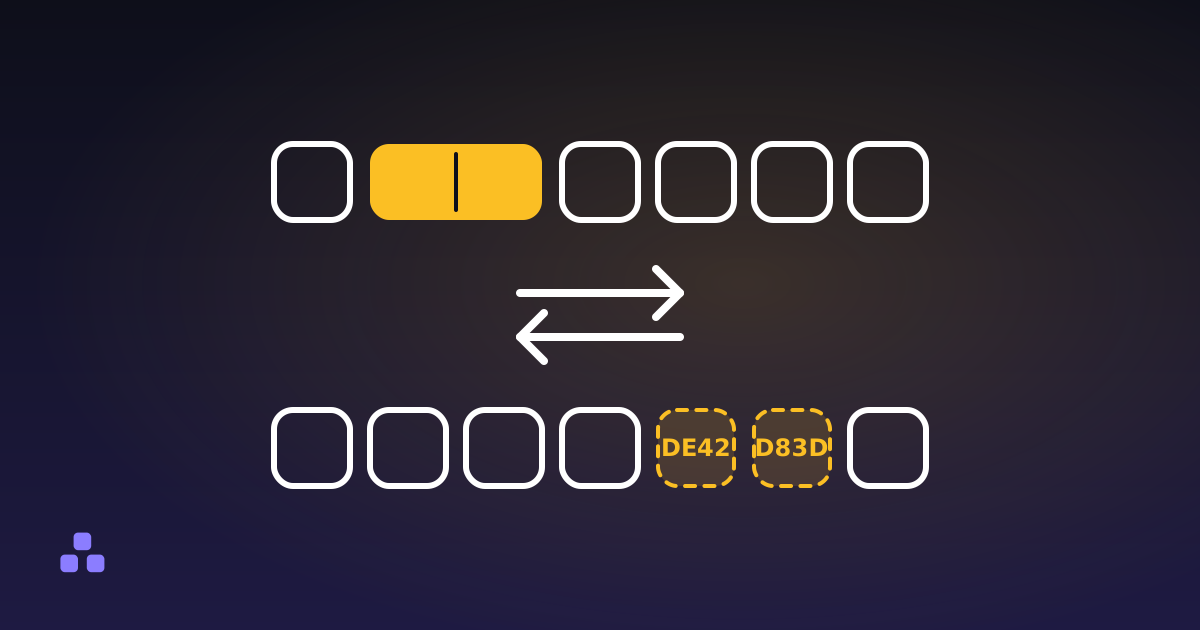
Anything above U+FFFF (most emoji, less common CJK, every historic script, the mathematical alphabets) does not fit in 16 bits and is stored as a surrogate pair: two code units that mean something only in that order. The slightly smiling face is U+1F642, stored as D83D then DE42. Reverse the string and it becomes DE42 then D83D, a low surrogate in front of a high one, which is not a character at all. The browser draws two replacement boxes.
Accents that live in their own slot
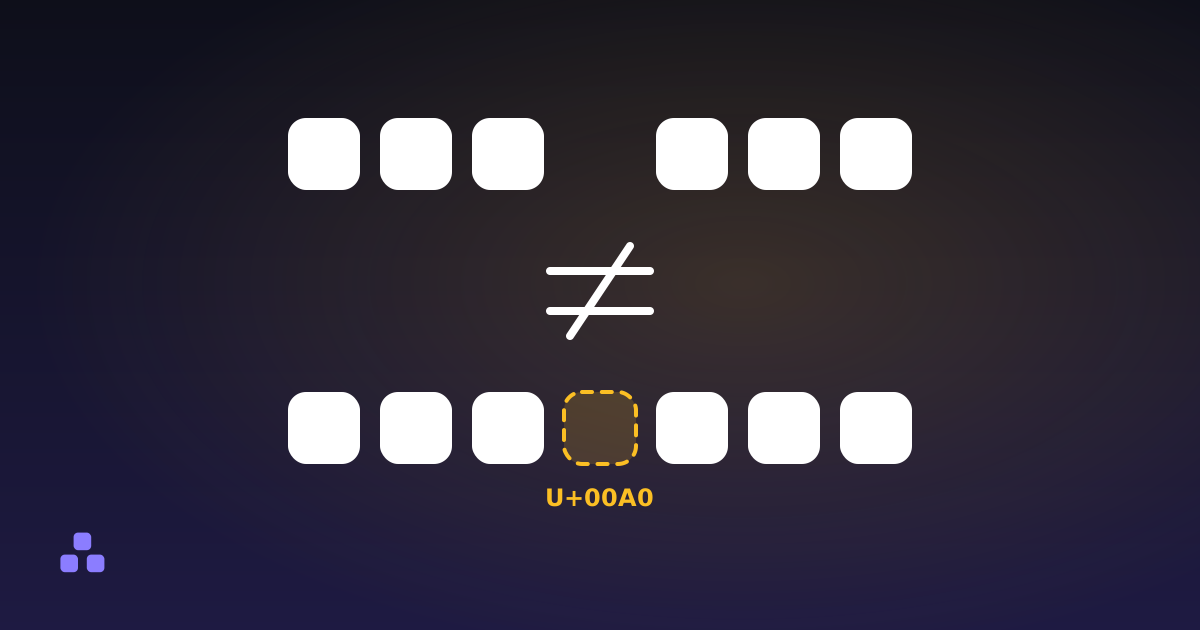
The é in Café can be a single code point (U+00E9) or two: a plain e followed by U+0301, the combining acute accent. They look identical on screen and you rarely know which one you have. Text copied from the web and filenames from macOS often use the two-part form. Reverse it and the accent lands in front of the letter it belonged to, attaching itself to whatever now precedes it or floating alone on a dotted circle. One word loses its accent and a different word gains one. The same applies to Thai vowel signs, Devanagari matras and Hebrew points.
Emoji made of several emoji
👩💻 is three code points: a woman, a zero-width joiner (U+200D) and a laptop. The joiner is the instruction to draw them as one glyph. Reversed, the sequence becomes laptop, joiner, woman, which no font has a combined form for, so it falls apart into two unrelated emoji. Flags are the memorable case. They are pairs of regional indicator letters, so reversing the flag of Australia, the letters A and U, gives you the flag of Ukraine. Nothing errors and nothing looks broken; you just get a different country.
How to do it properly
Split the text into graphemes, the units a reader counts as one character, instead of into code units. In a browser that is Intl.Segmenter:
const seg = new Intl.Segmenter(undefined, { granularity: 'grapheme' });
const out = [...seg.segment(text)].map(g => g.segment).reverse().join('');
Spreading the string with [...text] or Array.from is the half-fix you will see recommended. It iterates code points rather than code units, so it repairs the surrogate-pair problem and neither of the other two: your emoji survive and your accents still migrate. Grapheme segmentation is the only approach that handles all three.
Support is good but not universal: Chrome has had it since 2020 and Safari since 2021, while Firefox only shipped it in 2024. On older browsers the only fallback is a large Unicode table you ship yourself. The reverser linked above uses the real thing where it exists and says so under the buttons when it has fallen back to code points, because accents really do move there.
Reversing a list is not sorting it
Reverse line order gives you the list from the bottom up. If the list was not in order to begin with, you now have a differently disordered list. That is fine if you wanted the newest entries first and useless if you wanted Z to A. Those are different operations, and people reach for the wrong one constantly. Putting a list in alphabetical order with the descending option is what produces Z to A; reversal only mirrors whatever order was already there.
One place reversal is exactly right: checking a palindrome. Strip the spaces and punctuation, reverse the characters, compare. Never odd or even passes. Most things people are certain are palindromes do not.
Do not reverse Arabic or Hebrew
Right-to-left scripts are stored in logical order (the order you would say them) and the browser handles the right-to-left display itself. Reversing the string gives you text that is backwards in memory and still rendered right-to-left, which is wrong twice. To test an RTL layout, set dir="rtl" and use real translated text: reversed Latin tells you nothing about how Arabic wraps or where the punctuation lands.
There is also a character, U+202E, that forces everything after it to display right-to-left whatever the script. It is a legitimate part of the bidirectional algorithm and it is also how an attachment whose real name ends in .exe can appear in a mail client to end in something harmless. Visible reversal is a party trick. The one that gets used against people is the reversal the renderer performs for you, triggered by a character with no width.
Upside-down text is a costume, not a rotation
Flipping text swaps each letter for a different Unicode character that happens to resemble it turned over (ɐ is a turned a borrowed from the phonetic alphabet, ǝ a turned e), and then reverses the result so it reads correctly when the screen is upside down. Nothing rotates. The string is now made of characters that mean something else.
That matters before it goes into a profile. A screen reader announces the actual characters, so a flipped name is read out as a run of phonetic symbols. Search will not match it. Fonts missing those glyphs show boxes, still common on older Android and on e-readers. Some platforms normalise or reject the characters when you save. And capital letters mostly have no turned form in Unicode, so they come out wearing lowercase shapes.
What reversal will not do for you
It is not a mirror image. Brackets and quotation marks keep facing the direction they faced, so a reversed (example) comes out as )elpmaxe(. Correct as a reversal, wrong as a mirror. Only upside-down mode swaps the paired characters, because there the output is meant to be read.
It is not obfuscation. Reversed text is legible to anyone who spends a second on it and undone instantly by any tool, including the one that made it. It hides a spoiler and nothing more.
It is not a rename. If what you actually want is userName written as user_name, that is a convention change rather than a reversal, and camelCase, snake_case and kebab-case each have places they belong.
It has no idea what your text is. Markup, indentation, CSV columns and code all come out structurally destroyed. Reverse a sentence, not a config file.
All four modes sit side by side in the text reverser, which segments by grapheme, so the accents stay on their letters and a multi-part emoji comes back out in one piece. It runs in the page, meaning whatever you paste never leaves your machine.
The zero-width joiner holding that emoji together belongs to a whole family of characters you cannot see but that change what text does anyway. The invisible characters breaking your text covers the rest of them, including how to find the ones already sitting in something somebody sent you.
Frequently asked questions
How do I reverse a string in JavaScript without breaking emoji?
Split the string into graphemes rather than code units, using Intl.Segmenter with grapheme granularity, then reverse that array and join it. The common split('').reverse().join('') breaks any character stored as a surrogate pair. Spreading the string with Array.from is better but still moves combining accents and splits joined emoji.
Why does my reversed text show empty boxes or question marks?
The reversal split a character in half. Emoji and other characters above U+FFFF are stored as two 16-bit halves that are only valid in one order, so reversing them produces a sequence no font can draw. A reverser that works in graphemes avoids this entirely.
How do I reverse the order of words but keep each word spelled correctly?
Use a word-order reversal rather than a character reversal. It flips the sequence of words on each line and leaves the letters inside each word alone, so "one two three" becomes "three two one". Reversing characters across the whole text would give you "eerht owt eno" instead.
Can you reverse Arabic or Hebrew text?
You can, but it is almost never what you want. Right-to-left text is stored in the order it is spoken and the browser handles the visual direction, so reversing the characters produces text that is backwards in storage and still displayed right-to-left. To test an RTL layout, set dir="rtl" on the element and use real translated strings.
Is upside-down text the same as reversed text?
No. Upside-down text substitutes each letter for a different Unicode character that looks like the letter turned over, then reverses the sequence. The letters are genuinely replaced, so screen readers read out the substitutes, search will not match the text, and fonts without those glyphs show empty boxes.
Last updated September 19, 2026