A matching checksum proves one thing: the bytes on your disk are the bytes whoever published the checksum was describing. It proves the file is genuine only when the checksum reached you by a different route than the file did. For a download you did not expect, the checks that matter most come before any hash: who sent it, what it really is, and whether the person you think sent it knows about it.
What do you check before you hash anything?
If a file arrived unasked, such as an invoice from a supplier, an "updated installer" from a colleague or a link in a message, a checksum is the wrong first step. A hash tells you the file matches a number, and the number has to come from somewhere. If the same person sent both, you have learned nothing about them.
Three questions are cheaper and tell you more:
- Did the sender really send it? Ask them through a channel you already use with them (a call, a different chat app), not by replying to the message. Compromised accounts send files to their contacts all the time.
- Is it the type of file it claims to be? Windows hides the extension of known file types by default, so
invoice.pdf.exeshows up asinvoice.pdf. Turn extensions on and read the whole name. - Does the address match the publisher? Read the domain the link points at, letter by letter, before the download starts. Look-alike domains rely on you reading the first half only.
If the answers are fine and the project publishes a checksum, then hashing is worth the two minutes.
Where did the checksum come from?
A checksum printed beside the download link sits on the same server as the file. Anyone who can swap the file can swap the number in the same edit, and the two will agree. You have checked the file against itself. It still catches a truncated transfer, a corrupted disk or a mirror serving an older build, which is the common failure, but it is a consistency check.
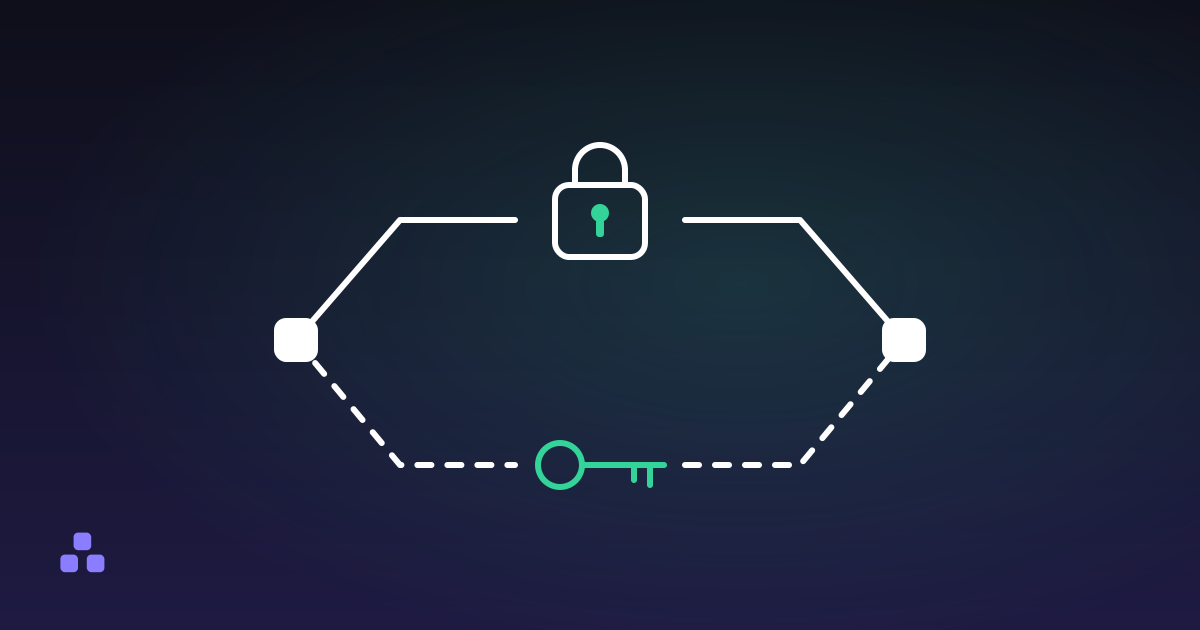
A checksum becomes evidence when the person who might tamper with the file does not control the route it travelled. In rough order of strength:
- A digital signature checked against a key you obtained earlier and separately (
gpg --verifyor the project's equivalent). The trust sits in the key, and the hash is only what gets signed. - A checksum in the project's source repository or a signed release announcement, on a different host from the download.
- A checksum read to you over the phone, or sent on another channel by someone you have already confirmed.
- A checksum on the same page as the file. Useful against accidents only.
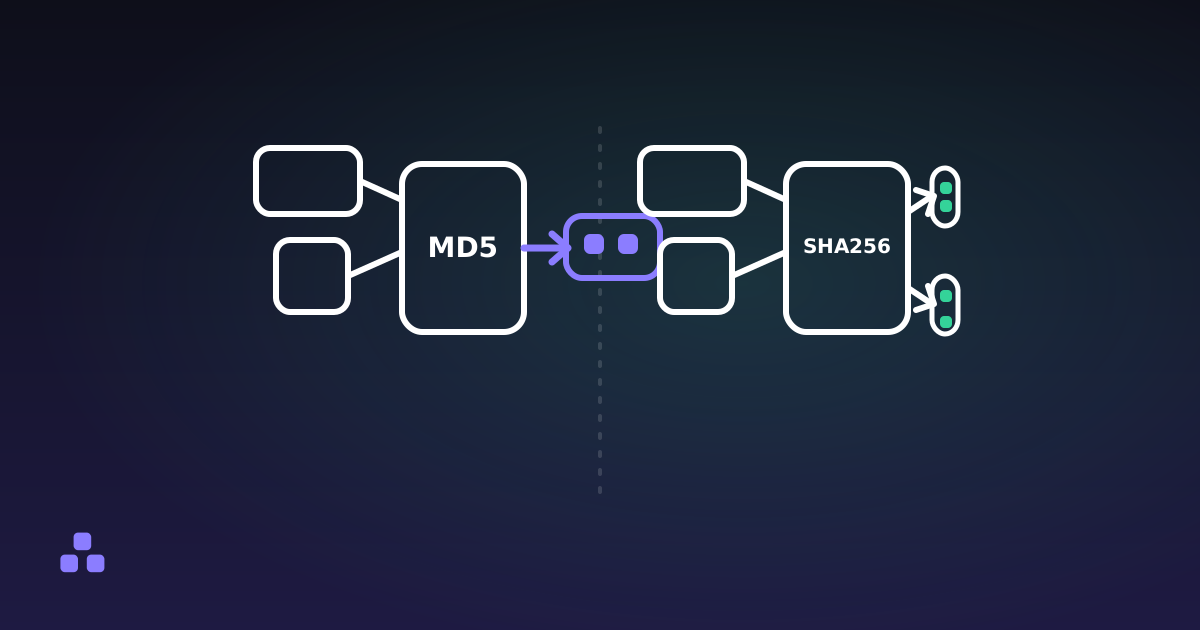
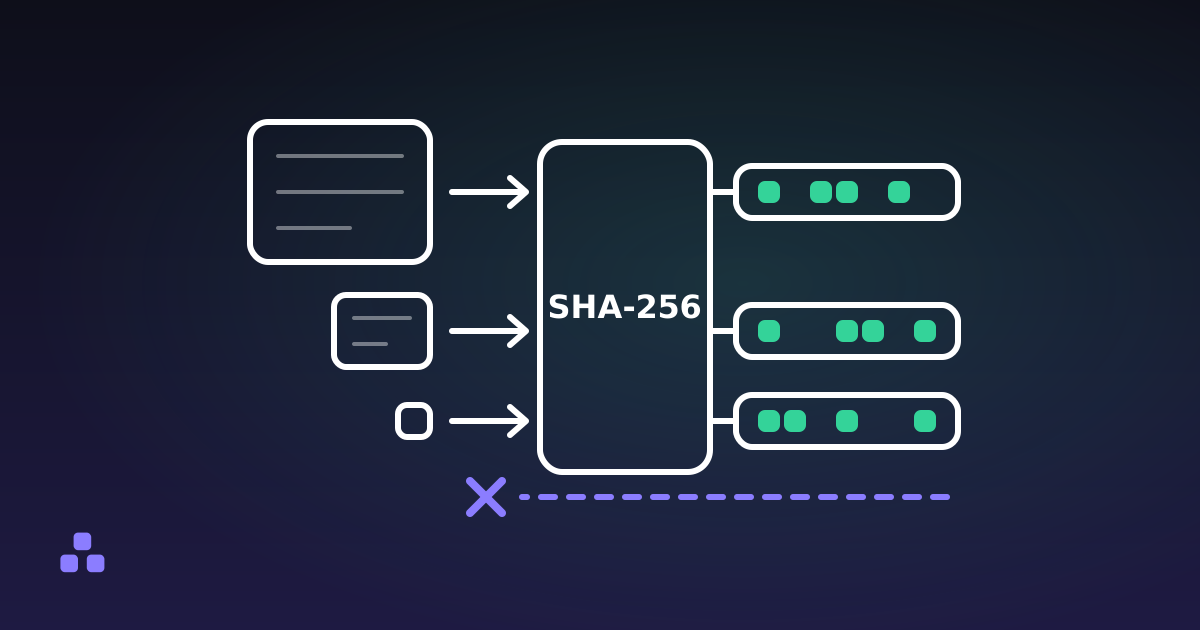
Which algorithm the number uses is a separate matter. MD5 versus SHA-256 covers why an old MD5 still catches corruption and still fails against a deliberate swap, and what a hash function is covers why a digest cannot be run backwards.
How do you compute and compare the hash?
Count the characters in the published value first, because that tells you the algorithm: 32 hex characters is MD5, 40 is SHA-1, 64 is SHA-256 and 128 is SHA-512. Use the same one.
On your own machine the built-in tools are the best option. PowerShell's Get-FileHash uses SHA-256 unless you ask for another algorithm (Microsoft's documentation for PowerShell 7.6 says so), and it accepts SHA-1, SHA-384, SHA-512 and MD5 too. On Windows, certutil -hashfile file SHA256 also works. On Linux, sha256sum file, and on macOS, shasum -a 256 file.
When you are on a borrowed or locked-down machine, or you would rather not open a terminal, the file hash checker does the same in a tab. Choose the file, paste the published line into the comparison box, and the page says whether any ticked algorithm produces it. It takes the longest run of hex digits from what you paste, so a whole hash filename line from a checksum file works.
Compare the whole value. Matching the first and last six characters is how a careless check turns into a false comfort, and the tool compares every character for you.
What if the checksums do not match?
Download the file again before you suspect anything else. A cut-off transfer is by far the most common cause. If the second copy gives the same hash as the first, the file is stable and the number you are comparing against is probably for a different version or platform, so check the build against the filename. If every fresh download gives a new value, something between you and the server is changing the file, and you should not run it.
What can a checksum never tell you?
It says nothing about whether the file is safe. A genuine file from a malicious or compromised publisher matches its own checksum perfectly. It also says nothing about who made the file, unless a signature is involved. And a match against a number you cannot trace to an independent source means the transfer worked.
For executables there are checks a hash cannot replace. On Windows, the file's Properties window has a Digital Signatures tab that shows who signed an installer, if anyone did. On macOS, the system checks signing and notarization when you first open an app, and a warning there deserves to be read rather than dismissed. None of these make a file safe. They tell you who is vouching for it.
Where does the browser tool stop?
The file hash checker offers SHA-256, SHA-512 and SHA-1. It has no MD5, because the browser's crypto interface does not provide it. The hash generator does compute MD5, along with SHA-384, if that is what the publisher gave you. Both read the whole file into memory before hashing, so a few hundred megabytes is comfortable and a multi-gigabyte disk image is not, especially on a phone. For those, use the command line. Nothing is uploaded in either tool, and neither can check a signature.
If the file is one you have decided to trust, the file hash checker gives you the digest and the comparison in one step, with the file read only inside your browser tab.
The same two-routes rule applies when you are the one sending something sensitive: how to send someone a password securely works through which channels to split it across.
Frequently asked questions
Does a matching checksum mean a download is safe?
No. It means the file on your disk is identical to the file the checksum was calculated from. If the publisher is malicious or the checksum came from the same compromised page as the file, a match still happens. Safety depends on who made the file and how the checksum reached you.
Can I trust the checksum shown next to the download button?
Only against accidents. Someone who can replace the file on a server can usually replace the number beside it, so the two agree whatever the file contains. It still detects a broken or truncated download. To check authenticity, use a signature or a checksum published somewhere independent of the download.
How do I know which hash algorithm a checksum uses?
Count its hex characters. 32 is MD5, 40 is SHA-1, 64 is SHA-256 and 128 is SHA-512. Calculate the file with the same algorithm, because digests from different algorithms never match each other, even for the same file.
What should I do if the checksum does not match?
Download the file again, ideally over a different connection, and hash the new copy. If it now matches, the first transfer was damaged. If it never matches, check that you are comparing against the right version and platform, and do not run the file until you can explain the difference.
Last updated October 21, 2026