A CSV opens in a single column when the program splits fields on a different character than the file uses: the file has semicolons and the program expects commas, or the other way round. Accents that turn into é or � are a separate problem, the program reading the bytes in a different encoding than the one the file was saved in. Neither is damage to the file. Each is a guess the program made without asking you, and a CSV carries no field that says which guess is right.
Why does my CSV open as one column?
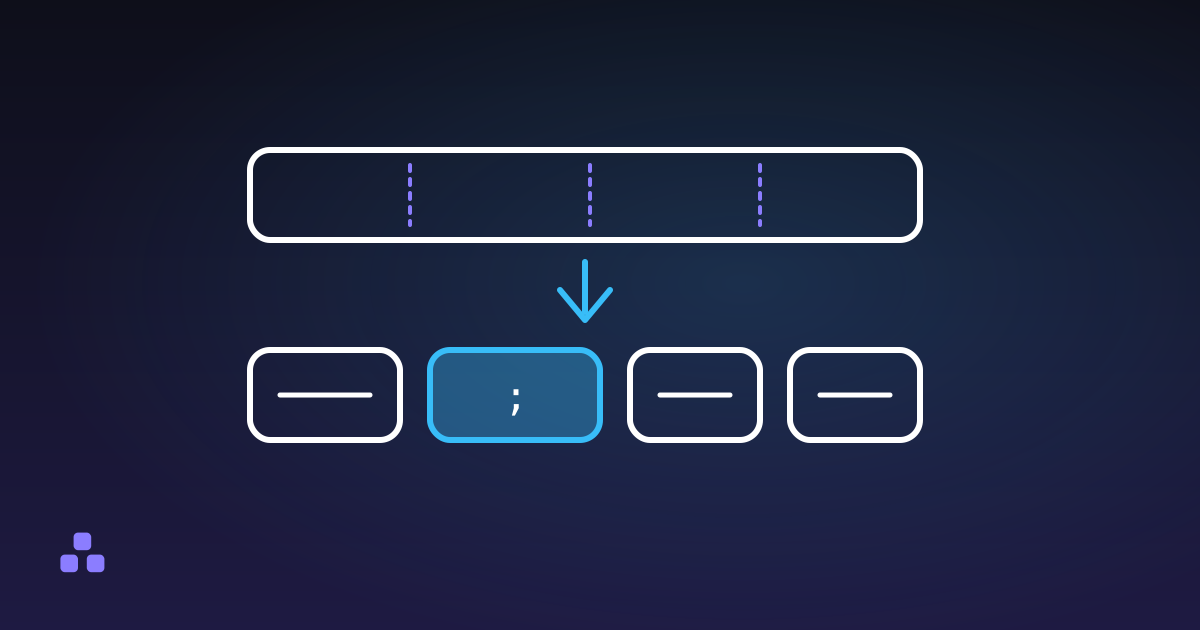
A CSV is text with a separator between fields, and the format does not say which character that is. RFC 4180, the 2005 memo that described common practice, uses the comma, but it is informational and plenty of real files use something else. A semicolon is the usual alternative, and the reason is regional: in many countries the comma is the decimal separator, so 3,50 is a number and a comma cannot also separate fields.
The spreadsheet then has to choose. Microsoft's documentation says the default list separator when Excel saves a CSV is a comma, that it is controlled by the Windows region settings, and that Excel uses a semicolon when the decimal separator is set to a comma. Opening a file by double-click applies whatever your own computer is set to, not whatever the sender's was. A semicolon file from a colleague in Madrid opens as one wide column on a machine set to a comma, and a comma file opens as one wide column on a machine set to a semicolon.
The fix is to stop letting the program guess. In Excel, Data then From Text/CSV shows a preview and lets you pick the delimiter, and the same documentation notes that renaming the file to .txt brings up the older import wizard. Google Sheets and LibreOffice also ask when you import rather than open. Excel has long honoured a first line reading sep=; as an instruction, but that is a convention of one program: every other reader treats it as a row of data, so do not leave it in a file that will be parsed by a script.
Why do the accents turn into é or �?
Text on disk is bytes, and the encoding is the table that turns bytes back into letters. Most files today are UTF-8, where é takes two bytes. Older Windows software defaults to a legacy single-byte encoding such as Windows-1252, where é takes one. The same bytes read with the wrong table give two recognisable patterns:
é,ñ,’: a UTF-8 file read as Windows-1252. Each multi-byte letter becomes two or three wrong ones.JosébecomesJosé.�, the replacement character: a legacy file read as UTF-8. The single byte foréis not a valid UTF-8 sequence, so the reader substitutes a placeholder and the original letter is gone from what you see.
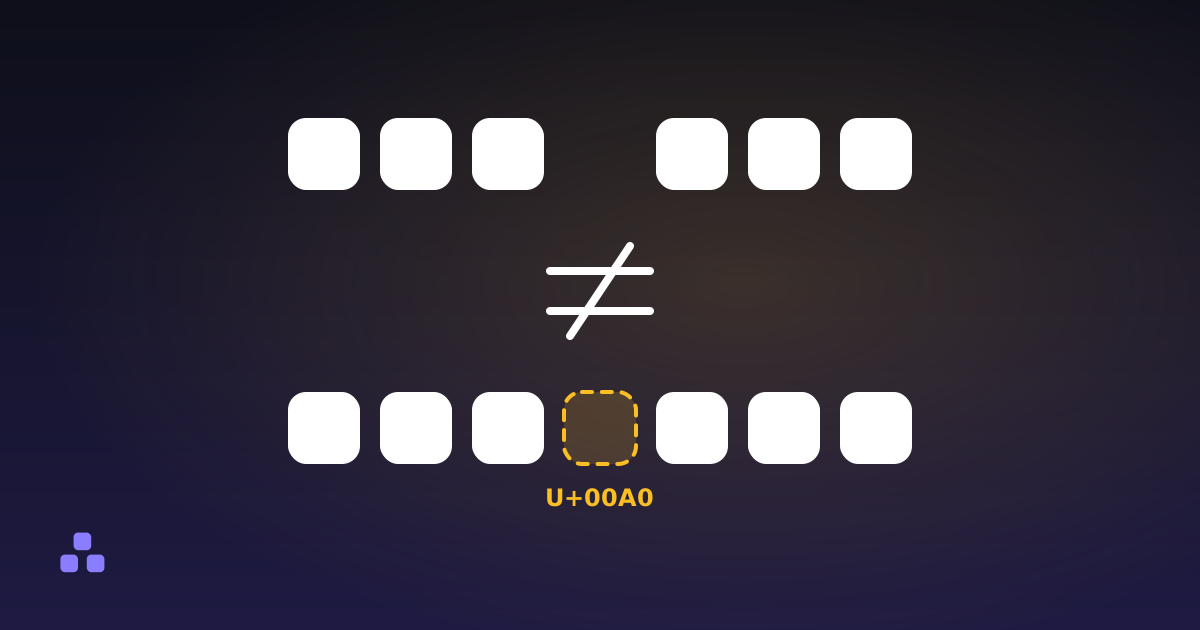
Whether Excel guesses UTF-8 correctly depends on the version and platform, and I have not tested every release, so treat this as the pattern rather than a rule about yours. What has been reliable for years is that a UTF-8 file starting with a byte order mark is recognised as UTF-8, and one without it may be read in the system code page. The mark is the same invisible character that invisible characters in text explains: harmless to a spreadsheet, and a nuisance to a script that does not strip it.
The safe route is again the explicit one. In From Text/CSV, change the file origin to UTF-8 and the preview should fix itself before you load anything.
How do I tell which problem I have?
Look at what the symptom is, not at the file.
| What you see | The cause | The fix |
|---|---|---|
| Every row is one cell, with commas or semicolons visible in it | Delimiter mismatch | Import and choose the delimiter |
Columns split in the wrong places, numbers like 3,50 cut in two | Comma used as both decimal and separator | Import with a semicolon as the delimiter |
é, ’ where letters should be | UTF-8 read as a legacy encoding | Import and choose UTF-8 as the file origin |
� where letters should be | Legacy file read as UTF-8 | Open it as Windows-1252 or Latin-1, then save as UTF-8 |
| First column header looks right but a lookup on it fails | Leading byte order mark | Strip it, or re-save without one |
One caution on the � row. Once a file has been opened with the wrong encoding and saved again, the original letters are gone for good and no setting brings them back. Go back to the original download, not to your edited copy.
What does the converter here handle, and what can it not?
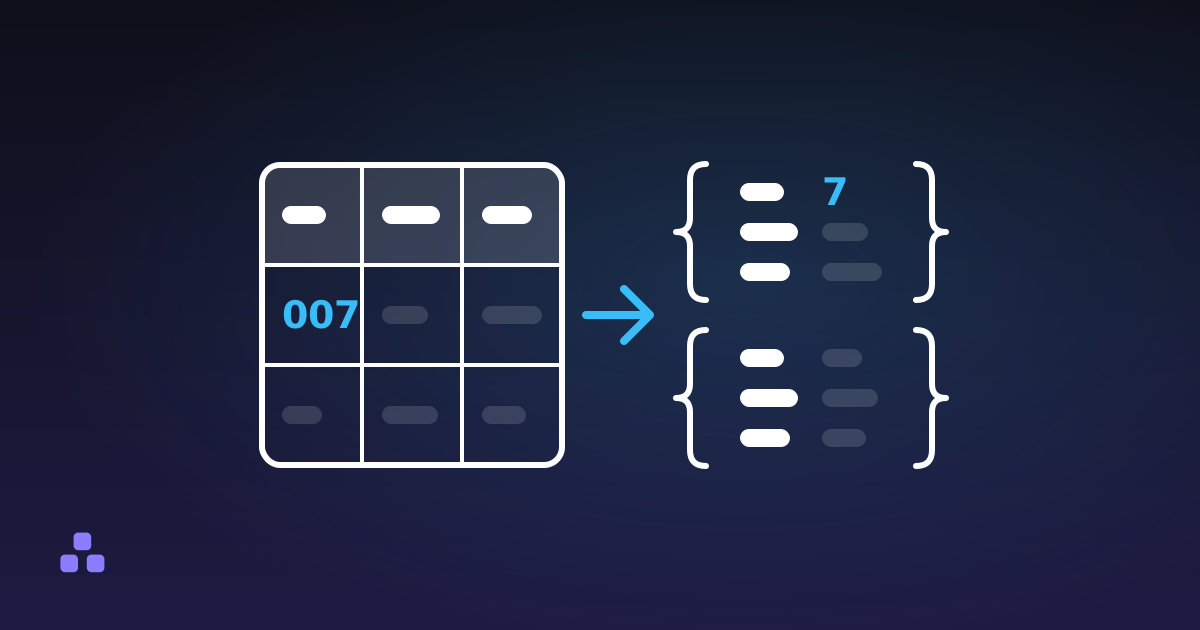
The CSV to JSON converter handles the delimiter and not the encoding, and the difference follows from how it works. It reads the first five lines and picks the character, out of comma, semicolon, tab and pipe, that splits every one of them into the same number of fields. You can override it from the delimiter menu, which is worth doing when the header row has commas inside its names or the first lines are unusually short. A one-column result there usually means the guess was wrong.
It cannot repair the encoding. Text pasted into the box has already been decoded by whatever you copied it from, so if it shows José the damage happened before it arrived. A file chosen through the file picker is read as UTF-8 by the browser's text reader with no way to pick another encoding, so a Windows-1252 file will show the replacement character instead of its accents. In both cases the answer is to reopen the original in a program that lets you choose the encoding, save it as UTF-8, and come back. A leading byte order mark is stripped before parsing, so it will not end up glued to your first key.
The converter also stops being useful for a file it cannot read as text at all. A real .xlsx is a zipped bundle, not delimited text, and has to be exported to CSV first. Nothing is uploaded either way; the file is read by the page. For what happens to leading zeros, dates and nested data after the delimiter is right, how to convert CSV to JSON and what breaks picks up where this leaves off.
How do I write a CSV that opens correctly everywhere?
You cannot make one file correct for every program, but you can narrow the guessing. Save as UTF-8, and add a byte order mark only if the people opening it will use Excel and you have seen it garble accents for them. Pick one delimiter and say which in the filename or the message that carries the file. If the data contains decimal commas, a semicolon avoids the clash. If it is going to a script or another system rather than a person with a spreadsheet, a comma and no mark is the plainer choice, and JSON is the better format when the structure is more than flat rows. The JSON to CSV guide covers going the other way and what flattening costs.
If a file opens as one column, paste it into the CSV to JSON converter and read the note under the output: it says which delimiter it used, and you can change it from the menu. It runs in your browser, so the data stays on your machine.
For what to watch once the columns are right, how to convert CSV to JSON and what breaks covers types, leading zeros and dates.
Frequently asked questions
Why does my CSV open in one column in Excel?
Excel splits fields on the list separator from your computer’s regional settings, and the file uses a different character, usually a semicolon where Excel expects a comma or the reverse. Use Data, then From Text/CSV, and choose the delimiter in the preview instead of opening the file by double-click.
Why does my CSV show é instead of é?
The file is saved in UTF-8 and the program is reading it as a legacy single-byte encoding such as Windows-1252, so each accented letter turns into two or three wrong characters. Re-import the file and choose UTF-8 as the file origin. Nothing is wrong with the file itself.
Why do some CSV files use a semicolon instead of a comma?
In countries where the comma is the decimal separator, a number like 3,50 would clash with a comma between fields, so spreadsheets there write semicolons. RFC 4180 describes the comma, but it is informational and real files vary, which is why a good reader lets you pick the delimiter.
Can the CSV to JSON converter fix broken accents?
No. By the time text reaches the box it has already been decoded, so it cannot tell what the original encoding was, and a file chosen through the picker is read as UTF-8 only. It does detect the delimiter from the first five lines and strips a leading byte order mark. Fix the encoding in the program that opened the file.
Can I get broken accents back once I have saved the file?
Usually not. If a file was opened with the wrong encoding and saved again, the original characters were replaced and no setting recovers them. Go back to the original download or export and open that one with the right encoding, then save a UTF-8 copy.
Last updated November 6, 2026