#6D5EFC, rgb(109, 94, 252) and hsl(245, 96%, 68%) are the same colour. Your browser treats them identically. The choice is entirely about which one a human can work with.
HEX: fine for storing, useless for editing
Six hexadecimal digits: two for red, two for green, two for blue, each from 00 to FF. Compact, universally understood, and what every design tool hands you.
Its weakness is that it is opaque. Look at #6D5EFC and try to answer "what would this be, 20% darker?" You cannot, not without converting it to something else first. The format encodes the colour perfectly and tells you nothing about it.
Two things worth knowing: the three-digit shorthand (#F0C = #FF00CC) only works when each pair has two identical digits, and modern CSS accepts eight digits where the last two are alpha, so #6D5EFC80 is the same colour at 50% opacity.
RGB: the same numbers in base ten
Identical information, decimal instead of hex. Slightly easier to read, slightly longer to write, and equally unhelpful when you want a variation.
The historical advantage of RGB was rgba() for transparency, but eight-digit hex and the modern rgb(109 94 252 / 50%) syntax have made that moot. Use it when a tool or a language gives you a colour as three numbers and you do not want to convert.
HSL: the one you can actually reason about
Three values that map onto how people describe colour:
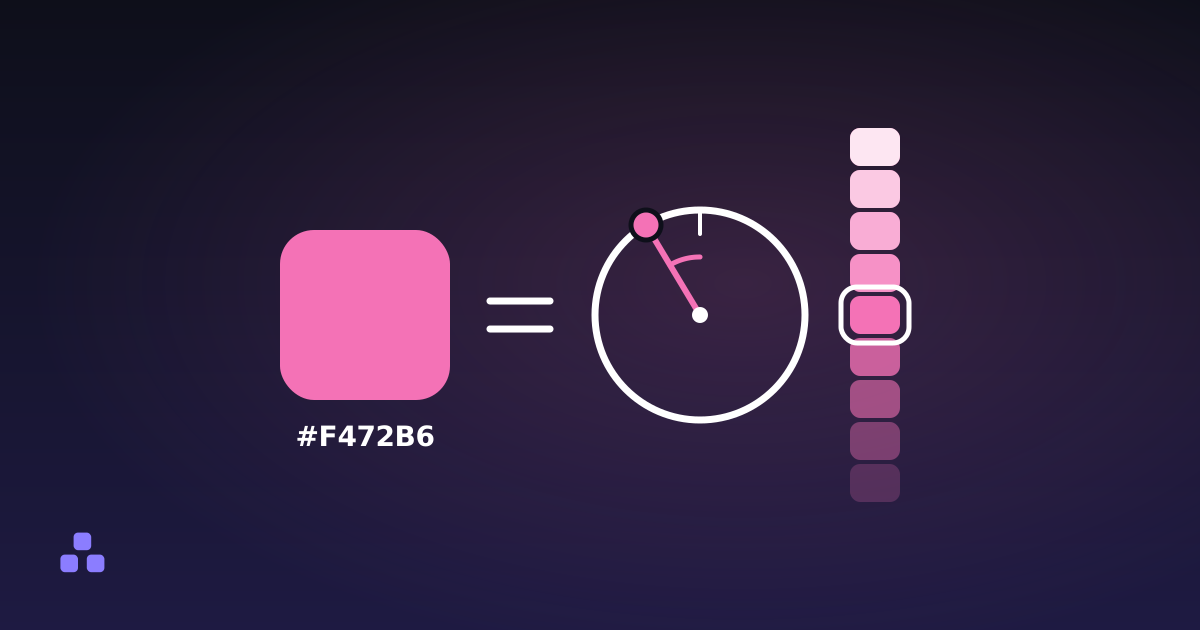
- Hue, 0 to 360° around a colour wheel. 0 is red, 120 green, 240 blue.
- Saturation, 0 to 100%. 0 is grey, 100 is as vivid as the colour gets.
- Lightness, 0 to 100%. 0 is black, 100 is white, 50 is the "pure" colour.
The payoff is that variations become arithmetic. A hover state is lightness dropped by 8, a disabled version is saturation cut back, and a whole tonal scale for a design system is hue and saturation held while lightness sweeps from 95 down to 10. In hex every one of those steps is a conversion out and a conversion back. That is how the palette in the colour converter is generated: one colour in, nine consistent steps out, all sharing a hue.
Where HSL lies to you
The catch: two colours with the same HSL lightness rarely look equally bright.
Yellow at 50% lightness is dazzling. Blue at 50% lightness is dark. Same number, completely different perceived brightness. Human vision weights green heavily and blue barely at all, and HSL's lightness is a simple geometric midpoint that knows nothing about that.
The practical consequence: a tonal scale generated by sweeping HSL lightness comes out uneven. The steps are mathematically regular and visually lumpy, and you end up hand-correcting the yellows and blues. Every design system built on HSL has this problem and solves it with manual tweaks.
OKLCH, which fixes it
OKLCH is a newer CSS colour space built on a model of human perception rather than on RGB geometry. Same three ideas (lightness, chroma, hue), but lightness here means perceived lightness. Equal values look equally bright across hues.
That makes tonal scales come out even with no hand-correction, which is the single biggest practical win. It also reaches colours outside the sRGB gamut, so it can express the more vivid colours modern displays can show and hex cannot encode at all.
When to use it: building a palette from scratch, targeting current browsers, and willing to give up the familiarity. When not to: you need broad legacy support, the palette you are editing is already written in hex, or your team thinks in hex and the conversion cost is not worth it. HSL remains the pragmatic middle for most projects.
What to actually do
- Store brand colours as hex. It is compact, unambiguous and what everyone else expects.
- Build variations in HSL (or OKLCH if you can). Adjusting one number beats converting three.
- Define both as CSS custom properties and reference the tokens, so swapping a colour is one edit rather than forty.
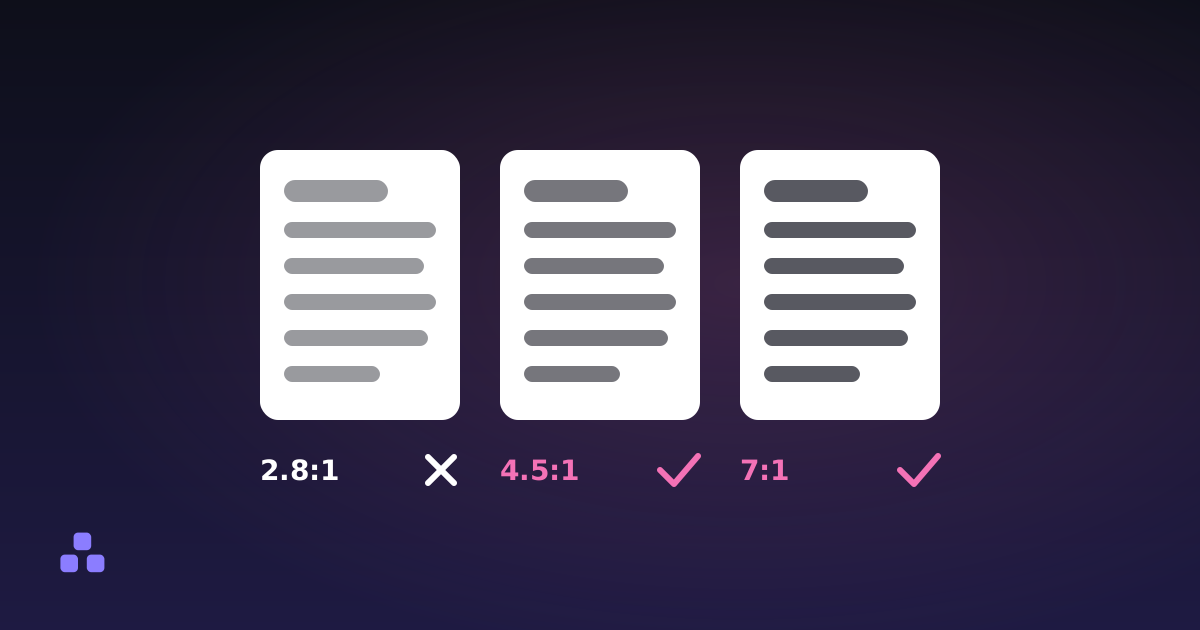
- Check contrast after every change, because changing lightness by a few points is exactly what tips a pairing from passing to failing.
That last one is not optional if anyone is going to read the text. Adjusting a colour until it looks right and shipping it is how the web ended up full of light grey body copy nobody can read.
The colour converter does the round-trip in both directions: type a hex, get RGB and HSL, edit any of the three and the others follow. It also generates the nine-step lightness scale described above and shows the contrast ratio for each, so you can see exactly where in the scale your text stops being readable.
Which is the thing to check before you ship any of it: what contrast ratio readable text needs covers the four thresholds that matter and the definition of "large text" that most people get wrong in their own favour.
Frequently asked questions
Should I use HEX, RGB or HSL in CSS?
Store fixed colours as hex because it is compact and universal. Use HSL when you are deriving variations (hover states, disabled states, tonal scales), because adjusting one number is far easier than converting three.
How do I convert HEX to RGB manually?
Split the six digits into three pairs and read each as base 16. #6D5EFC gives 6D = 109, 5E = 94, FC = 252, so rgb(109, 94, 252).
Why do my HSL colours look uneven at the same lightness?
Because HSL lightness is geometric, not perceptual. Human vision weights green heavily and blue barely, so yellow at 50% lightness looks far brighter than blue at 50%. OKLCH fixes this by modelling perceived lightness.
Is OKLCH better than HSL?
For building a palette from scratch on current browsers, yes: equal lightness values do look equally bright, so tonal scales come out even without hand-correction. HSL is still the pragmatic choice for legacy support or an existing hex palette.
What is 8-digit hex?
Hex with two extra digits for alpha. #6D5EFC80 is the same colour at roughly 50% opacity. Every current browser supports it, which removes most of the old reason to reach for rgba().
Last updated September 19, 2026