TOTP Two-Factor Code Generator
Paste the base32 secret a site gave you — or the whole otpauth:// link — and the current code appears, along with the one that comes next and how long the current one has left. The secret is held in the page and nowhere else; reloading forgets it.
Base32 only. Spaces and lower case are fine. Paste a full otpauth:// link and the settings beside this fill themselves in.
Your device clock decides the code. If every code is rejected, check the clock before you blame the secret.
How six digits fall out of a shared secret
TOTP is a thin layer over HMAC. You and the server hold the same secret, usually 20 random bytes. Both sides take the current Unix time, divide it by 30 and throw away the remainder, giving a counter that changes twice a minute and is the same on both machines. That counter is written as eight bytes and run through HMAC with the shared secret as the key.
The result is 20 bytes, far too many to type. The last nibble of the MAC is read as a number from 0 to 15, and that number is used as an offset into the MAC itself: four bytes are taken from there, the top bit is discarded, and the remainder modulo one million gives six digits. Dropping the top bit has nothing to do with security — it exists so that implementations which treat the value as signed and ones which treat it as unsigned produce the same answer.
The counter-based version is HOTP, defined in RFC 4226; TOTP in RFC 6238 is the same construction with time as the counter. That lineage is why the truncation looks so odd: it was designed in 2005 to be implementable on a hardware token.
Why the secret is base32
Base32 uses A to Z and the digits 2 to 7. There is no 0, no 1 and no 8, precisely because those are the characters people misread as O, I and B when copying a key by hand. It is also case-insensitive, which base64 is not. The cost is size: base32 needs 32 characters to carry the 20 bytes that base64 would fit into 27.
If the tool above rejects a character, that is usually the problem — a capital O typed where a zero was never meant to be, or a lower-case l standing in for a 1.
The clock is half of the algorithm
Nothing is exchanged when you type a code. The server computes the same number independently, which only works if both clocks agree. Most servers accept the previous and next step as well as the current one, so roughly a 90-second window with the usual 30-second step. Beyond that, codes are simply wrong.
A device whose clock has drifted by a few minutes will produce codes that are rejected everywhere, which looks exactly like a broken secret. This page cannot tell you your clock is wrong, because it never talks to a server — there is nothing to compare against.
What a second factor does not fix
TOTP kills credential stuffing and password reuse: a leaked password on its own is no longer enough. It does not stop phishing. A code typed into a convincing fake page is worth 30 seconds to whoever is proxying that page to the real site, and modern phishing kits do exactly that in real time. Passkeys and security keys solve this properly by binding the login to the site's origin, which a copied six-digit number cannot do.
The other weak point is the seed itself. The server must store it in a form it can read, so a database breach hands attackers a permanent code generator, not just a password hash to grind.
Where this tool stops
It cannot read a QR code. There is no camera access and no QR decoder here, so you need the text seed — nearly every site shows it behind a "can't scan the code?" link next to the image.
It does not do HOTP. Counter-based codes need state that survives between uses, and this page deliberately keeps nothing.
Some services use a modified TOTP that will never match: Steam's five-character codes are the best known example, since they map the same truncated number onto a custom alphabet instead of digits.
The digits, step and algorithm fields exist because the otpauth format allows them, but several popular authenticator apps ignore those parameters entirely and assume SHA-1, six digits and thirty seconds. If a link says SHA-256 and every code is rejected, switch to SHA-1 before concluding the secret is wrong.
Finally, the obvious one. A tool that holds your 2FA seed can generate your codes forever, and pasting a live seed into any web page is a decision worth making deliberately. Nothing here is written to storage, sent anywhere or kept after a reload — but this is built for testing an implementation, confirming that a backed-up seed still works, or getting in once when the phone is gone. It is not an authenticator app.
Frequently asked questions
Is my secret sent anywhere?
No. The page is static files with no server behind it, the code is computed with the browser crypto API, and the secret is not written to local storage, cookies or the URL. Reload the page and it is gone.
Why is my code rejected even though the tool shows one?
Three usual causes: a device clock that has drifted more than a minute, a site that expects SHA-1 while the link asked for SHA-256, or a secret copied with a character missing. Try the same secret with SHA-1, six digits and a 30-second step first.
Can I use this instead of an authenticator app?
You can, and it is a downgrade. An app keeps the seed in the phone secure storage; a browser tab keeps it in the clipboard and in your page history. Use this to test an implementation or to recover access, and keep your daily second factor in a proper app or a hardware key.
What do I do with an otpauth:// link?
Paste the whole thing into the secret field. The secret is extracted and the digits, step and algorithm settings are filled in from the link parameters when they are present.
Why does it not scan the QR code?
Decoding a QR image needs either camera access or a decoding library, and neither belongs in a tool this small. Every site that shows a QR code also shows the text seed for people typing it into a desktop app — use that.
Last updated September 19, 2026
Keep reading
 Developer
What Base32 Is and Where You Have Seen It
Five bits per character, a shrunken alphabet, and the reason your two-factor secret looks nothing like a JWT.
Read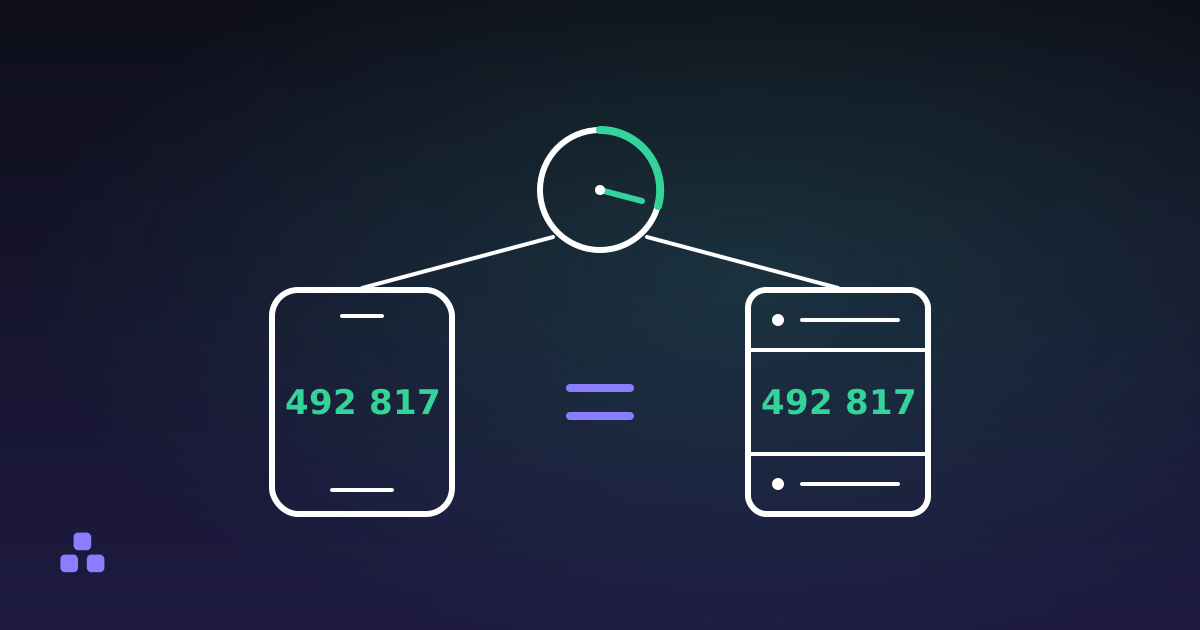 Security
How Authenticator App Codes Work (6-Digit TOTP)
Your authenticator app never receives anything. It does the same arithmetic the server does, and the numbers happen to match.
Read